
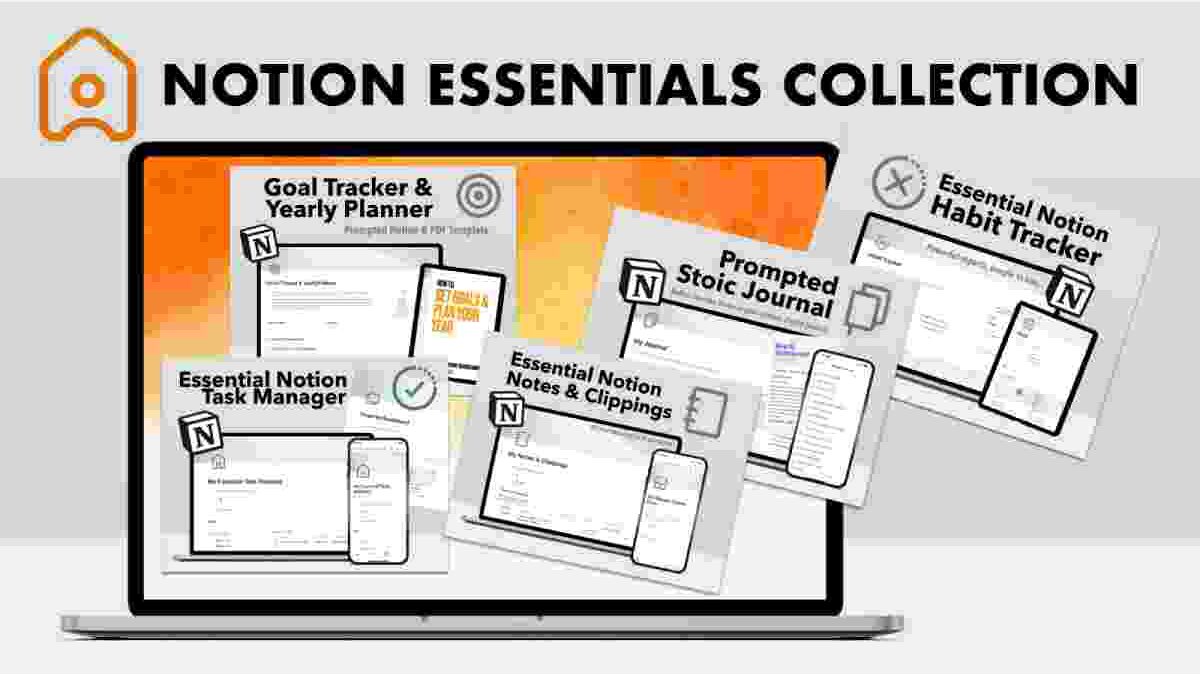
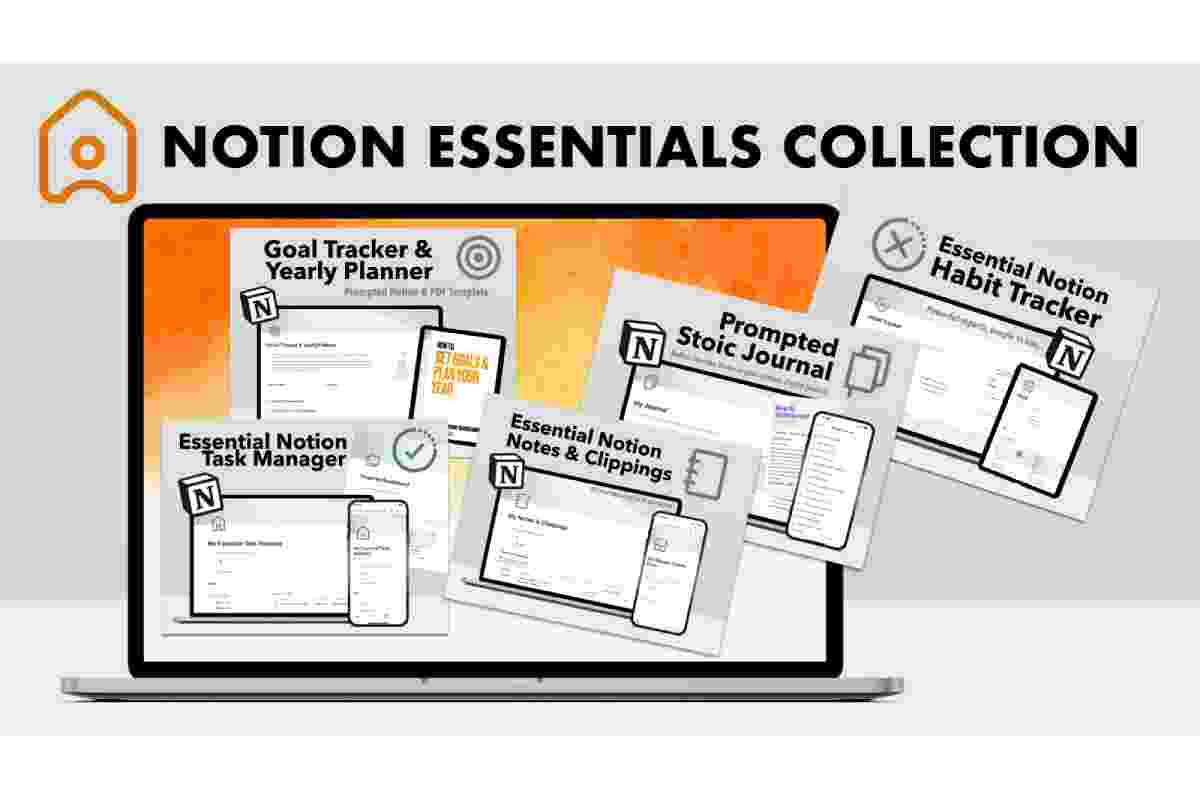
Selling Notion templates can be a practical way to turn your organisational skills and creative ideas into digital products. Templates for project management, personal planning, budgeting, business operations, and daily productivity can help users save time and organise their work.
However, creating a useful template is only one part of the process. You also need a platform where potential customers can discover your products, ask questions, and learn how to use them.
Discord can help you build a community around your Notion templates. It offers text channels, voice conversations, announcements, and direct communication with interested users. With the right approach, you can use these features to promote your products, support customers, and develop long-term relationships.
Here is how to use Discord to sell Notion templates effectively.
Table of Contents
What Is Discord and Why Use It to Sell Notion Templates?
<text>Discord</text> is a communication platform that allows users to connect through servers, text channels, voice channels, and community discussions. Although it originally became popular among gamers, it now supports communities focused on education, business, technology, productivity, and other interests.
For Notion creators, Discord provides a place to showcase templates and communicate directly with potential customers.
You can create a dedicated server where visitors can explore your products, view demonstrations, ask questions, and receive updates. You can also organise discussions around different template categories.
The main advantage is community building. Instead of relying only on advertisements, you can develop relationships with people who are genuinely interested in productivity tools.
1. Create a Dedicated Discord Server and Channels
Start by creating a Discord server specifically for your Notion templates. Give it a clear name that reflects your products or brand. Add a suitable description and profile image so visitors understand what the community offers.
Next, organise the server into useful channels. For example:
- Welcome: Introduce new members to your community.
- Announcements: Share new templates and product updates.
- Template Showcase: Display screenshots and demonstrations.
- Free Resources: Offer sample templates and productivity tips.
- Customer Support: Answer questions and resolve common issues.
- Community Discussions: Allow members to exchange ideas and feedback.
A well-organised server makes it easier for visitors to find information. It also gives potential customers a better understanding of your products before they make a purchase.
Avoid creating too many channels at the beginning. Start with a simple structure and expand it as your community grows.
2. Invite Potential Customers to Your Community
After setting up your server, the next step is attracting people who may be interested in your templates.
Share your Discord invitation through relevant social media platforms, your website, newsletters, and other communities where self-promotion is permitted.
You can also create content that introduces the problems your templates solve. For example, a short video showing how a Notion project planner works may attract freelancers, students, and small business owners.
Focus on reaching people who are likely to benefit from your products rather than inviting random users. A smaller community with genuine interest can be more useful than a large group with little engagement.
You can also create separate discussions around different interests. For example, technology enthusiasts may enjoy conversations about new transportation tools and innovations. A related topic worth discussing is how driverless ride-hailing could reshape everyday city trips in 2026.
Keep promotional messages relevant and follow the rules of every community where you share your invitation.
3. Add Value Through Tutorials and Product Demonstrations
People are more likely to consider a product when they understand how it works. Therefore, do not use your Discord server only to post purchase links.
Share helpful resources that demonstrate the value of your Notion templates.
You can provide:
- Screenshots of actual template layouts
- Short videos showing important features
- Step-by-step setup instructions
- Tips for organising projects and tasks
- Examples of different ways to use a template
- Answers to frequently asked questions
For instance, if you sell a project management template, show how users can create tasks, assign deadlines, track progress, and manage completed work.
Free resources can also attract new members. Consider offering a basic template or a limited version of a premium product. This gives potential customers an opportunity to experience your work before purchasing.
Make sure all screenshots and demonstrations accurately represent the product being sold.
4. Stay Active and Provide Customer Support
An active community helps build trust. When members ask questions about your templates, respond clearly and provide useful information.
Regular engagement can include answering setup questions, sharing updates, collecting suggestions, and explaining new features.
You should also establish clear support guidelines. Let customers know where to report technical problems, how to request assistance, and when they can expect a response.
If several users ask similar questions, create a frequently asked questions channel. This saves time and makes support information easier to access.
Avoid promising instant assistance if you cannot provide it consistently. A realistic support schedule helps customers understand what to expect.
5. Offer Discounts, Bundles, and Special Promotions
Promotions can encourage interested users to try your products. Instead of reducing prices randomly, create offers that provide clear value.
Some useful promotional ideas include:
- Launch discounts: Offer a temporary discount when releasing a new template.
- Product bundles: Combine related templates into one package.
- Seasonal offers: Create promotions around relevant events or planning periods.
- Member benefits: Give community members access to selected discounts.
- Free samples: Offer a basic version to introduce your products.
For example, you could bundle a weekly planner, habit tracker, and goal-setting dashboard into one productivity package.
Clearly explain what each offer includes, how long it lasts, and any conditions that apply. Make sure the discount is genuine and that customers receive exactly what the promotion promises.
6. Collaborate With Influencers and Other Creators
Influencer partnerships can introduce your Notion templates to audiences that already have an interest in productivity and digital organisation.
Look for creators who publish content about Notion, time management, studying, freelancing, or business productivity.
You could offer a free template for an honest review, arrange a paid demonstration, or collaborate on a tutorial. Choose partners whose audiences match your target customers.
You can also work with other Notion creators. For example, one creator may specialise in student planners while another focuses on business dashboards. Sharing useful resources and promoting complementary products can benefit both communities.
Always disclose paid partnerships or free product arrangements where required. Authentic recommendations are more valuable than exaggerated promotional claims.
7. Protect Your Community and Customer Information
Selling digital products involves handling customer questions, payment information, account details, and sometimes personal information. Protecting this information should be part of your business process.
Use trusted payment services rather than asking customers to share card details or passwords through Discord messages. Restrict access to private support channels and avoid collecting unnecessary personal information.
You should also review server permissions, enable available security features, and remove suspicious links or spam messages.
Understanding online privacy risks is important for any digital business. This guide explains how identity theft can impact your credit score, including why protecting personal information matters.
A secure and well-managed community can help customers feel more comfortable interacting with your business.
How to Improve Engagement in Your Discord Server
Building a server is only the beginning. You need to give members reasons to participate and return.
Try these practical ideas:
- Run polls to understand which templates members want.
- Share productivity tips on a regular schedule.
- Ask users for feedback on new designs.
- Host short demonstrations or question-and-answer sessions.
- Highlight useful suggestions from community members.
- Create discussions around different hobbies and interests.
For example, a sports-focused discussion could attract members interested in match updates and statistics. You could share a conversation about the India national cricket team vs South Africa national cricket team match scorecard as an example of how a specific topic can encourage community participation.
Keep discussions relevant to your audience and avoid turning every conversation into a sales pitch.
Conclusion
Discord offers Notion creators an opportunity to promote digital products while building a community around productivity and organisation. By creating dedicated channels, inviting relevant users, sharing tutorials, providing customer support, offering promotions, and collaborating with influencers, you can develop a stronger connection with potential customers.
However, success depends on the quality of your templates and the value you provide to your community. Focus on solving real problems, communicating honestly, and improving your products through customer feedback.
With consistent effort and a well-managed server, Discord can become a useful part of your Notion template marketing strategy.