
Virtual staging helps real estate agents, interior designers, and property photographers present homes in an attractive way. It uses digital tools to add furniture, artwork, lighting, and other design elements to property photos. This allows potential buyers to imagine how an empty or poorly furnished room could look.
However, virtual staging only works well when the final images look realistic. Poor furniture choices, excessive editing, and misleading images can reduce buyer confidence. Understanding the costs and avoiding common mistakes can help you get better results.
Table of Contents
What Is Virtual Staging?
Virtual staging is the process of digitally furnishing or improving photographs of a property. Instead of moving physical furniture into a home, a designer uses specialised software to add digital items to room images.
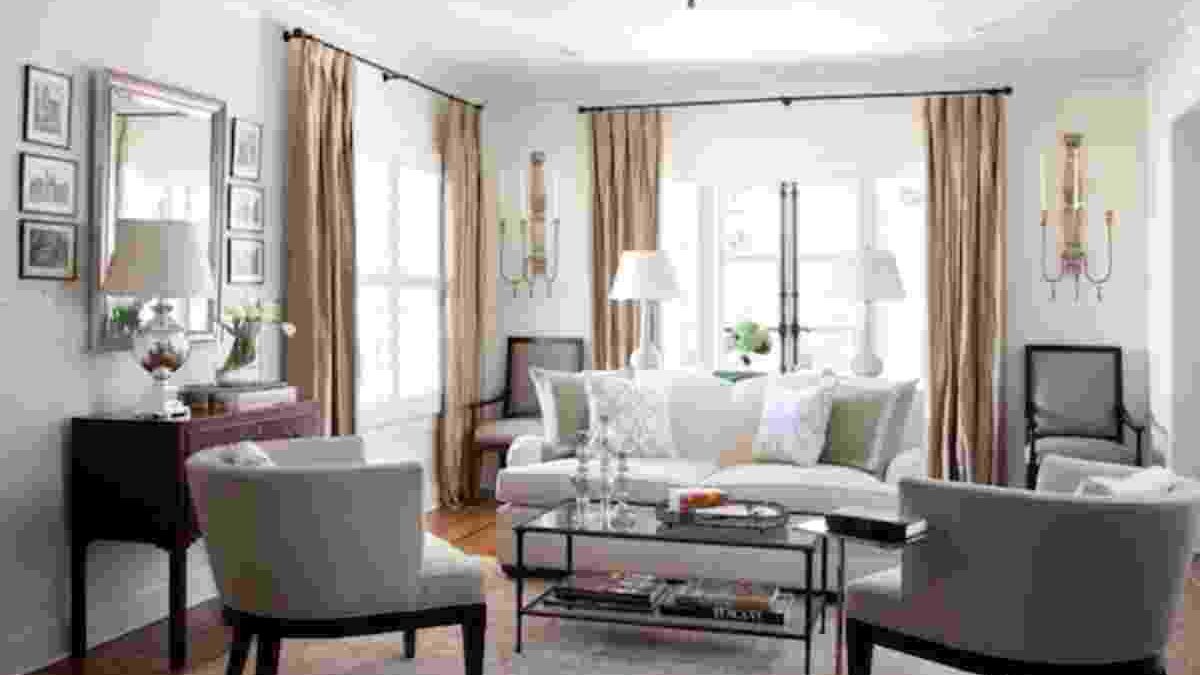
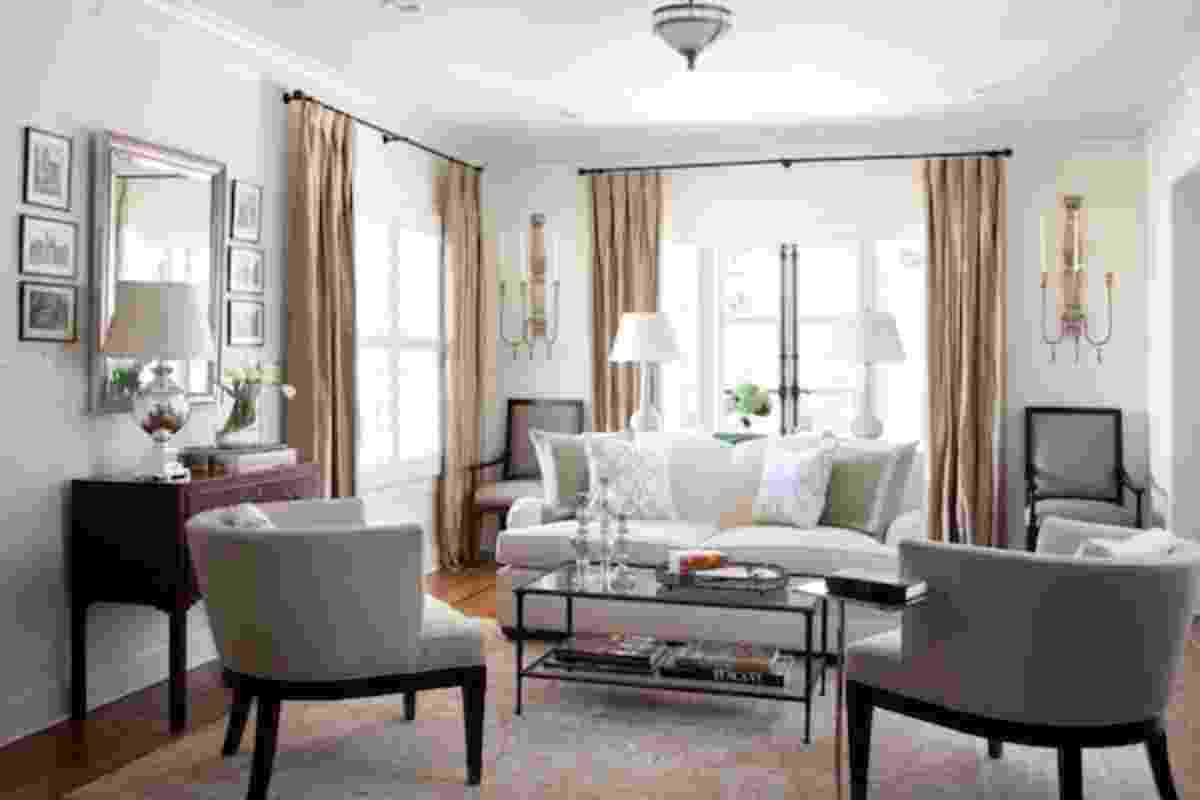
For example, an empty living room can be transformed with a sofa, coffee table, rug, and wall decorations. A plain bedroom can also be presented with a bed, bedside tables, and suitable lighting.
This approach can make property listings more appealing without the time and expense of traditional home staging. It is especially useful for vacant properties, rental homes, and houses that need a fresh visual presentation.
Digital technology supports many industries beyond property marketing. For another example of how specialised devices use digital features, read our guide to the Garmin Forerunner 645 Music, which explores its built-in music playback, GPS tracking, and fitness functions.
How Much Does Virtual Staging Cost?
The cost of virtual staging depends on the provider, image quality, room size, and level of editing required. Most companies charge per image, while others offer packages or monthly subscriptions.
Here are some common pricing factors to consider:
- Number of images: Staging more rooms usually increases the total cost.
- Design complexity: Detailed furniture arrangements and custom editing may cost more.
- Service quality: Professional designers and advanced editing services may charge higher rates.
- Subscription plans: These can be useful for real estate agents and agencies that regularly prepare property listings.
- Extra services: Some providers offer image enhancement, virtual renovations, and landscaping edits for an additional fee.
Before choosing a provider, compare its packages and review sample images. Check whether revisions are included and whether the company offers a trial or sample edit.
You should also consider the type of property you are marketing. A small apartment may need only a few staged images, while a large house may require a complete set of room photographs.
How to Avoid Common Virtual Staging Mistakes
Virtual staging can improve property photographs, but poor execution can make a room look artificial. Follow these practical tips to create images that appeal to potential buyers.
1. Choose high-quality photographs
Good source photographs are essential. Blurry, dark, or poorly framed images make it harder to produce realistic results.
Take pictures when natural light is available. Make sure the room is visible and that important features, such as windows, doors, and flooring, are easy to identify.
2. Avoid adding too much furniture
Overdecorating is a common virtual staging mistake. Adding too many chairs, tables, decorations, or accessories can make a room look crowded.
Choose furniture that matches the room’s size and purpose. Leave enough open space for viewers to understand the layout.
3. Select furniture that matches the property
Furniture should complement the property’s architecture and overall style. Modern furniture may suit a contemporary apartment, while traditional designs may work better in an older home.
Avoid outdated or unrealistic furniture choices. A consistent design style helps create a more natural presentation.
4. Keep lighting and shadows realistic
Incorrect lighting can make digitally added furniture look disconnected from the room. Pay attention to the direction of natural light, shadows, and reflections.
The brightness of the added furniture should also match the original photograph. Small details can make a major difference to the final image.
5. Do not hide important property features
Virtual staging should improve the presentation, not conceal problems. Avoid covering damaged flooring, structural issues, windows, doors, or permanent fixtures with digital objects.
Buyers should receive an honest impression of the property’s actual condition. Misleading photographs can create disappointment during viewings.
Prepare the Room Before Taking Photos
Although virtual staging adds digital furniture, the original photograph still matters. A clean and well-prepared room gives the designer a better starting point.
Remove unnecessary items, rubbish, personal belongings, and visible clutter. Clean the floors, windows, and surfaces before taking photographs.
Use a tripod to keep the camera steady and maintain consistent framing. A suitable wide-angle lens can help capture more of the room, but avoid excessive distortion.
For more accurate results, take photographs from natural viewing angles. Keep vertical lines straight and make sure the main features of the room remain visible.
Use Technology Without Making Images Look Artificial
Modern editing software can transform property photographs, but excessive digital changes can reduce trust. A heavily edited image may look impressive while giving buyers an unrealistic idea of the space.
Use digital tools to improve presentation while keeping the property’s actual layout and features accurate. For example, you can add suitable furniture, improve image brightness, and make the room appear more inviting.
The same principle applies when using technology for other visual tasks. Our guide to Multi-Site Energy Meters explores a different area of technology where accurate information and effective monitoring matter.
Why Professional Photography Matters
Professional real estate photography can improve the quality of your original images. Experienced photographers understand composition, lighting, camera settings, and how to highlight a property’s best features.
They can also help you choose suitable angles and avoid common problems such as distorted walls, dark corners, and distracting backgrounds.
If you plan to use virtual staging regularly, consider working with a photographer and staging provider who understand each other’s requirements. This can make the editing process smoother and help maintain a consistent look across your property listings.
Keep Up With Digital Display and Visual Technology
Virtual staging depends on digital images, editing software, and the screens on which buyers view property listings. As display technology develops, image clarity, colour accuracy, and visual presentation remain important.
For example, our guide to G-Sync Optimise Settings discusses display technology and settings that can affect the viewing experience on compatible screens.
However, remember that a good display cannot fix poor editing. The original photograph and the quality of the virtual staging work remain the most important factors.
Conclusion
Virtual staging can help real estate professionals present empty or outdated rooms in a more attractive way. It can also reduce the time and expense associated with traditional staging.
To get the best results, start with clear photographs, choose furniture that suits the property, and avoid excessive digital editing. Pay attention to lighting, shadows, room proportions, and important property features.
Most importantly, keep staged images realistic and transparent. A well-presented property should help buyers understand its potential without creating false expectations.