
Table of Contents
Best Waterproof Tablets: Rugged Devices for Work, Travel, and Outdoor Adventures
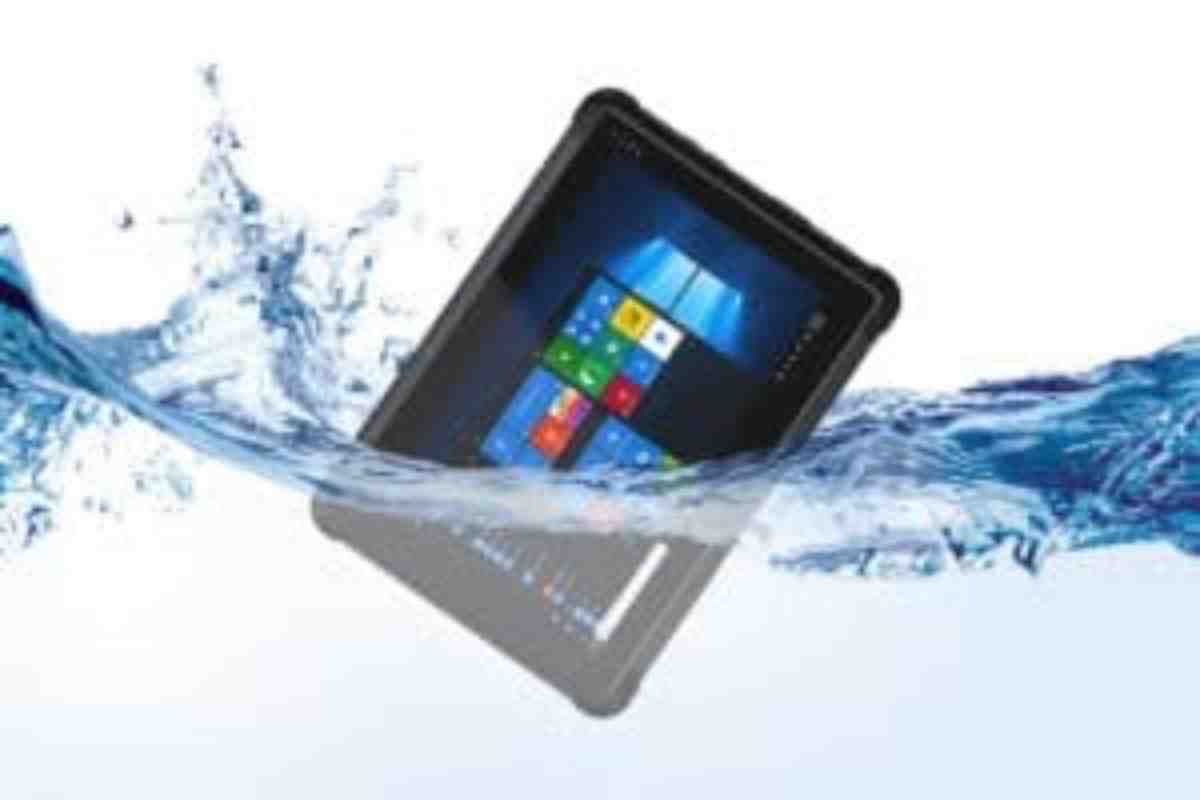
Water can turn an ordinary tablet into an expensive repair, especially at the beach, on a construction site, or during a rainy outdoor trip. If you need a device for demanding conditions, a waterproof tablet can provide extra protection against moisture, dust, and accidental drops. However, not every tablet marketed as water-resistant offers the same level of protection.
Rugged tablets are designed for people who need reliable technology outside the home or office. They can support fieldwork, navigation, inventory management, outdoor photography, and everyday communication. Some models also feature reinforced frames, glove-friendly touchscreens, replaceable batteries, and brighter displays for use in sunlight.
The best choice depends on where you plan to use the tablet, how much protection you need, and whether performance or durability matters most. Before buying, it is important to understand water-resistance ratings, compare real-world features, and check the limitations of each device.
Best Waterproof Tablets to Consider
1. Crosscall Core-T4: Built for Outdoor Use
The Crosscall Core-T4 is a rugged tablet designed for mobile workers and outdoor users. Its manufacturer specifies an IP68 rating for dust and water resistance. The device also features reinforced protection and a screen designed to remain usable in wet conditions.
Its 8-inch display makes it practical for viewing maps, checking work instructions, and handling basic tasks while travelling. A 7,000 mAh battery supports extended use, while cellular connectivity, GPS, and expandable storage help users who work away from a fixed office.
This model is worth considering for field technicians, delivery teams, and people who frequently travel through unpredictable weather. However, it is an older device, so buyers should verify software support, network compatibility, warranty coverage, and availability before purchasing.
2. Durabook T7Q: A Tablet for Industrial Environments
The Durabook T7Q is a compact industrial tablet intended for demanding workplaces. Its rugged construction and dust-resistant design make it relevant to users who need portable computing equipment in warehouses, workshops, and field operations.
Its relatively small display can be useful when workers need to carry the device between locations. Depending on the configuration, business-focused features may include wireless connectivity and optional tools for tasks such as barcode scanning.
Do not assume that an industrial tablet is automatically waterproof. Check the exact model’s official documentation for its ingress protection rating and supported environmental conditions. Older models may also have outdated operating systems, limited application compatibility, or restricted parts availability.
3. Samsung Galaxy Tab Active2: Designed for Mobile Professionals
The Samsung Galaxy Tab Active2 combines a compact design with reinforced protection for work and outdoor activities. Samsung’s published specifications list IP68 water and dust resistance, military-standard environmental testing, and protection against drops when used with the specified protective cover.
Its 8-inch screen, physical controls, and support for an S Pen make it suitable for tasks such as filling out forms, reviewing documents, and recording information while working in the field. The replaceable battery is another useful feature for certain professional workflows.
Because the Galaxy Tab Active2 is an older model, buyers should check battery condition, Android version, security updates, and app requirements. Its water-resistance rating also applies under defined testing conditions, not every possible situation involving water.
4. HidonN HR828C: A Rugged Tablet with a Large Battery
The HidonN HR828C is a rugged tablet designed around durability and long battery life. Manufacturer listings describe an 8-inch display, a 10,000 mAh battery, GPS support, and IP68-rated water and dust resistance.
A large battery can be helpful for workers who spend long periods away from charging points. The device may also suit basic field reporting, navigation, and outdoor tasks where a reinforced body is more important than a slim design.
Check the exact configuration before ordering. Listings for this model can differ in memory, operating system, network bands, and display brightness. Confirm that the tablet supports the applications and mobile networks you need, and review the seller’s warranty and return policy.
How to Choose the Best Waterproof Tablet
The right tablet should match your environment rather than simply have an impressive specification sheet. Use the following factors to compare devices.
1. Check the IP Rating
An IP rating describes protection against solid particles and water under specified test conditions. The first digit indicates protection against solids, while the second describes protection against water.
For example, the first digit in IP68 indicates a dust-tight enclosure. The second digit indicates protection against immersion under conditions defined by the manufacturer. The precise depth and duration should be checked in the product documentation.
IP65 and IP68 are not interchangeable. IP65 covers dust protection and water jets, while IP68 relates to immersion under specified conditions. Choose a rating that matches your actual needs, and never assume that a rating makes a tablet suitable for every underwater activity.
2. Look for Drop and Shock Protection
Water resistance is only one part of durability. A tablet used on a construction site or hiking trail may also face drops, vibration, and knocks.
Look for reinforced corners, raised screen edges, impact-resistant materials, and a protective cover designed for the specific model. If the manufacturer lists military-standard testing, read the details to understand which tests the device passed. Such testing does not mean that a tablet is indestructible.
3. Choose a Screen You Can Read Outdoors
A tablet that performs well indoors may be difficult to use in direct sunlight. Screen brightness, anti-glare treatment, touch sensitivity, and glove support can make a major difference outdoors.
If your work involves maps, photographs, or digital forms, check the screen size and resolution as well. A compact display is easier to carry, while a larger screen can make detailed documents easier to review.
4. Check Battery Life and Storage
Battery capacity is useful, but it does not tell the whole story. Actual battery life depends on screen brightness, GPS use, cellular signal, applications, and temperature.
Choose a battery that can comfortably support your longest working day. Expandable storage can also help if you need offline maps, work documents, or photographs. For regular fieldwork, consider whether the device supports fast charging, removable batteries, or a suitable vehicle charger.
5. Confirm Software and Connectivity
Older rugged tablets may offer strong physical protection but lack current software updates. Before buying, check the operating system, security support, app compatibility, Wi-Fi standards, cellular bands, Bluetooth, and GPS performance.
If you need mobile internet, confirm that the device works with your local carrier. Also check whether it includes the required SIM slots, memory-card support, and accessories.
Understanding IP65, IP67, and IP68 Protection
The numbers in an IP rating help you compare devices, but the rating must be interpreted correctly.
- IP65: Dust-tight protection with resistance to water jets under specified testing conditions.
- IP67: Dust-tight protection and resistance to temporary immersion under defined conditions.
- IP68: Dust-tight protection and immersion resistance under conditions specified by the manufacturer.
The depth and duration for IP68 devices can vary. Salt water, chlorinated pools, soap, hot water, and high-pressure sprays may create risks that ordinary freshwater testing does not cover. After exposure to water, follow the manufacturer’s cleaning and drying instructions.
Never charge a wet tablet unless the manufacturer specifically confirms it is safe to do so. Water in a charging port can cause damage, even when the device has a water-resistance rating.
Different Types of Rugged and Waterproof Tablets
Consumer Tablets with Water Protection
These devices focus on everyday entertainment, browsing, and general productivity. Some have limited water resistance, but many ordinary tablets are not designed for immersion. A waterproof case can add protection, provided it is rated for the intended use and correctly sealed.
Rugged Tablets for Fieldwork
Rugged tablets are built for demanding conditions such as construction, agriculture, logistics, transport, and outdoor maintenance. They may feature reinforced enclosures, sealed ports, glove-friendly screens, and accessories for mounting or charging in vehicles.
For outdoor fitness and navigation, some users also compare dedicated wearable devices. The Garmin Fenix 7 is a multisport GPS smartwatch, offering a different form factor for tracking activities without carrying a tablet.
Industrial Tablets for Specialist Environments
Industrial tablets may include barcode readers, specialised ports, vehicle docks, or software designed for business workflows. Some workplaces require additional certifications for explosive atmospheres or other hazardous conditions. Do not assume that water resistance alone makes a device suitable for such environments; verify the exact certification required by your workplace.
Are Waterproof Tablets Suitable for Everyone?
A rugged tablet is useful when protection is a genuine priority, but it may not be the best option for every buyer. These devices can be heavier, thicker, and more expensive than standard tablets. Some older models may also have limited performance or software support.
If you mainly browse websites, stream videos, and read at home, a regular tablet with a suitable protective case may offer better value. If you spend time hiking or exercising, a fitness tracker such as the Fitbit Alta HR may meet basic activity-tracking needs, although it is not a tablet replacement.
For people who need a traditional Android tablet for reading, media, or everyday tasks, it can also be useful to compare the features and limitations of the Huawei MediaPad range. Do not assume every model in a product family has the same water protection; check the specifications of the exact device.
Final Thoughts
The best waterproof tablet is one that matches your working conditions, budget, and software requirements. The Crosscall Core-T4 and Samsung Galaxy Tab Active2 are examples of rugged designs with documented water and dust protection, while the Durabook T7Q and HidonN HR828C target more specialised use cases.
Before buying, verify the IP rating, drop protection, battery performance, screen visibility, software support, and local availability. Most importantly, read the manufacturer’s instructions for water exposure. A rugged tablet can offer valuable protection, but careful selection and proper use are still essential for long-term reliability.