
Modern homes and offices rely on more connected devices than ever. Smartphones, smart televisions, gaming consoles, laptops, printers, and other equipment all need reliable internet access to perform their functions. Choosing the right wireless networking device can help improve Wi-Fi coverage, simplify connectivity, and make everyday online activities more convenient.
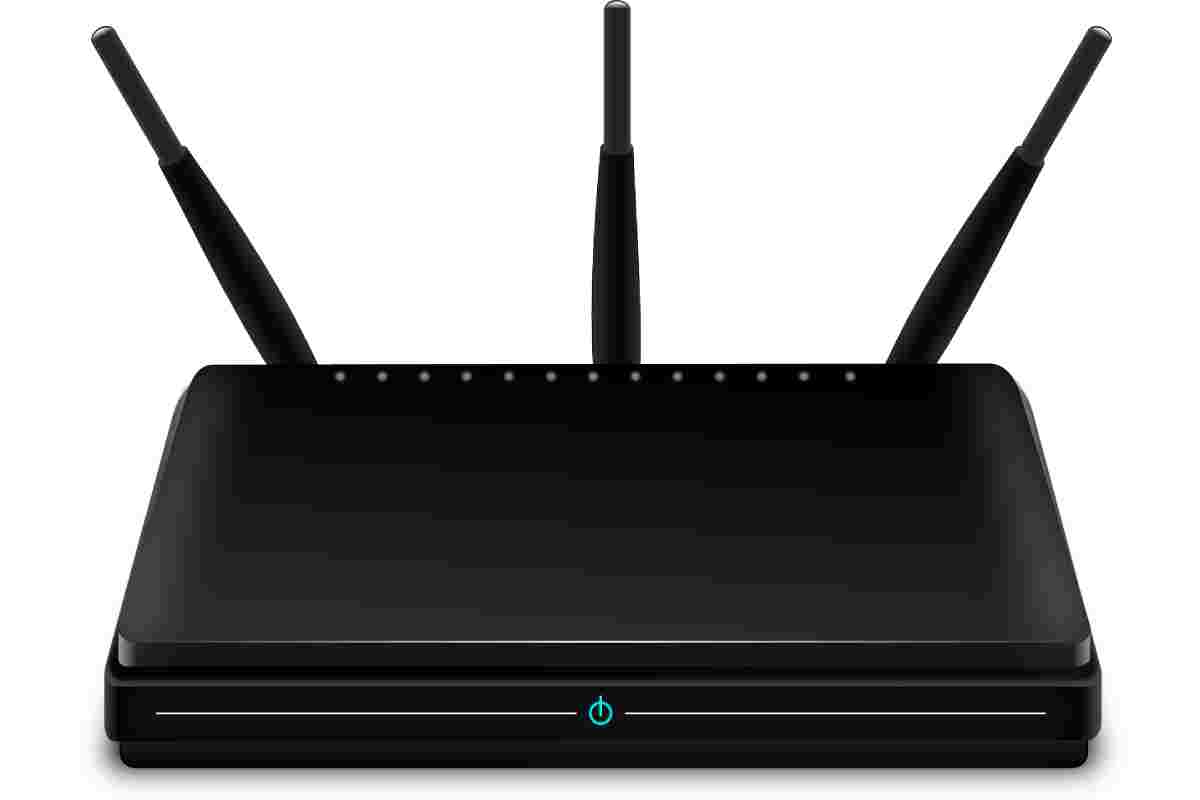
A wireless access point allows Wi-Fi-enabled devices to connect to a wired local area network. A wireless router often combines several functions, including routing, Wi-Fi access, and basic network security. Meanwhile, a range extender can help improve coverage in areas where the existing wireless signal is weak. Understanding these differences makes it easier to select equipment that suits your home or office.
If you are looking for the best wireless access point, consider the size of your space, the number of connected devices, your internet speed, and the features you need. The following devices offer different combinations of wireless connectivity, coverage, and network management. However, their specifications and availability can vary, so check the manufacturer’s information before purchasing.
Table of Contents
What Is the Best Wireless Access Point?
The best wireless access point is one that provides dependable coverage, supports your devices, and meets your network requirements without unnecessary expense. There is no single model that is ideal for every household or business.
Before choosing a device, consider these important factors:
- Coverage area: Larger homes and offices may require several access points or a suitable mesh system.
- Wireless standards: Newer Wi-Fi standards can provide better performance when both the access point and connected devices support them.
- Device capacity: Consider how many phones, computers, televisions, and other devices will use the network simultaneously.
- Security: Look for supported encryption, secure administration, firmware updates, and access-control features.
- Ease of installation: A straightforward setup process can make configuration and maintenance easier.
- Price and value: Compare the features you will actually use rather than choosing a device based on price alone.
Network security is particularly important when connecting multiple devices. A well-configured wireless network can reduce exposure to unauthorized access, although equipment alone cannot eliminate every threat. Understanding broader security practices through this guide to Cybersecurity Experts can help you make more informed decisions about protecting connected devices and information.
1. Asus RT-N12E
The Asus RT-N12E is a compact networking device designed for basic home connectivity. Depending on the hardware revision and supported firmware, equipment in this product family may offer router, access-point, or repeater functionality.
Its appeal is its relatively straightforward design for users who want to establish a wireless network without investing in a more complex setup. A device with multiple operating modes can be useful when you need to create a wireless network, extend an existing connection, or connect devices in a small space.
Key Features
- Multiple operating modes, depending on the model and firmware.
- Ethernet connections for compatible wired devices.
- External antennas designed to provide wireless coverage.
- Basic network administration and configuration options.
- A compact form factor suitable for many home environments.
The RT-N12E may be suitable for basic browsing, email, and other everyday online activities. However, it belongs to an older generation of wireless networking equipment, so users with high-speed internet plans, many connected devices, or demanding streaming requirements should verify its capabilities carefully.
Before buying, confirm the supported Wi-Fi standard, maximum practical performance, security options, and firmware support for the exact model.
2. TP-Link TL-WR841N
The TP-Link TL-WR841N is a wireless router associated with the 2.4 GHz Wi-Fi band and a stated wireless link rate of up to 300 Mbps. That figure represents the advertised wireless connection rate, not the guaranteed speed of an internet connection.
This model may appeal to users looking for a simple router for basic networking. Its Ethernet ports can support wired connections, while its wireless functionality allows compatible phones, laptops, and other devices to connect without cables.
Key Features
- 2.4 GHz wireless connectivity.
- Advertised wireless rates of up to 300 Mbps, depending on the version.
- Ethernet ports for compatible wired devices.
- WPA2 security support on applicable versions and firmware.
- Configuration options for managing a home wireless network.
The 2.4 GHz band can offer useful coverage, although performance may be affected by neighbouring Wi-Fi networks, walls, and other sources of interference. It may be adequate for ordinary browsing and light streaming, but it is not necessarily the best choice for households that need modern Wi-Fi features or consistently high throughput.
Check the exact hardware version before purchasing, particularly if you require current security support or compatibility with a newer internet connection.
3. TP-Link TL-WA850RE
The TP-Link TL-WA850RE is primarily a wireless range extender rather than a conventional dedicated access point. Its purpose is to help extend an existing Wi-Fi network into areas where the original signal is weak.
For example, a router positioned at one end of a home may provide poor coverage in a bedroom, upstairs room, or distant workspace. An extender placed where it can still receive a usable signal may help carry connectivity farther into that area.
Key Features
- Designed to extend an existing wireless network.
- Compact design that plugs into a power outlet.
- Setup options intended to simplify network expansion.
- Compatibility with supported Wi-Fi networks.
- A practical option for reducing some wireless dead zones.
Placement is important. If the extender is installed in a location where the original signal is already extremely weak, the extended connection may also perform poorly. Positioning it between the router and the area with weak coverage can produce better results.
A range extender is useful when you want a relatively simple coverage improvement, but it does not automatically provide the same performance or management capabilities as a dedicated access point or a well-designed mesh network.
4. D-Link DAP-1360
The D-Link DAP-1360 is a wireless networking device designed to support different operating modes, depending on the configuration and hardware revision. These may include access-point and repeater-related functions.
Its flexible operating modes can be useful for users who want to connect wireless devices to a wired network or extend connectivity in a suitable environment. Configuration options and security features can vary by version, so verify the exact specifications before making a decision.
Key Features
- Multiple wireless operating modes on supported versions.
- Ethernet connectivity for compatible network equipment.
- External antennas for wireless signal transmission.
- Configuration options for network access and connectivity.
- A design intended for home or small-network use.
For a basic network, the DAP-1360 may offer useful flexibility. However, its age and wireless capabilities should be considered when comparing it with newer equipment. Users who need stronger performance, modern encryption support, or long-term firmware maintenance should check whether the specific model remains appropriate for their requirements.
Do not assume that every advertised operating mode or security feature is available on every hardware revision.
5. Asus RT-AC1200G+
The Asus RT-AC1200G+ is a dual-band wireless router designed to support both 2.4 GHz and 5 GHz connectivity. Dual-band operation can help compatible devices use a suitable band based on their location, capabilities, and performance needs.
The 2.4 GHz band can provide useful coverage, while 5 GHz can offer higher potential throughput over shorter distances in suitable conditions. Actual performance depends on interference, obstacles, connected devices, and the internet service available to the router.
Key Features
- Dual-band wireless connectivity.
- Multiple external antennas.
- Ethernet ports for compatible wired devices.
- USB connectivity on the applicable model.
- Support for home networking and everyday media use.
A dual-band router may be a practical choice for households with several connected devices, including laptops, televisions, and gaming systems. Wired Ethernet can also be helpful for devices that benefit from a stable connection, such as desktop computers or selected entertainment equipment.
Before purchasing, check the exact hardware specifications, supported wireless standards, firmware availability, and compatibility with your internet service. A model that suits a small household may not be sufficient for a large office or a property with several floors.
How to Choose Between an Access Point, Router, and Extender
These devices can all help provide connectivity, but they do not perform exactly the same job.
| Device | Main purpose | Best suited for |
|---|---|---|
| Wireless router | Routes traffic between a local network and the internet, often providing Wi-Fi | Creating and managing a home network |
| Wireless access point | Adds Wi-Fi access to an existing wired network | Expanding wireless access in homes or offices |
| Range extender | Rebroadcasts an existing Wi-Fi signal | Improving coverage in a limited weak-signal area |
| Mesh Wi-Fi system | Uses coordinated nodes to provide broader wireless coverage | Larger homes and spaces with several coverage zones |
For a small home with a modest internet plan, a basic wireless router may be sufficient. A larger home may benefit from a mesh system or additional access points. In an office, dedicated access points connected to a wired network can provide more flexibility when managing multiple users and devices.
The right choice depends on your physical layout, network design, budget, and performance requirements.
Why LAN Setup Matters for Wireless Access Points
A wireless access point usually works as part of a larger local area network (LAN). The LAN connects devices and allows them to communicate with each other and access shared resources. Depending on the design, it may include a router, network switches, access points, computers, printers, and other equipment.
If you want to understand the basics of connecting devices and setting up a local network, this guide to Obtain a LAN for Novices provides related background. Knowing how the wired network works can help you decide where an access point should be installed and how it should connect to the rest of your equipment.
For larger spaces, multiple access points may be connected to the same wired LAN. Their placement and configuration should be planned to provide suitable coverage without causing unnecessary interference. In some setups, the access points can also be managed centrally, making it easier to maintain settings across several devices.
Wireless Access Point Security and Privacy
A reliable wireless network should be configured with security in mind from the beginning. An unsecured or poorly configured access point may allow unauthorized users to connect, consume bandwidth, or attempt to access network resources.
Use the strongest security mode supported by your equipment and devices. For newer equipment, WPA3 may be available; otherwise, use an appropriately configured WPA2 option where supported. Avoid outdated security protocols, change default administrator credentials, and install firmware updates when available.
Other useful precautions include:
- Use a strong, unique Wi-Fi password.
- Change default administrative usernames or passwords where possible.
- Disable features you do not need, especially remote administration from the internet.
- Create a guest network for visitors when supported.
- Review connected devices periodically.
- Keep routers, access points, and connected computers updated.
- Separate sensitive work devices from less-trusted smart-home equipment when your network supports it.
Privacy also depends on how connected devices and online services collect and use information. A secure Wi-Fi connection does not prevent every form of tracking, phishing, or account compromise. Users should review app permissions, protect their accounts, and be thoughtful about what they share online.
To understand how online activities can leave traces of personal information, read our guide on What Is a Digital Footprint and Why Does It Matter?, which explains how digital footprints develop and why managing online privacy matters.
Tips for Improving Wi-Fi Coverage and Performance
Even a capable access point can deliver disappointing results if it is poorly positioned or incorrectly configured. A few practical adjustments can help improve everyday connectivity.
Choose a central location. Place the router or access point in a reasonably central, open area when possible. Avoid hiding it behind large objects or inside enclosed cabinets.
Reduce interference. Nearby wireless networks and some household electronics may affect performance. Try alternative channels or supported band settings if you experience persistent interference.
Use wired connections where practical. Connecting stationary devices through Ethernet can reduce wireless congestion and provide a stable connection.
Match the equipment to the internet plan. An older device may become a bottleneck if your broadband service offers speeds beyond what it can realistically handle.
Check firmware support. Security updates and compatibility improvements can be important throughout a device’s useful life. If the manufacturer no longer supports an older model, consider replacing it when security or performance requirements justify the change.
Conclusion
The best wireless access point depends on your space, connected devices, performance expectations, and budget. The Asus RT-N12E, TP-Link TL-WR841N, TP-Link TL-WA850RE, D-Link DAP-1360, and Asus RT-AC1200G+ serve different networking needs, but they are not all the same type of device. Some are routers, while others focus on extending wireless coverage or providing alternative operating modes.
Before buying, confirm the exact model specifications, wireless standards, security features, firmware support, and compatibility with your internet connection. For a small home, a basic router or extender may be enough. For a larger property or office, a dedicated access point or mesh system may offer a better solution. A carefully planned network, combined with secure configuration and regular maintenance, can provide more dependable Wi-Fi for everyday use.