
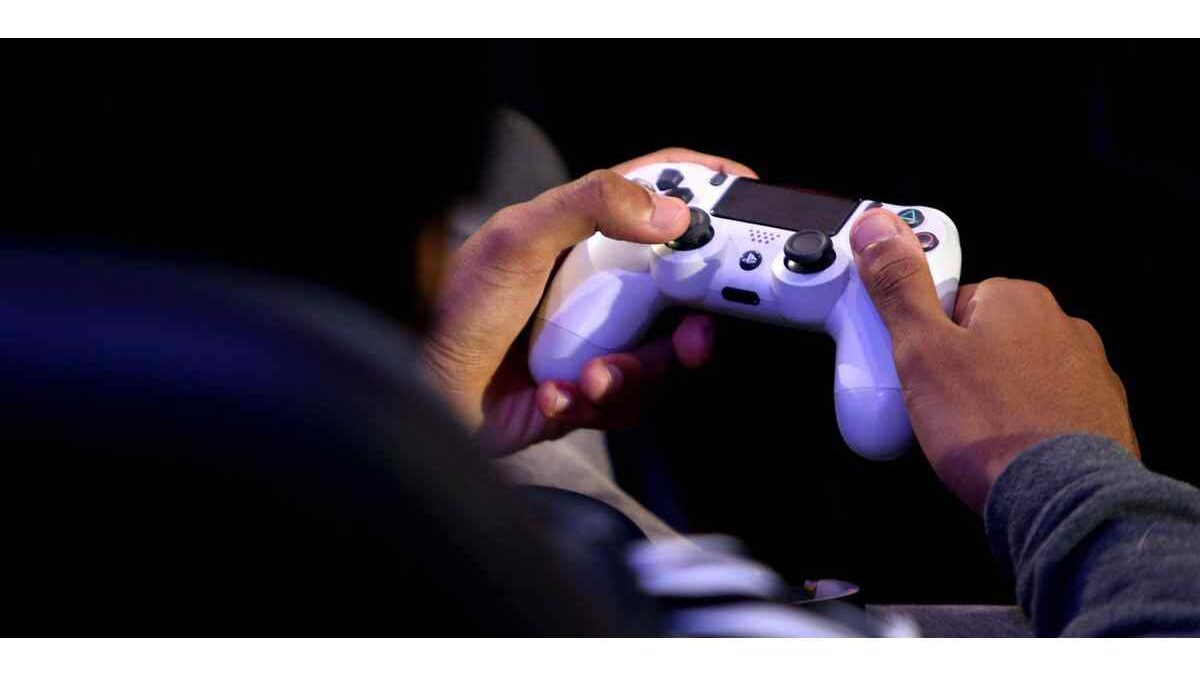

Sharing digital games with friends can be a practical way to get more value from your PlayStation 4 library. Instead of purchasing every game separately, two players may be able to access games purchased through one PlayStation Network (PSN) account by using the console’s primary activation feature. This can be particularly useful for friends, siblings, or family members who own separate PS4 systems and want to enjoy more titles without buying duplicate copies.
However, PS4 game sharing has specific rules. It is important to understand how primary and secondary consoles work, what access each player receives, and which account must remain signed in. Following the correct process can help you avoid activation problems and interruptions while playing.
Table of Contents
How Does PS4 Game Sharing Work?
PlayStation 4 supports digital game sharing through a feature called Activate as Your Primary PS4. When you activate a console as the primary system for your PSN account, other local users on that console can access eligible games purchased through that account.
For example, imagine that you purchase a digital game using your PlayStation account. If your friend’s PS4 is activated as the primary console for your account, your friend can use a separate local profile on that console to play eligible games from your library.
You can also sign in to your own account on another PS4 and access your purchased games there. This arrangement allows two people to use the same purchased game library across separate consoles, subject to PlayStation’s activation and account requirements.
It is worth remembering that digital purchases remain associated with the PSN account that bought them. Game sharing provides access under PlayStation’s rules; it does not transfer ownership of the games to another account.
What Is the Difference Between a Primary and Secondary PS4?
Before setting up game sharing, you should understand the difference between a primary console and a console that is not activated as primary for your account.
What Is a Primary PS4 Console?
A primary PS4 is the console you activate through your PlayStation Network account. Sony allows each PSN account to have one PS4 activated as its primary console at a time.
This activation provides several benefits. Other users on that console can play eligible games purchased through your account without signing in as the purchasing user. They may also receive certain PlayStation Plus benefits, depending on the subscription and feature involved.
For instance, if you activate your friend’s PS4 as your primary console, your friend can switch to their own local profile and access eligible games from your library. This makes primary activation the central part of the traditional PS4 game-sharing method.
What Is a Secondary PS4 Console?
A secondary PS4 is a console that has not been activated as the primary system for your account. You can still sign in to your PSN account on this console and download or play games associated with your purchases.
However, access works differently. You generally need to use the purchasing account to launch its games on a non-primary console. An active internet connection is also important because the console may need to verify your game licences.
The main difference is therefore straightforward: a primary PS4 allows other local users to access eligible purchased games, while a non-primary PS4 generally requires the purchasing account to be signed in to use those games.
What You Should Know Before Sharing PS4 Games
Game sharing can help friends reduce duplicate purchases, but both players should understand the limitations before changing their console settings.
One primary PS4 per account: Each PlayStation Network account can have only one PS4 activated as its primary console at a time. If you activate another PS4, your previous primary-console arrangement may need to be changed.
The purchasing account keeps ownership: Games remain connected to the account that purchased them. Removing an account or changing activation settings can affect another user’s access.
Internet access may be required: A non-primary console may need an internet connection to verify licences before launching purchased games. Do not assume that every shared game will work offline.
Some subscription benefits have restrictions: Certain PlayStation Plus benefits can be shared with other users on a primary PS4, but not every account feature or benefit is available to everyone.
Protect your account details: Sharing your PSN sign-in information gives another person access to an account containing purchases and personal settings. Only consider sharing with someone you trust. Never give away your password or verification codes to an unknown person.
How to Share Digital PS4 Games With a Friend
Once you understand the primary-console system, you can follow these steps to make eligible digital games available on another PS4.
Step 1: Create or Select a Local User
Turn on the PS4 that will be used for game sharing. Your friend should have their own local user profile on the console. This allows them to play using their personal profile rather than using your account for everyday gaming.
Step 2: Sign In With the Purchasing PSN Account
On your friend’s PS4, sign in using the PlayStation Network account that purchased the digital games. Make sure you use the correct account because game access is linked to the account that owns the purchases.
Step 3: Open Account Management
From the PS4 home screen, open Settings. Select Account Management to access the account activation options.
Step 4: Select Primary PS4 Activation
Choose Activate as Your Primary PS4. If the console is eligible for activation, you will see the option to activate it.
Step 5: Activate the Console
Select Activate and wait for the confirmation message. The PS4 will now be registered as the primary console for the purchasing account, provided that the account does not already have another primary PS4 active.
Step 6: Download the Purchased Games
Open the PlayStation Store or Game Library while signed in to the purchasing account. Find the games you want to share and download them to the console.
Only eligible digital purchases associated with that account will be available. The other player should not assume that games purchased through a different PSN account will automatically appear in this library.
Step 7: Switch Back to Your Friend’s Profile
After the games have downloaded, return to the PS4 home screen and switch to your friend’s local user profile. They can then look for the installed games and launch eligible titles from their own profile.
The purchasing account remains the owner of the games, but primary-console activation allows other users on that PS4 to access eligible purchased applications.
Can Two Friends Exchange Their PS4 Game Libraries?
Some players want to share games in both directions. For example, you may own several digital games that your friend wants to play, while your friend has a separate collection that you would like to access.
This arrangement requires each person to understand the primary-console limit. Each PSN account can activate only one PS4 as its primary console. If both players decide to use the other person’s console as their primary system, they must configure the activation settings for their respective accounts.
Before making changes, discuss which console each account currently uses as its primary PS4. Changing activation settings without planning can interrupt access for other users on the previously activated console.
Also remember that game sharing is not the same as transferring games. Each purchase remains attached to the account that originally bought it, and both players should follow PlayStation’s account and security rules.
What to Do If Shared PS4 Games Show a Padlock
Sometimes a downloaded game may display a padlock symbol or refuse to launch. This does not necessarily mean the game has been deleted. It may indicate an account, activation, or licence-verification issue.
Start by checking whether you are signed in to the correct PSN account. The account that purchased the game must be used for the relevant activation and licence checks.
Next, confirm that the intended PS4 is activated as the primary console for that purchasing account. If another PS4 is already activated, review the account’s activation settings before making further changes.
You can also try restoring licences through the PS4 account management settings. After restoring licences, restart the console and check whether the game launches correctly. If the issue continues, consult official PlayStation support rather than repeatedly changing account settings.
Keep Your Gaming Library Organized
Sharing games is only one part of managing a digital gaming collection. Players who regularly use Steam may also want to organize screenshots, saved images, and other gaming files. For example, our guide to the Steam Store Screenshot explains another useful part of managing gaming content.
Similarly, knowing where your screenshots are saved can make it easier to find and organize images captured during gameplay. You can learn more in our guide to the Steam Screenshot Folder.
If you enjoy exploring different PC games and adjusting your gaming setup, you can also read our Fallout 76 FOV and configuration guide for information about game settings and customization.
Is Sharing PS4 Games Worth It?
Sharing eligible digital games can be a convenient way for two trusted players to enjoy a larger collection without purchasing every title twice. The primary PS4 feature makes this possible by allowing other local users on an activated console to access eligible games purchased through the account.
Nevertheless, the arrangement requires careful account management. Each account has a primary-console limit, some features depend on an internet connection, and digital purchases remain the property of the account that bought them. Players should also protect their sign-in details and understand the consequences before changing activation settings.
When both players understand these rules and trust each other, PS4 game sharing can make a digital gaming library more useful. Take time to check the account settings, activate the correct console, and download eligible games before switching to the other player’s profile.