
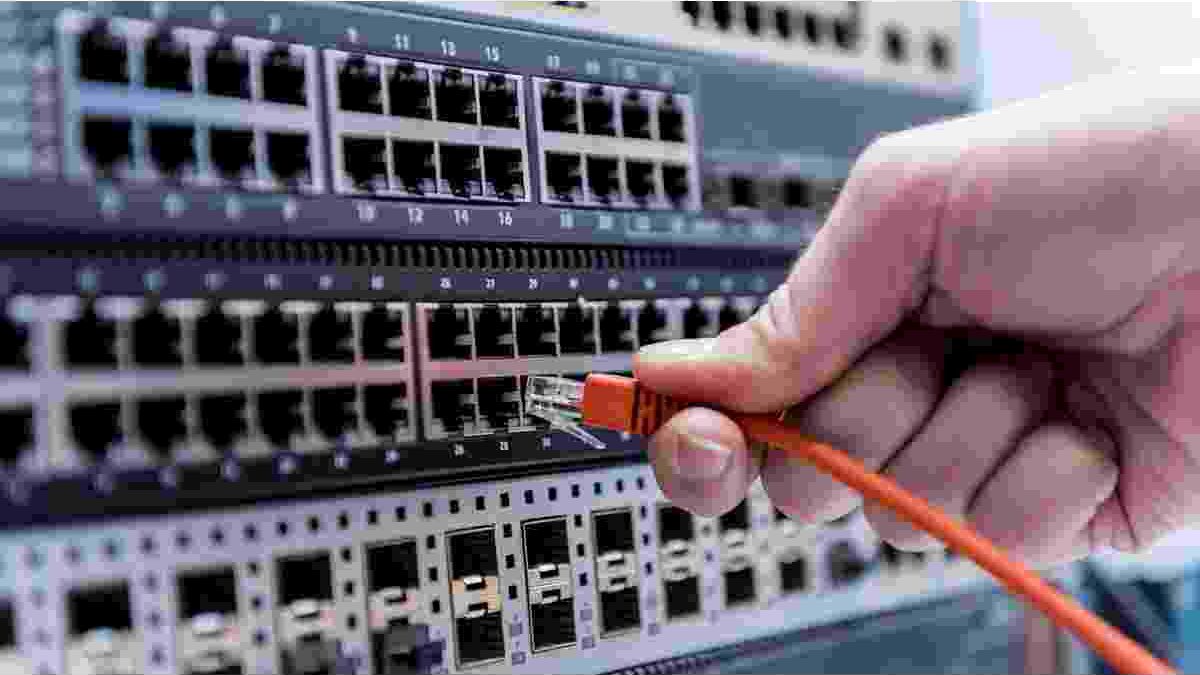
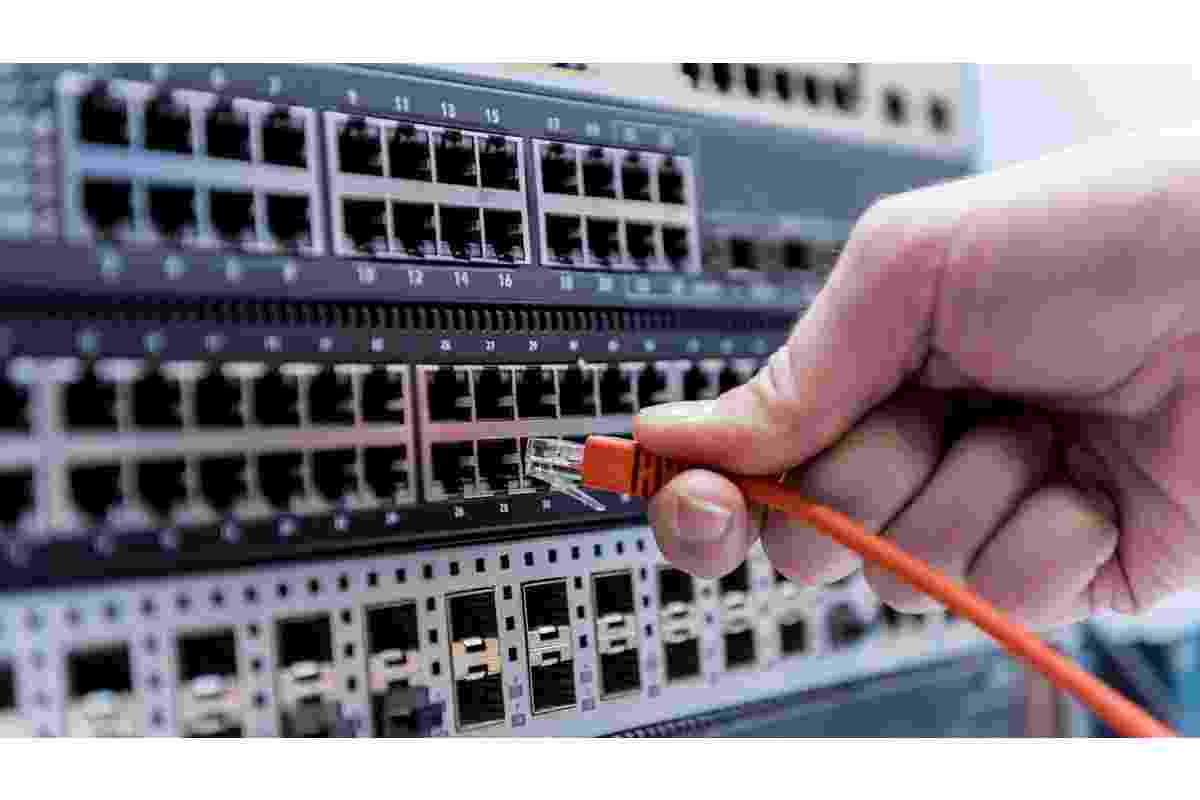
Gigabit Ethernet switches are useful for home offices, gaming setups, and small businesses that need to connect multiple wired devices to a local network. Although Wi-Fi is convenient, Ethernet connections can provide stable connectivity for desktop computers, gaming consoles, smart TVs, printers, and network storage devices. A Gigabit switch expands the number of available wired connections and allows compatible devices to communicate across the local network at speeds of up to 1 Gbps per port.
When choosing a switch, consider the number of ports you need, switching capacity, installation options, power consumption, and whether you require advanced management features. Unmanaged switches are generally suitable for simple plug-and-play installations, while managed models offer additional control over network traffic and configuration.
This guide explores five Gigabit Ethernet switches and explains the features to consider when selecting equipment for your home or small-office network.
Table of Contents
1. NETGEAR 8-Port Gigabit Ethernet Unmanaged Switch (GS108)
The NETGEAR GS108 is an eight-port Gigabit Ethernet switch designed for users who want to connect several wired devices without complicated configuration. Its unmanaged design makes it suitable for home networks, small offices, and other environments where straightforward connectivity is the main priority.
Key Features
- Eight Gigabit Ethernet ports for connecting compatible wired devices.
- Plug-and-play installation without routine software configuration.
- Fanless construction for quiet operation.
- Desktop placement and wall-mounting options, depending on the installation requirements.
- Energy-efficient Ethernet features designed to help reduce power consumption.
Performance and Usability
An eight-port switch can be useful when a router does not provide enough Ethernet connections for all the devices in a workspace. You can connect computers, printers, gaming systems, and other compatible equipment through the switch while keeping the network setup relatively simple.
The fanless design is particularly useful in bedrooms, study areas, and small offices where equipment noise may be distracting. Its metal enclosure also provides a sturdy construction for everyday use.
As with any unmanaged switch, the GS108 is intended primarily for basic connectivity rather than detailed traffic management. Users should confirm the specifications, warranty terms, and included mounting accessories for the exact product version they intend to purchase.
2. TP-Link 5-Port Gigabit Ethernet Unmanaged Switch
The TP-Link five-port Gigabit Ethernet switch is a compact option for users who need to connect a small number of wired devices. Its unmanaged design allows users to expand their network without dealing with complex configuration menus.
Key Features
- Five Gigabit Ethernet ports.
- Plug-and-play operation.
- Compact housing suitable for desks and other small spaces.
- Auto-negotiation to support compatible Ethernet connections.
- Energy-saving features on supported models.
- Traffic-prioritization features on models that support QoS.
Performance and Usability
A five-port switch can be suitable for a small home office or gaming setup. It may connect a desktop computer, console, printer, and another wired device while using an additional port for the uplink to the router.
Some TP-Link models support Quality of Service (QoS), which can prioritize certain types of network traffic. However, features vary between products, and not every unmanaged model provides configurable traffic-prioritization settings.
The compact size makes this category of switch easy to place in a limited workspace. Before buying, check the exact model number, port configuration, power requirements, and supported features rather than assuming that all five-port TP-Link switches have identical specifications.
3. Linksys SE3008 8-Port Gigabit Ethernet Switch
The Linksys SE3008 is an eight-port Gigabit Ethernet switch intended for users who need several wired connections in a home or small-office environment. Its compact design and simple installation make it an option for expanding an existing Ethernet network.
Key Features
- Eight Gigabit Ethernet ports.
- Automatic cable detection on supported connections.
- Plug-and-play setup.
- Traffic-handling features designed to support efficient data transfer.
- Power-saving capabilities, depending on the product implementation.
- Desktop placement and mounting options, subject to the package contents.
Performance and Usability
An eight-port switch can help reduce the need to disconnect devices when several computers and entertainment systems share the same network. Gigabit Ethernet is useful for transferring large files, accessing network storage, and connecting devices that benefit from a consistent wired connection.
Features such as traffic prioritization can help compatible network equipment handle latency-sensitive activities, including voice and video traffic. Actual performance depends on the complete network, including the router, connected devices, cabling, and internet connection.
Before choosing the Linksys SE3008, verify its current availability and specifications. Also check the package contents and mounting requirements, as included accessories can vary by seller or product version.
4. D-Link DGS-1008G 8-Port Gigabit Ethernet Switch
The D-Link DGS-1008G is an eight-port Gigabit Ethernet switch designed to expand wired connectivity in homes and small offices. Its unmanaged operation makes it suitable for users who want a straightforward installation without configuring individual switch ports.
Key Features
- Eight Gigabit Ethernet ports.
- Plug-and-play installation.
- Energy-saving features associated with supported D-Link Green technology.
- Traffic-handling capabilities that may include QoS support, depending on the version.
- Compact design for home and office installations.
- Support for compatible Ethernet standards and network devices.
Performance and Usability
The DGS-1008G can connect several wired devices to a local network, including desktop computers, printers, gaming systems, and compatible storage equipment. Gigabit ports can provide transfer speeds of up to 1 Gbps under suitable conditions, although actual throughput depends on the connected hardware and network traffic.
Energy-efficient features can help reduce unnecessary power consumption. Some versions also support traffic-handling capabilities intended to improve performance for selected applications.
However, users should confirm the specifications for the precise hardware revision they are considering. If a connected device negotiates at a lower speed than expected, check the Ethernet cable, device network adapter, port condition, and negotiated link speed before assuming the switch is defective.
5. TP-Link TL-SG1016 16-Port Gigabit Ethernet Unmanaged Switch
The TP-Link TL-SG1016 provides 16 Gigabit Ethernet ports, making it suitable for larger home networks, busy offices, laboratories, or other environments with numerous wired devices. Compared with a five- or eight-port switch, its higher port count allows more devices to connect without requiring several smaller switches.
Key Features
- Sixteen Gigabit Ethernet ports.
- Unmanaged plug-and-play operation.
- Switching capacity designed for handling traffic across multiple ports.
- Non-blocking switching architecture, according to the product specifications.
- Energy-efficient features on supported versions.
- Diagnostic LEDs for checking connection status.
- Rack-mounting options and accessories, depending on the package.
Performance and Usability
A 16-port switch can be useful for connecting computers, printers, access points, network storage, and other wired equipment in a small business. It can also help organize Ethernet connections in a home office with multiple workstations or entertainment devices.
The model’s advertised switching capacity is 32 Gbps. Switching capacity describes the device’s overall ability to handle traffic across its ports; it does not mean that one connected device receives a 32 Gbps connection. Each Gigabit port has its own link-speed limit.
Because this switch has more ports than compact desktop models, buyers should consider where it will be installed and how cables will be routed. Verify whether rack-mounting hardware is included and check the dimensions before selecting an installation location.
How to Choose the Right Gigabit Ethernet Switch
The best switch depends on the size of your network and the devices you plan to connect. A larger port count is not automatically better if you only need a few wired connections.
Count Your Wired Devices
List the devices that require Ethernet connections, including computers, consoles, printers, access points, and network storage. Remember that one port will generally be needed for the connection to the router, so choose a switch with enough remaining ports for your devices and some room for future expansion.
A five-port switch may be sufficient for a small setup, while an eight-port model offers additional flexibility. A 16-port switch is more suitable when many wired connections are required.
Check the Speed Requirements
Gigabit Ethernet supports link speeds of up to 1 Gbps per port. To benefit from this speed, connected devices, network adapters, and cabling must support compatible Gigabit connections.
If you transfer large files between computers or use network storage, wired connections can provide more consistent performance than a congested wireless connection. However, your internet speed will still be limited by your internet service plan and other network components when accessing online services.
Decide Between Managed and Unmanaged
An unmanaged switch is usually easier to install because it operates without requiring routine configuration. It is a practical choice for users who simply need more Ethernet ports.
A managed switch may be preferable when you need VLANs, detailed traffic monitoring, advanced QoS settings, or other network controls. These features can be useful for larger offices, but they may introduce additional setup and maintenance requirements.
Consider Placement and Noise
A fanless switch can be helpful in quiet environments such as bedrooms and home offices. Consider whether the device will sit on a desk, be mounted on a wall, or be installed in a rack.
Also check the power adapter, ventilation requirements, cable layout, and accessibility of the ports. Keeping network equipment in a well-ventilated location can help it operate reliably.
Gigabit Switches, Internet Security, and Network Performance
An Ethernet switch and a router perform different functions. A switch connects devices within a local network, while a router directs traffic between networks, including communication between a home network and the internet. A basic unmanaged switch does not automatically encrypt internet traffic or provide VPN protection.
For users who want to protect supported internet traffic, a Best VPN Service guide can help explain VPN features, privacy considerations, and factors to evaluate when choosing a provider. Whether you use a VPN application on an individual device or configure VPN functionality on a compatible router, verify that your equipment supports the required setup.
Users comparing individual VPN applications can also read this Turbo VPN Review to learn about the application and considerations involved in evaluating a VPN service. A VPN application and an Ethernet switch serve different purposes: the switch expands wired connectivity, while the VPN can encrypt supported traffic between a device and a VPN server.
Mobile connectivity can also influence how people access online services. Readers who want to understand modern mobile-network terminology can explore What Does 5G UC Mean?. Although 5G UC refers to a mobile network designation rather than Ethernet switching, understanding the differences between wired networking, Wi-Fi, and cellular connectivity can help users choose the right connection for each situation.
Common Mistakes to Avoid When Buying a Switch
Before purchasing a Gigabit switch, avoid these common mistakes:
- Buying too few ports: Account for the router connection and leave room for additional devices.
- Assuming every switch is managed: Check whether the model supports the configuration features you need.
- Ignoring cable quality: Damaged or unsuitable Ethernet cables can prevent a connection from reaching its expected speed.
- Expecting faster internet automatically: A switch expands local connectivity but does not increase the speed provided by your internet service provider.
- Overlooking installation requirements: Check the device dimensions, power supply, mounting options, and ventilation needs.
- Assuming all product revisions are identical: Verify the precise model and hardware revision before relying on a feature or specification.
A little planning can help you avoid unnecessary spending and build a network that suits your current requirements.
Conclusion
Gigabit Ethernet switches provide a practical way to expand wired connectivity for homes, gaming setups, and small businesses. The NETGEAR GS108, TP-Link five-port switch, Linksys SE3008, D-Link DGS-1008G, and TP-Link TL-SG1016 offer different port capacities and installation options to consider.
For a small setup, a five-port switch may be sufficient. An eight-port model offers greater flexibility, while a 16-port switch can support a larger number of wired devices. Before choosing, compare the exact specifications, port count, installation requirements, and features of the product version available to you.
By matching the switch to your network size and understanding how it works alongside your router and other equipment, you can build a more organized and reliable wired network.