
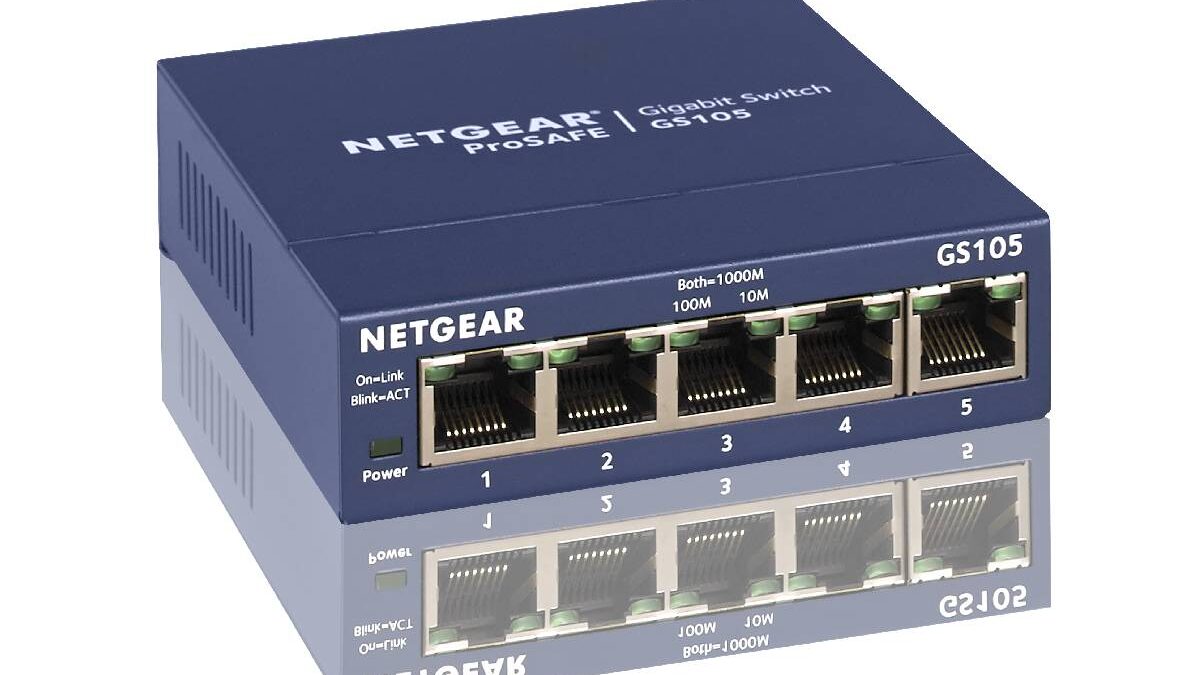
An Ethernet switch is an essential networking device for businesses, offices, and homes that need to connect multiple wired devices efficiently. It allows computers, printers, servers, network storage devices, and other compatible equipment to communicate over a local area network (LAN). By directing data to the appropriate connected device, a switch helps reduce unnecessary network traffic and supports smoother communication between devices.
Although an Ethernet switch may look similar to a hub or router, each device serves a different purpose. A switch primarily connects devices within a local network, while a router connects different networks and commonly provides access to the internet. Unlike a traditional hub, which forwards incoming data to every connected port, a standard Ethernet switch learns device addresses and forwards traffic toward the appropriate destination.
Choosing the right switch depends on the number of devices you need to connect, your required network speed, available ports, security needs, and budget. Models such as the NETGEAR GS105, D-Link DGS-105, TP-Link TL-SG1008D, and Tenda SG108 offer practical options for expanding a wired network.
Table of Contents
Best Ethernet Switches for Home and Business Networks
Before selecting a model, consider how many wired devices you use and whether you may need additional connections in the future. A five-port switch may suit a small office, while an eight-port model provides more room for expansion. The following models offer different options for basic wired networking.
1. NETGEAR GS105 5-Port Metal Gigabit Ethernet Switch
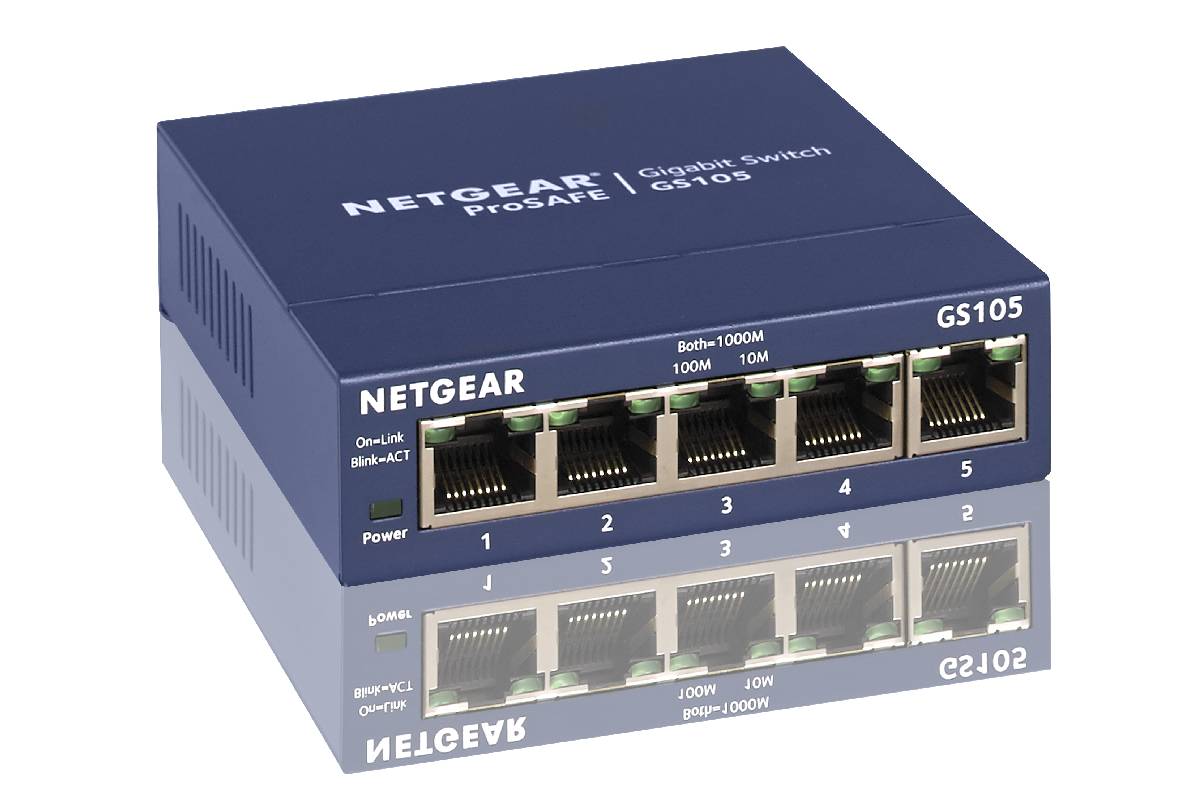
The NETGEAR GS105 is a compact, unmanaged Ethernet switch designed to connect multiple wired devices. Its five Gigabit Ethernet ports support speeds of up to 1 Gbps per port under suitable network conditions, making it a practical option for small offices, home workspaces, and basic business networks.
Because it is unmanaged, the switch generally works without requiring users to configure individual ports or install management software. Connect the switch to a power source, connect it to your existing network, and attach compatible devices using Ethernet cables. The devices can then communicate through the local network according to their network settings.
The metal enclosure provides a sturdy design for everyday use, while its fanless construction supports quiet operation. Energy-efficient Ethernet features can also help reduce power consumption under compatible operating conditions.
This model may suit users who want to add wired connections without managing advanced network settings. However, an unmanaged switch does not provide the same monitoring, access controls, or traffic-management capabilities as a managed switch. Check the current warranty terms and support coverage in your region before purchasing.
2. D-Link DGS-105 5-Port Gigabit Ethernet Switch
The D-Link DGS-105 is another option for users who need additional wired network connections in a small office or home environment. It provides five Gigabit Ethernet ports, allowing compatible computers, printers, storage devices, and other equipment to communicate over a local network.
Its unmanaged design makes installation straightforward. Users generally do not need to configure the switch manually, making it suitable for people who want to expand their network without learning advanced networking procedures.
The model’s metal housing provides a durable enclosure, while its compact design makes it easier to place on a desk or in a suitable networking area. Depending on the hardware revision, energy-saving features may help reduce power usage when connected devices are inactive or operating at lower speeds.
Some D-Link switch models also provide diagnostic indicators that help users identify link status and network activity. These indicators can be useful when checking cable connections or troubleshooting a device that cannot connect to the network.
The DGS-105 can be a practical choice for a small workspace that needs reliable wired connectivity. Before buying, verify the exact model revision, supported features, and warranty information, as specifications and availability can differ between markets.
3. TP-Link TL-SG1008D 8-Port Gigabit Ethernet Switch
The TP-Link TL-SG1008D is designed for users who need more Ethernet connections than a five-port switch provides. It includes eight Gigabit Ethernet ports, making it suitable for small offices, home networks, and workspaces with several wired devices.
Its unmanaged, plug-and-play design makes setup relatively simple. Once connected to the existing network, the switch can forward traffic between compatible devices without requiring users to configure individual ports. Auto-negotiation helps each port establish a suitable connection speed based on the connected device and network conditions.
The switch also supports automatic MDI/MDIX functionality, which helps simplify Ethernet cabling by removing the need to select special crossover cables for supported connections. TP-Link’s energy-efficient design features can help reduce power consumption depending on link status and operating conditions.
This model can be useful when several devices need a wired connection, such as desktop computers, network printers, smart televisions, and network-attached storage. It can also help expand an existing network when the router does not have enough available LAN ports.
However, the TL-SG1008D is an unmanaged switch, so it should not be mistaken for a device that provides advanced network segmentation, detailed traffic monitoring, or comprehensive security controls. Confirm the hardware version and specifications before purchasing.
4. Tenda SG108 8-Port Gigabit Ethernet Switch
The Tenda SG108 provides eight Gigabit Ethernet ports for users who want to connect multiple devices through a wired network. It may be suitable for small businesses, gaming setups, home offices, and other environments where several Ethernet connections are needed.
With supported Gigabit connections, the switch can provide link speeds of up to 1,000 Mbps per port. Actual data-transfer performance depends on the connected devices, Ethernet cables, network configuration, and the capabilities of the wider network.
The SG108 is designed for straightforward installation, allowing users to expand their wired network without complicated configuration. Its auto-negotiation features help connected devices establish an appropriate link speed, while LED indicators provide a quick visual indication of connection status and activity.
An eight-port switch can be particularly useful when a workspace grows beyond the number of Ethernet connections available on a router. For example, a business might connect several desktop computers, a printer, a network storage device, and a wireless access point through the same switch.
Before purchasing, verify the precise SG108 version and its current specifications. Similar model names can refer to different hardware revisions, so check supported features, physical dimensions, and warranty terms.
How to Choose the Right Ethernet Switch
Choosing an Ethernet switch involves more than comparing prices and port counts. The right device should meet your current requirements while allowing reasonable room for future expansion.
Number of ports: Count the wired devices you intend to connect and consider whether your network may grow. Five ports may be enough for a small workspace, while eight or more ports can provide greater flexibility.
Network speed: Gigabit Ethernet is a common choice for modern home and small-business networks. If you transfer large files frequently or operate a high-performance network, consider whether you need faster-than-Gigabit ports and whether your other equipment supports them.
Managed or unmanaged operation: Unmanaged switches are generally simpler to install. Managed switches provide additional capabilities, such as VLAN configuration, traffic monitoring, and more detailed control over network behavior. These features may be important for businesses with multiple departments or specific security requirements.
Build quality and placement: Consider the enclosure, ventilation, mounting options, and operating environment. Fanless switches can be useful in quiet workspaces, while larger networking installations may require equipment designed for racks or more demanding conditions.
Energy efficiency: Energy-efficient features can help reduce electricity consumption, particularly in networks with many connected devices. However, actual savings depend on usage, network traffic, and equipment design.
Ethernet Switches and Network Security
An Ethernet switch helps organize communication between wired devices, but it does not automatically make a network secure. Basic unmanaged switches generally do not scan every transmitted packet for threats or provide comprehensive protection against malicious activity. Businesses should combine appropriate networking equipment with firewalls, updated devices, access controls, and security monitoring.
Application security is also important because network-connected software can introduce vulnerabilities even when the underlying network hardware works correctly. Organizations can learn more about this subject in our guide to the vital necessity of application security, which explores why protecting applications is an important part of a wider security strategy.
Testing is another part of maintaining dependable systems. AI-assisted testing tools can help development teams generate test cases from natural-language descriptions and identify potential software issues, although generated tests still require review and validation. Our article on AI testing and natural language test generation provides further context on this evolving approach to software testing.
Businesses must also consider threats that do not originate from faulty network equipment. Phishing messages can trick employees into revealing credentials, downloading malicious files, or visiting fraudulent websites. Training users to recognize suspicious messages and verify unexpected requests can help reduce these risks. Read our guide to the dangers of phishing attacks and how to recognize them to learn more about this common threat.
Strong passwords and carefully assigned permissions provide another layer of protection. Employees should receive access only to the systems and information required for their roles, while administrator accounts should be protected with stronger authentication measures wherever possible. Our article on passwords, permissions, and protection explores how organizations can balance usability with responsible access management.
For organizations that manage sensitive executive information or high-profile business operations, security planning may extend beyond network devices and software. Tailored executive protection services can form part of a broader approach to personal safety and risk management. Learn more about the VIP security experience and tailored executive protection services to explore this distinct aspect of organizational security.
Final Verdict
An Ethernet switch is a useful way to expand a wired network and help connected devices communicate efficiently. The NETGEAR GS105 and D-Link DGS-105 offer five-port Gigabit options, while the TP-Link TL-SG1008D and Tenda SG108 provide eight ports for networks that need additional connections.
The best choice depends on the number of devices you use, the speed your network requires, your budget, and whether you need advanced management features. For basic home networking or a small office, an unmanaged switch may be sufficient. Organizations that need network segmentation, monitoring, and greater administrative control may benefit from a managed model.
Remember that an Ethernet switch is only one component of a reliable network. Suitable routers, secure device configurations, strong authentication, updated software, and informed users are also important. By evaluating both connectivity needs and security requirements, you can select a switch that supports your network today and leaves room for future growth.