
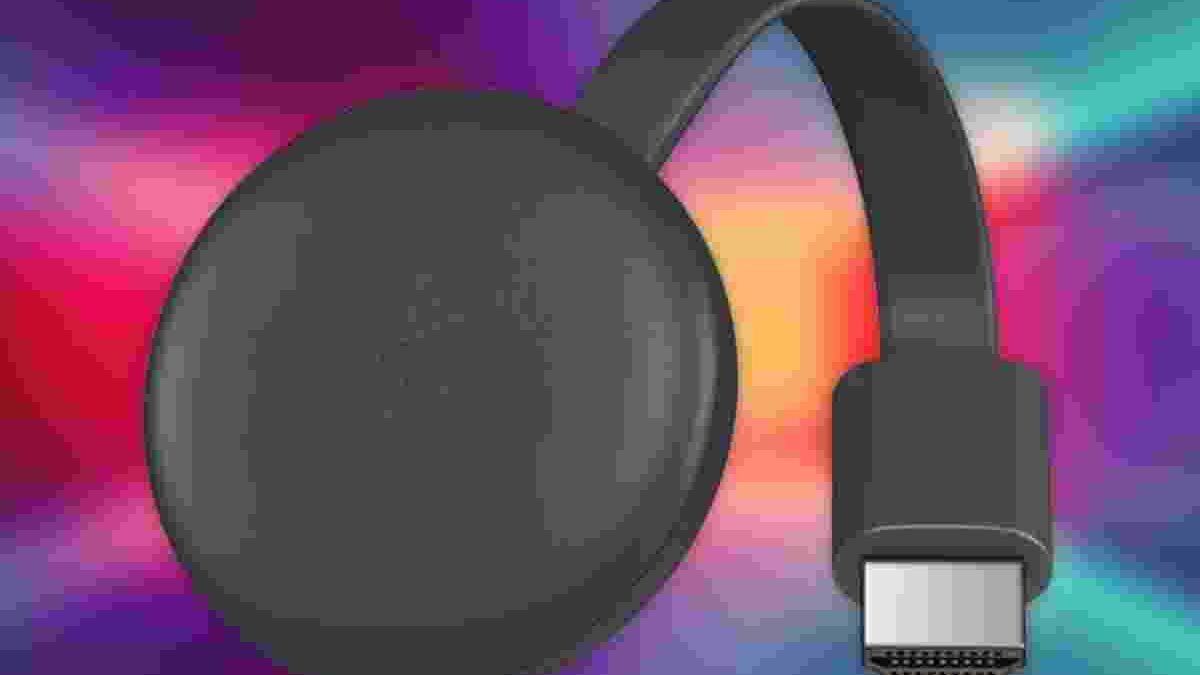
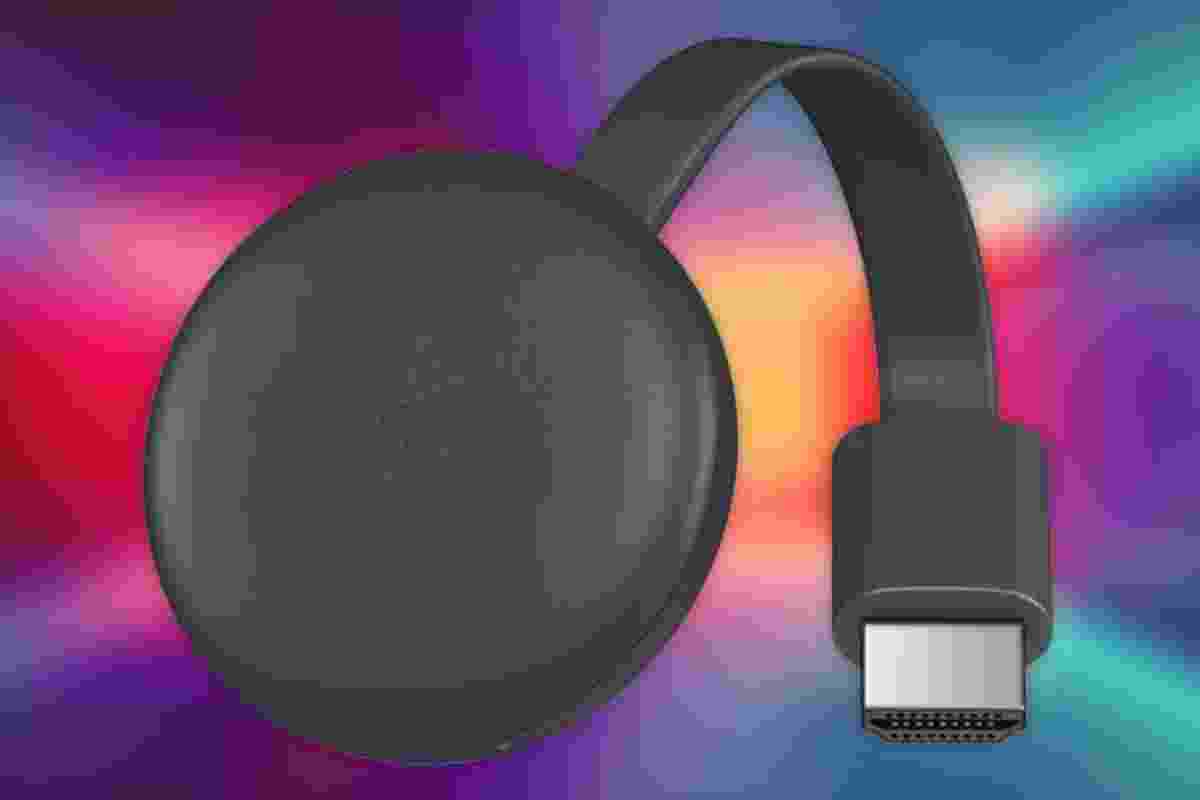
Chromecast Black Friday deals attracted attention by offering an affordable way to stream online entertainment directly to a television. Google’s compact HDMI streaming device made it possible to watch supported videos, listen to music, and display online content without purchasing an expensive smart TV. Its simple design also helped people upgrade older televisions with an HDMI port.
During the original Black Friday campaign, Google promoted discounts on several products, including Chromecast Ultra, Google Home, Google WiFi, and Pixel smartphones. The historical promotion ran from November 22 to November 27, around Black Friday on November 23. These dates refer to that original campaign, not current offers.
Although the technology has evolved since then, Chromecast remains an important part of the development of affordable streaming. Understanding how it works, what equipment it requires, and which limitations affect its performance can help you evaluate a streaming device more confidently.
Table of Contents
Google’s Chromecast: A Simple Way to Stream
Chromecast was designed to make online entertainment easier to access on a television. Rather than navigating complicated menus with a traditional remote, users could select content on a compatible phone, tablet, or computer and send it to the TV.
The original Chromecast was a small HDMI device. Once connected to the television and configured on a compatible WiFi network, it could receive streaming instructions from supported applications.
The phone usually acted as a controller rather than doing all the work of transmitting the video. In supported casting applications, the Chromecast retrieved the selected content over the network and played it on the television.
This approach offered two important advantages. First, users could continue using their phones for other activities while compatible content played on the TV. Second, the device provided access to supported streaming services without requiring a separate smart television.
However, the original Chromecast did not offer every feature found on later streaming devices. Buyers needed to distinguish between the basic casting model, Chromecast Ultra, and newer products with different hardware and software capabilities.
Black Friday Discounts on Google Products
Black Friday is known for discounts across electronics, home entertainment, and connected devices. Google’s historical promotional campaign included several products designed to work together within a connected home.
These included Google Home smart speakers, Google Home Mini, Pixel 3 and Pixel 3 XL smartphones, Google WiFi, Daydream View, and Chromecast Ultra.
The appeal was not limited to the discount itself. Buying compatible devices could help users build a more connected entertainment setup. A phone could select content, a smart speaker could respond to voice commands, and Chromecast could display supported entertainment on the television.
However, the value of a deal depends on the product’s original price, condition, warranty, and compatibility. A lower price does not automatically make an older device a good purchase.
When researching a Black Friday offer, compare the specifications with your existing equipment. Check whether the device still receives appropriate support and whether the streaming services you use remain compatible.
Installation and Physical Design
The original Chromecast had a compact, stick-like design measuring approximately 72 × 35 × 12 millimetres and weighing around 34 grams. It connected directly to an available HDMI port on the television.
Installation was straightforward:
- Connect the Chromecast to an available HDMI port.
- Attach its required power cable and suitable power source.
- Switch the television to the correct HDMI input.
- Follow the setup instructions using a compatible device and application.
- Connect the Chromecast and controlling device to the appropriate WiFi network.
The original model required external power. Although some televisions provide USB ports, the available power can vary. Using the supplied or manufacturer-recommended power adapter is generally the safer choice when the television’s USB port cannot provide sufficient power.
Space around the HDMI ports can also be an issue. An HDMI extension cable can help when neighbouring cables or the television’s design make direct installation difficult. It may also help reposition the device for better wireless reception.
Before purchasing any streaming stick, check the television’s HDMI compatibility, available power options, and physical clearance. These small details can prevent installation problems.
WiFi Compatibility and Streaming Performance
A stable WiFi connection is essential for reliable streaming. The original Chromecast supported 2.4 GHz WiFi, using compatible 802.11 b/g/n networks. This is an important distinction because later Chromecast products support different wireless capabilities.
The 2.4 GHz band can provide useful coverage through walls, but it may experience interference from neighbouring networks and other household devices. A congested connection can cause buffering, slow loading, or reduced video quality.
For better performance, position your router where its signal can reach the television reliably. Avoid placing it behind large obstacles or inside enclosed cabinets when possible. If the connection remains weak, consider improving your home network rather than immediately replacing the streaming device.
Remember that streaming quality also depends on internet speed, the streaming service, the selected video resolution, and network congestion. Even a compatible device may struggle when several people are using the connection simultaneously.
The original Chromecast’s WiFi limitations should not be confused with those of Chromecast Ultra or later models. Always verify the exact device generation before comparing specifications.
Casting Content From Phones and Computers
Chromecast supports a casting approach in which compatible applications provide a Cast control. Users select supported content, choose their Chromecast, and allow the television to play it.
For example, a person could select a video on a phone and send it to the television. The phone then works like a remote control for supported playback, allowing the user to pause, resume, or adjust the volume where the application supports those functions.
The exact experience varies by application. Not every mobile app, website, or media file supports Chromecast, and some services may require a subscription or account.
Computer users can also cast supported content through compatible browser functionality. However, browser tab or screen mirroring can behave differently from native casting. Mirroring may place greater demands on the computer and network, while supported casting services can deliver content directly to the streaming device.
Before buying, check that your preferred services support the device you intend to use. Compatibility matters more than the number of applications advertised in a general product description.
Chromecast Ultra and Picture Quality
Chromecast Ultra was a more advanced option in Google’s original streaming range. It was designed to support higher-resolution streaming, including 4K content, on compatible televisions and services.
However, owning a 4K-capable streaming device does not guarantee that every video will play in 4K. The television, streaming subscription, content availability, internet connection, and device settings must all support the selected resolution.
Users with standard HD televisions may not benefit from paying extra for features they cannot use. On the other hand, owners of compatible 4K televisions may prefer a device designed to deliver higher-resolution content.
Sound support and high dynamic range features can also vary between models. Checking the complete specification is more useful than relying on the Chromecast name alone.
Using Chromecast With Other Home Entertainment Devices
A streaming setup often includes more than a television and Chromecast. Users may connect sound systems, wireless speakers, headphones, phones, and other devices to improve their entertainment experience.
For example, people researching audio equipment may find this guide to a record player with speakers and turntables useful when comparing traditional music playback with digital streaming. A record player and Chromecast serve different purposes, but both can form part of a home entertainment setup.
Wireless charging is another feature worth understanding when choosing phones and accessories for a connected home. This guide to iPhone 7 wireless charging tips and Qi technology explores a different aspect of mobile technology. Note that wireless charging support depends on the particular phone model and compatible accessories.
When planning a complete setup, check how each device connects and whether additional cables, adapters, or subscriptions are required. This helps avoid buying products that cannot work together as expected.
Chromecast Limitations and Troubleshooting
Despite its convenience, the original Chromecast had limitations. It depended on a compatible external device for control and did not provide the same standalone interface as streaming players with built-in menus and remote controls.
Network problems can also interrupt playback. If a video repeatedly buffers, check your internet connection, restart the streaming application, and confirm that the phone and Chromecast are configured on compatible networks.
If the device does not appear in the casting list, check its power supply, HDMI input, WiFi connection, and setup status. Restarting the device or router may help resolve temporary connection problems. A factory reset should be a later step because it removes the device’s existing configuration.
Account security also matters in a connected home. Use secure passwords, keep supported applications updated, and review the privacy settings associated with your streaming services.
The wider Google device ecosystem has changed over time, so older products may not have the same support, availability, or features as newer alternatives. Check current manufacturer documentation before purchasing or troubleshooting a legacy device.
When setting up a connected home, smartphone customisation can also improve everyday usability. This guide to unlocking the Samsung Galaxy S10 and editing or resizing widgets explains how to customise the home screen, manage widgets, and adjust navigation settings.
Smart Home Compatibility and Device Choice
Google Home devices and Chromecast helped popularise the idea of controlling connected home technology through simple applications and voice commands. However, smart home compatibility depends on the product, software, region, and supported integrations.
A phone can also be used for other everyday tasks, such as managing health and activity information. For example, users who own a compatible fitness tracker may want to compare its features with those of their phone. This guide to whether the Fitbit Charge 2 is waterproof explains a separate consideration when choosing wearable technology for exercise and daily use.
When buying connected devices, avoid assuming that products from the same broad category automatically share every feature. Check the exact model number, supported applications, software requirements, and any limitations that affect your intended use.
Conclusion
Chromecast made television streaming more accessible by combining a compact HDMI device with straightforward casting from compatible phones and computers. Its simple installation, supported streaming applications, and affordable original price helped it become a popular option for upgrading televisions.
The historical Black Friday discounts on Chromecast and other Google products offered an opportunity to explore connected entertainment at a lower cost. However, product generations differ in WiFi support, resolution, control options, and ongoing compatibility.
Before buying a streaming device, consider your television, internet connection, preferred applications, and need for features such as 4K playback. A well-matched device can make home entertainment more convenient, while checking specifications and support in advance can help prevent unnecessary expense.