
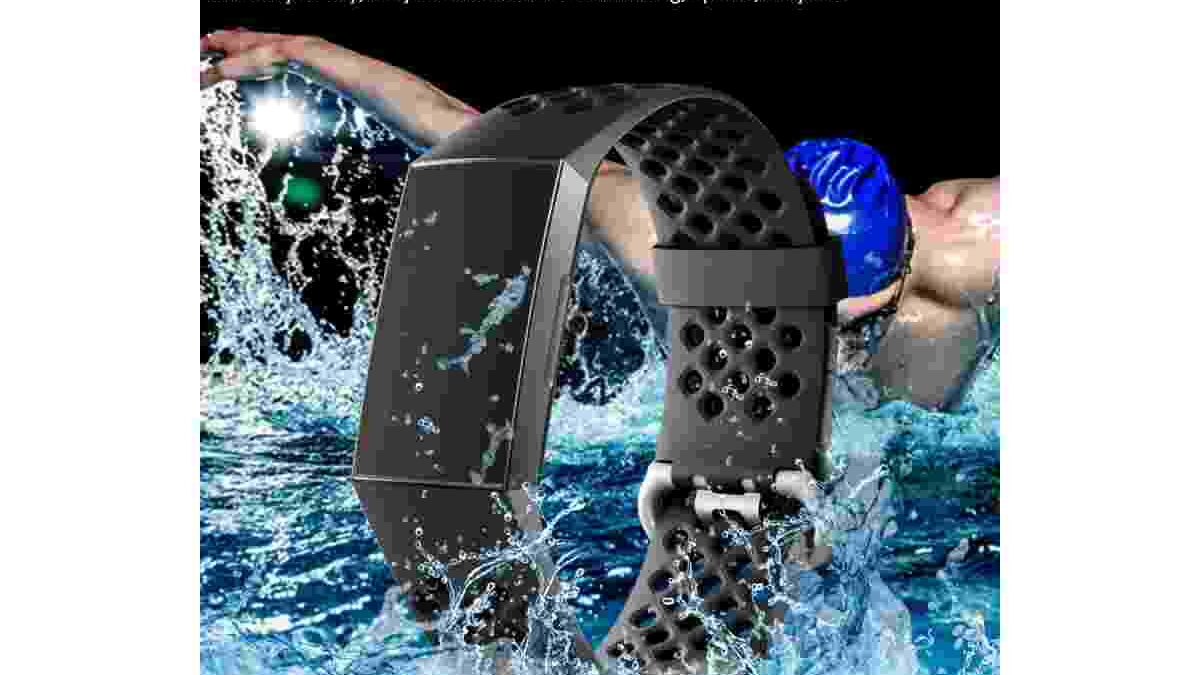
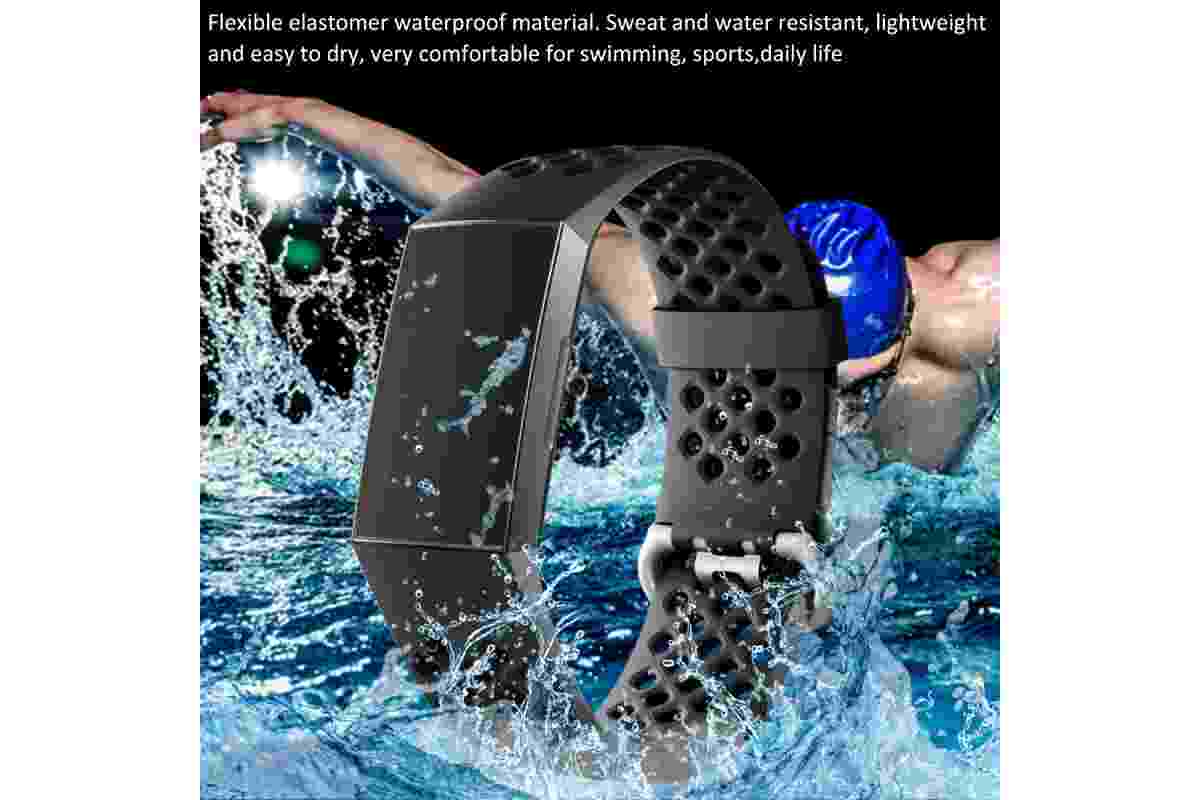
The Fitbit Charge 2 combines activity tracking, heart-rate monitoring, sleep tracking, and smartphone notifications in a compact design. It was a popular fitness tracker because it offered useful features without the cost of a full smartwatch. However, it has one important limitation: the Fitbit Charge 2 is not waterproof and is not suitable for swimming.
The tracker can handle sweat, light rain, and minor splashes. However, you should remove it before showering, bathing, or swimming. Understanding its water resistance, fitness features, and limitations will help you decide whether this older tracker is right for you.
Table of Contents
Is the Fitbit Charge 2 Waterproof?
No, the Fitbit Charge 2 is not waterproof. It is designed to handle everyday sweat and rain, but it should not be submerged in water.
This distinction matters because water resistance varies between fitness trackers. A device that survives a few splashes may still be damaged during swimming.
For example, you can wear the Charge 2 during a gym workout or an outdoor walk in light rain. However, swimming pools, showers, and baths expose the device to more water than it is designed to handle.
Fitbit recommends removing the Charge 2 before showering or swimming. If it gets wet accidentally, remove it and dry it thoroughly before wearing it again. These simple precautions can help reduce the risk of damage.
Can You Wear the Fitbit Charge 2 Around Water?
The Charge 2 can handle small amounts of water during everyday activities. However, this does not mean it is suitable for water sports.
Rain, sweat, and minor splashes are generally acceptable. In contrast, swimming, diving, bathing, and showering should be avoided. Soap, shampoo, and other cleaning products may also affect the device’s materials.
Understanding the 1 ATM Water-Resistance Rating
Some descriptions of the Charge 2 mention a 1 ATM water-resistance rating. ATM measures pressure, but it does not guarantee that a device is safe for swimming at a particular depth.
Water-resistance ratings depend on testing conditions and the manufacturer’s instructions. A tracker might withstand pressure under controlled conditions but still be unsuitable for regular water exposure.
Therefore, do not rely on depth calculations alone. For the Charge 2, the safest approach is to avoid submersion and follow the manufacturer’s guidance.
What Should You Do If the Fitbit Charge 2 Gets Wet?
Accidental splashes do not necessarily mean your tracker is damaged. However, you should dry it carefully before using it again.
Follow these steps if your Charge 2 gets wet:
- Remove the tracker. Take it off your wrist as soon as possible.
- Dry the surface. Use a soft, lint-free cloth to remove moisture.
- Check the wristband. Look for moisture trapped beneath the strap.
- Let it dry completely. Wait until the tracker and band are dry before wearing them again.
- Check its performance. If the display or tracking features stop working, consult the manufacturer’s support guidance.
Avoid using a hair dryer or another source of intense heat. High temperatures may damage electronic components. Also, never connect a wet tracker to its charger.
Finally, clean the wristband regularly and dry your skin after exercise. This helps prevent discomfort caused by trapped sweat and moisture.
Waterproof Alternatives to the Fitbit Charge 2
If you swim regularly, choose a tracker designed for swimming. Several Fitbit models offer better water resistance than the Charge 2.
Fitbit Charge 3 and Charge 4
The Fitbit Charge 3 and Charge 4 are water-resistant to 50 metres and support swimming. Both are more suitable for people who want to track workouts in the pool.
The Charge 4 also includes built-in GPS. By comparison, the Charge 2 uses connected GPS through a compatible smartphone.
However, check the condition of any second-hand tracker before buying it. Water resistance can weaken because of age, damage, impacts, or repairs. An older device may not retain its original protection.
Fitbit Flex 2
The Fitbit Flex 2 is another option for swimmers. It has a small, screen-free design and supports swim tracking.
Its simple appearance may suit users who prefer a lightweight device. However, check its condition and compatibility before purchasing an older unit.
Xiaomi Mi Band and Garmin Alternatives
Some Xiaomi Mi Band models and Garmin fitness trackers also support swimming. However, water resistance varies by model.
Before buying, check the manufacturer’s specifications. Pay attention to the water-resistance rating, swimming features, battery life, and phone compatibility.
Fitbit Charge 2 Review: A Fitness Tracker for Everyday Use
The Fitbit Charge 2 improved on earlier Charge models by offering a larger display and more fitness features. It was designed for people who wanted useful health and activity information without buying a full smartwatch.
The tracker records steps, monitors heart rate, estimates calorie expenditure, and tracks selected exercises. It can also display notifications from a connected smartphone.
These features make it useful for everyday activity. However, its lack of swim-proof protection limits its appeal to people who participate in several types of sports.
A Flexible and Comfortable Design
One useful feature of the Charge 2 is its interchangeable wristband. Users can change the band to suit their preferred colour, style, or comfort.
Its buckle-style fastening helps keep the tracker secure during daily activities. The compact design also makes it practical for wearing throughout the day and during sleep.
For better heart-rate readings, wear the tracker securely above your wrist bone. It should sit flat against your skin without feeling too tight.
This position helps the optical sensor measure changes in blood flow. However, movement and a loose fit can affect the accuracy of readings.
A Larger OLED Display
The Charge 2 features a larger OLED display than its predecessor. As a result, users can view activity statistics, heart-rate zones, and notifications more easily.
The display is not a full touchscreen like those found on modern smartwatches. Instead, it uses a button and tap-based controls to navigate its features.
Despite this limitation, the interface is straightforward. You can check your daily progress without opening the Fitbit app every time.
The tracker also supports call, text, and calendar notifications from a compatible smartphone. These features make it useful outside the gym, too.
Fitness Tracking, Heart Rate, and GPS
The Charge 2 uses Fitbit’s PurePulse technology for wrist-based heart-rate monitoring. It also supports SmartTrack, which automatically recognises certain activities.
Another useful feature is connected GPS. The tracker uses a compatible smartphone’s GPS to record route information and provide more detailed pace and distance data during supported outdoor workouts.
However, you generally need to carry your phone to use connected GPS. Unlike the Charge 4, the Charge 2 does not have built-in GPS.
The tracker also offers sleep tracking and guided breathing sessions. These tools can help users review their routines and develop healthier habits. However, its health measurements are estimates and should not be treated as medical assessments.
Connected technology is useful in other consumer electronics, too. For example, our guide to Google Chromecast Black Friday explores a streaming device that uses a connected phone for control. Although the products serve different purposes, compatibility and ease of use matter for both.
Battery Life and Everyday Convenience
Fitbit advertised up to five days of battery life for the Charge 2. However, actual performance depends on usage, settings, and battery condition.
Frequent workouts and notifications can affect battery life. In addition, an older device may no longer hold a charge as well as it did when new.
If you plan to buy a second-hand Charge 2, check its battery carefully. Make sure it charges properly and lasts long enough for your daily routine.
You should also check the charging cable and replacement bands. Accessories designed for newer Charge models may not fit the Charge 2.
Connectivity and Charging Considerations
The Charge 2 connects to compatible smartphones through Bluetooth. It then syncs activity information with the Fitbit app.
If syncing fails, check your Bluetooth connection and app permissions. Restarting the connection may also help. Since the Charge 2 is an older device, check whether your phone still supports the required app and features.
Charging compatibility is another important consideration. Do not assume that an older fitness tracker supports every modern charging method.
For a related look at charging technology, read these iPhone 7 wireless charging tips and Qi technology. The guide covers a different device, but it highlights why charging standards and accessory compatibility should always be checked.
Who Should Consider the Fitbit Charge 2?
The Charge 2 may suit people who need basic activity tracking, heart-rate monitoring, sleep estimates, and smartphone notifications. Its larger display and interchangeable bands also make it practical for everyday use.
However, it is not the best choice for swimmers. It may also disappoint buyers who want built-in GPS, modern software support, or long-term compatibility.
Before purchasing one, check the battery, charging performance, physical condition, and compatibility with your phone. These checks are particularly important when buying an older tracker.
If you are also interested in home audio equipment, our guide to record players with speakers and turntable options explains how features and intended use can help you compare different devices.
Final Verdict: Is the Fitbit Charge 2 Worth It?
The Fitbit Charge 2 offers several useful features for everyday fitness. These include activity tracking, heart-rate monitoring, sleep tracking, connected GPS, guided breathing, and smartphone notifications.
Its larger OLED display and interchangeable bands also improve convenience. However, its water resistance remains a major drawback.
The Fitbit Charge 2 is splash-resistant, not waterproof or swim-proof. You should remove it before swimming, showering, or bathing. If swimming is part of your regular routine, choose a tracker specifically designed for that activity.
Ultimately, the Charge 2 may still be suitable as a basic, low-cost fitness tracker if it is in good condition. Check its battery health, phone compatibility, and available accessories before buying. For users who need swimming support or newer features, a more recent tracker is likely to be the better choice.