
Table of Contents
The Five Best Laptops for Programming
Choosing the right laptop for programming can make a real difference to your productivity. A good development machine should run code editors smoothly, handle multiple browser tabs, support the tools you need, and remain comfortable during long coding sessions. However, you do not always need an expensive workstation to become a successful programmer. The best choice depends on your projects, preferred operating system, budget, and future goals.
Models such as the Toshiba Tecra, ASUS Chromebook Flip, HP Spectre x360, Apple MacBook Pro, and ASUS VivoBook offer different advantages. Some are better suited to students and beginners, while others are more appropriate for professional development, mobile applications, or demanding workloads. Before buying, check the exact model, processor generation, memory, storage, and software compatibility because specifications vary between configurations.
The Five Best Laptops for Programming
1. Toshiba Tecra: A Practical Business Laptop
The Toshiba Tecra range has traditionally focused on business users who need reliable performance, practical connectivity, and a professional design. Depending on the model and configuration, a Tecra laptop can be suitable for programming, office work, web development, and everyday multitasking.
Connectivity is an important consideration for developers. You may need to connect an external monitor, keyboard, mouse, USB drive, or network cable while working. Some Tecra models provide USB-C connectivity, but available ports differ across generations. Check the specifications before purchasing rather than assuming every model supports the same connections.
If your chosen laptop lacks Ethernet or additional display outputs, a compatible USB-C or Thunderbolt dock may help. Confirm that the laptop supports the required docking standard before buying one.
For programming, look for a Tecra configuration with a modern processor, at least 16GB of RAM, and an SSD. These specifications can help you run an integrated development environment (IDE), browser, terminal, and testing tools together.
Best for: Developers who prefer a traditional business laptop with practical connectivity and a restrained design.
2. ASUS Chromebook Flip: A Lightweight Option for Beginners
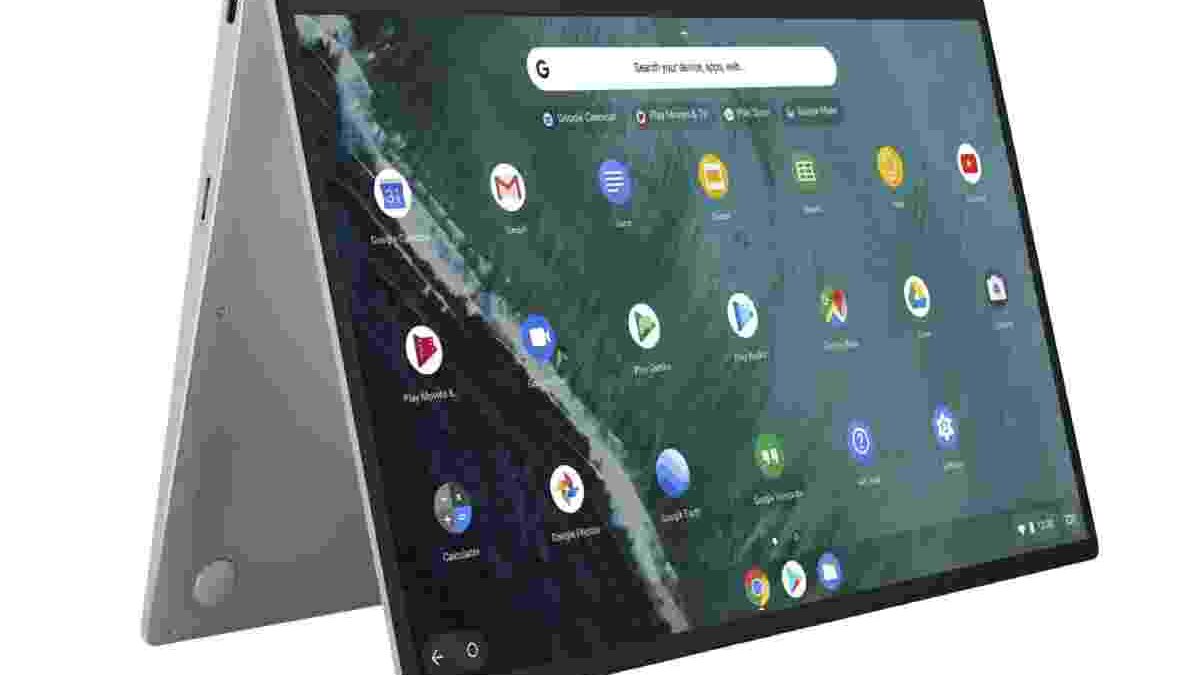
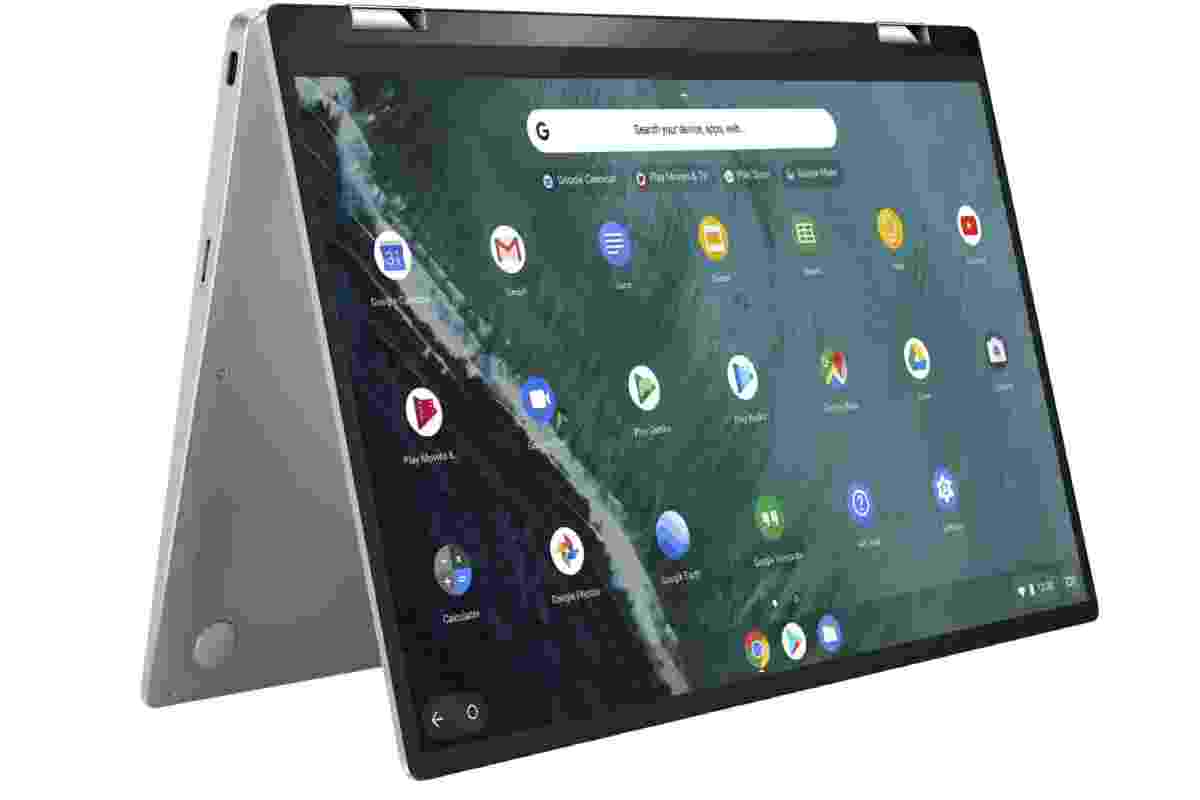
The ASUS Chromebook Flip combines a compact design with the flexibility of a convertible laptop. Depending on the model, its touchscreen can fold into different positions, making it useful for reading documentation, attending classes, taking notes, and working while travelling.
Its lightweight design can appeal to students who spend hours studying or writing code. However, a Chromebook is not automatically the right choice for every programming task. ChromeOS differs from Windows, macOS, and a conventional Linux installation, so you should confirm that your preferred tools will work.
Compatible Chromebooks support a Linux development environment. This can provide access to command-line tools, code editors, and development utilities, although availability depends on the device and its configuration. Google’s official Linux development environment guide explains the feature and its setup process.
A Chromebook can work well for web development, learning programming fundamentals, and browser-based projects. More demanding workflows involving virtual machines, specialist desktop applications, or extensive local testing may require a more powerful laptop.
Before purchasing, check the processor, RAM, storage capacity, Linux support, and keyboard layout. Entry-level configurations may become restrictive when you open many applications at once.
Best for: Students, beginners, and developers who mainly work with web-based tools and compatible Linux applications.
3. HP Spectre x360: Flexible Performance for Everyday Development
The HP Spectre x360 range combines a premium design with convertible functionality. Depending on the configuration, it can provide a responsive display, a comfortable keyboard, and enough processing power for everyday programming and multitasking.
Developers often switch between a code editor, browser, terminal, documentation, and communication applications. A laptop with a capable processor and sufficient memory makes these tasks easier to manage. When choosing a Spectre x360, prioritise a recent processor, 16GB of RAM or more, and fast SSD storage.
The convertible design is useful if you also read technical documents, sketch interface ideas, or use a touchscreen. Screen quality matters as well. A clear display with good brightness can make code easier to read, particularly during long working sessions.
Battery life deserves careful attention. Actual runtime depends on the processor, screen brightness, workload, and battery condition. Compiling a large project or running several development services can consume more power than browsing or writing documents.
For professional work, also check whether the model has enough ports for your setup. A USB-C dock or adapter may be useful if you regularly connect external displays and other peripherals.
Best for: Developers who want a premium convertible laptop for coding, study, meetings, and everyday productivity.
4. Apple MacBook Pro: A Strong Choice for Professional Developers
The Apple MacBook Pro is worth considering when performance, battery efficiency, display quality, and a Unix-based development environment are important. Its suitability depends on the specific chip, memory configuration, and software you plan to run.
MacBooks can handle many programming tasks, including web development, backend services, software testing, and mobile application development. However, if you intend to build native applications for Apple’s platforms, macOS is particularly important because Apple’s Xcode development environment requires a supported version of macOS. Apple’s official Xcode system requirements provide current compatibility information.
Memory requirements depend on the workload. Web developers and students may be comfortable with a lower configuration, while developers running containers, virtual machines, large projects, or data-processing tools can benefit from more RAM. Check upgrade options before buying because memory and storage choices vary by model and may not be upgradeable later.
Storage also deserves attention. Development environments, simulators, dependencies, project files, and downloaded datasets can consume considerable space. Choose a capacity that suits your workflow rather than focusing only on processor speed.
The main disadvantage is cost. A MacBook Pro may be unnecessary for someone learning basic programming or building small websites. Compare its total price with similarly capable Windows laptops before deciding.
Best for: Professional developers, Apple-platform developers, and users who value a capable mobile workstation.
5. ASUS VivoBook: A Value-Focused Laptop for Coding
The ASUS VivoBook range offers configurations across different price points, making it worth exploring if you want a laptop for programming without automatically choosing a premium model. Performance varies considerably between versions, so the series name alone does not tell you how suitable a particular laptop will be.
When comparing options, look for a recent Intel Core or AMD Ryzen processor, at least 16GB of RAM where your budget allows, and an SSD. These specifications are useful for running code editors, browsers, local servers, and testing tools together.
Display size is another practical factor. A 14-inch model is often easier to carry, while a 15- or 16-inch screen can provide more room for code and side-by-side windows. Keyboard comfort, screen brightness, battery life, and port selection should also influence your decision.
If you are considering a specific model, read a detailed ASUS VivoBook review and compare its actual specifications with your requirements. Confirm the exact model number because similar-looking VivoBook laptops can have different processors, displays, and memory options.
A well-configured VivoBook can be sufficient for web development, Python, Java, database work, and many other common programming tasks. For advanced 3D development or machine learning, however, you may need stronger graphics hardware and more memory.
Best for: Students, beginners, and budget-conscious developers who want a versatile everyday laptop.
Which Operating System Is Best for Programming?
There is no single operating system that suits every developer. Windows, macOS, and Linux can all support extensive programming workflows, but compatibility differs by tool and project.
Windows is a flexible option for general programming, business software, .NET development, and many desktop applications. Developers can also use Windows Subsystem for Linux (WSL) to access a Linux environment without setting up a separate computer. Microsoft’s WSL development guide covers tools such as Git, terminals, databases, and development containers.
macOS is a strong choice for Apple-platform development and many web or backend workflows. If you need Xcode to build native iOS or macOS applications, choose a compatible Mac.
Linux is popular for server-side development, automation, and many open-source tools. It can be installed on compatible hardware, but check driver support and application requirements first.
Choose the operating system that supports the software you need, not simply the one that other programmers prefer.
What Processor Should a Programming Laptop Have?
The processor affects compilation, application responsiveness, and performance when several tasks run together. For most beginners, a recent midrange Intel Core or AMD Ryzen processor is a sensible starting point.
An entry-level processor can handle basic scripts and small web projects, but it may struggle with demanding builds or multiple virtual machines. For larger codebases, Android development, or heavier multitasking, consider a stronger processor with several capable cores.
Do not compare processors by brand or model number alone. Generation, power limits, cooling, and the laptop’s overall design can affect real-world performance.
How Much RAM Do You Need for Coding?
RAM determines how many applications and development tasks your laptop can handle comfortably at once.
- 8GB: Suitable for basic learning and lightweight projects, but can feel restrictive with modern development tools.
- 16GB: A sensible target for most students, web developers, and general programmers.
- 32GB or more: Worth considering for large projects, containers, virtual machines, Android emulators, data science, and heavier workloads.
If your budget permits, 16GB is a more practical starting point for a new programming laptop. Also check whether the memory can be upgraded later.
SSD or Hard Drive: Which Is Better?
An SSD is strongly recommended for programming. It usually loads the operating system, applications, and project files much faster than a traditional mechanical hard drive. This can make everyday work feel more responsive and reduce waiting when opening large projects.
A 512GB SSD is a useful starting point for many developers, while 1TB may be preferable if you work with large datasets, virtual machines, games, or multiple development environments.
If you need extra space for backups, archives, or large project files, an external hard drive can provide additional storage. Keep important work backed up separately, and remember that an external drive is not a replacement for version control or a complete backup strategy.
Do You Need an External Monitor for Programming?
An external monitor is optional, but it can improve comfort and productivity. A larger screen makes it easier to view code beside documentation, terminal output, or a browser without repeatedly switching windows.
When selecting a monitor, consider resolution, text clarity, adjustable height, connectivity, and desk space. For example, the BenQ EX2780Q monitor is one option to investigate if its display specifications and connectivity suit your setup. Check current compatibility and availability before purchasing.
You do not need a high-refresh-rate gaming monitor just to write code. A clear, comfortable display is generally more important than gaming-focused features.
Final Buying Advice
The best laptop for programming is the one that fits your actual workload and budget. The ASUS Chromebook Flip can suit lightweight learning, the Toshiba Tecra and ASUS VivoBook offer practical options depending on configuration, the HP Spectre x360 adds convertible flexibility, and the MacBook Pro is particularly useful for demanding development and Apple-platform work.
For a balanced purchase, aim for a recent processor, 16GB of RAM, an SSD, a comfortable keyboard, and a display you can use for long sessions. Check software compatibility before buying, and avoid paying for expensive graphics hardware unless your projects require it.
Most importantly, choose a laptop that helps you practise consistently, build projects, test your code, and learn new skills. The right machine should support your progress without making you pay for power you will never use.