
Choosing the right printer for college can make assignments, lecture notes, research papers, and project work much easier. Students need a device that fits their budget, produces clear documents, connects reliably to laptops and phones, and does not cost too much to maintain. The best choice depends on how often you print, whether you need colour images, and how much space you have in your dorm room or study area.
Some students only need black-and-white notes, while others regularly print presentations, charts, photographs, and coursework. This guide examines seven printer options, explains their main strengths and limitations, and highlights the features worth considering before buying a printer for college.
Table of Contents
What College Students Should Look for in a Printer
Before choosing a model, consider how you plan to use it throughout the academic year. A printer that works well for occasional assignments may not be economical for someone printing hundreds of pages every month.
Printing technology: Inkjet printers are suitable for colour documents, photographs, diagrams, and everyday coursework. Laser printers are often a practical choice for students who mainly print black-and-white text. Ink-tank models can reduce the cost per page for people who print frequently.
Running costs: The purchase price is only one part of the total cost. Replacement ink or toner, paper, maintenance, and occasional repairs also matter. Compare the price and expected yield of replacement supplies before deciding.
Connectivity: Wi-Fi printing can be convenient when several students share a printer or when you want to print from a laptop, tablet, or compatible smartphone. USB connectivity can also be useful when wireless printing is unavailable.
Size and noise: Students living in dormitories or shared accommodation may prefer a compact printer that fits on a desk and does not create excessive noise.
Additional functions: A multifunction printer can print, scan, and copy documents. These features are helpful for coursework, application forms, handwritten notes, and administrative tasks.
1. HP Envy 5055: A Versatile Home Printer for Coursework
The HP Envy 5055 is an older all-in-one inkjet printer designed for everyday home use. Its combination of printing, scanning, and copying makes it a useful example of the type of multifunction device that can serve college students.
For students who regularly submit essays, print lecture notes, or copy documents, having several functions in one machine can save desk space. Colour printing is also useful when assignments include diagrams, charts, or presentations that are easier to understand with colour.
Main Advantages
- Multifunction printing, scanning, and copying.
- Colour printing for assignments and presentations.
- Wireless printing support, depending on device and configuration.
- A home-oriented design suitable for a study desk.
Potential Limitations
The HP Envy 5055 is an older model, so availability, replacement cartridges, driver support, and compatibility with newer operating systems may vary. Students considering a used or refurbished unit should check its condition and the cost of genuine or compatible supplies before buying.
It is also important to compare the cost per printed page with newer alternatives. A low purchase price does not necessarily mean lower long-term expenses, especially for students who print frequently.
2. Brother DCP-J1100W All-in-Box: A Multifunction Option
The Brother DCP-J1100W All-in-Box was designed as a multifunction inkjet printer with a focus on providing printing capabilities alongside scanning and copying. A model in this category can be useful for students who need one device to handle several routine academic tasks.
Its multifunction approach is particularly relevant when students need to digitise handwritten notes, copy printed material, or prepare paper documents for submission. Wireless connectivity can also make it easier to print from compatible devices without connecting a cable every time.
Why Students May Consider It
- Printing, scanning, and copying in one machine.
- Colour output for coursework and visual projects.
- Wireless functionality for compatible computers and mobile devices.
- A practical design for home and study use.
What to Check Before Buying
Because this is an older printer model, verify current supply availability and the compatibility of its drivers with your computer. Also check whether the included ink arrangement and replacement supplies suit your expected printing volume.
Students who mainly print text may find a monochrome laser printer more economical over time. However, those who need colour diagrams, images, and occasional photographs may prefer an inkjet multifunction device.
3. Epson Expression ET-2650 EcoTank: Lower-Cost Printing for Frequent Use
The Epson Expression ET-2650 EcoTank belongs to a printer category that uses refillable ink tanks instead of conventional small ink cartridges. This approach can be attractive to students who print regularly because the cost of replacement ink may be lower per page than that of some cartridge-based printers.
An ink-tank printer can be particularly helpful during busy academic periods when assignments, reading material, study notes, and project documents need to be printed in larger quantities.
Main Advantages
- Refillable ink tanks rather than standard small cartridges.
- Colour printing for charts, diagrams, and presentations.
- Scanning and copying capabilities.
- Wireless printing support for compatible devices.
Is an EcoTank Printer Right for You?
An ink-tank printer usually requires a higher initial investment than some basic inkjet models. The value comes from printing enough pages to make the reduced ongoing ink cost worthwhile.
If you only print a few pages each month, a less expensive printer may be more suitable. If you print regularly throughout the semester, an ink-tank model can be worth comparing with cartridge-based alternatives.
The ET-2650 is a discontinued older model, so check its current condition, ink availability, warranty, and software support before purchasing one. A newer EcoTank model may be a better choice if you want current support and easier access to supplies.
4. Brother Compact Monochrome Laser Printer: Best for Text-Heavy Coursework
A compact monochrome laser printer is worth considering for students who primarily print essays, lecture notes, research papers, reading lists, and other black-and-white documents.
Laser printers use toner rather than liquid ink. For students who print large quantities of text, this technology can provide sharp lettering and consistent output without requiring colour cartridges.
Why a Monochrome Laser Printer Can Work Well
- Clear text for academic documents.
- No colour ink is required for ordinary black-and-white printing.
- Many models offer relatively fast document printing.
- A compact design can suit a small study space.
Important Considerations
A monochrome laser printer cannot produce colour charts or photographs. Students who regularly submit colour-coded diagrams, design assignments, or image-heavy presentations may need an inkjet or a separate colour printer.
The exact speed, duplex printing capability, wireless connectivity, and toner cost depend on the model. Before buying a Brother compact laser printer, confirm its model number and compare the price and page yield of replacement toner.
For students who mainly print written coursework, however, a basic monochrome laser printer can be a straightforward and efficient option.
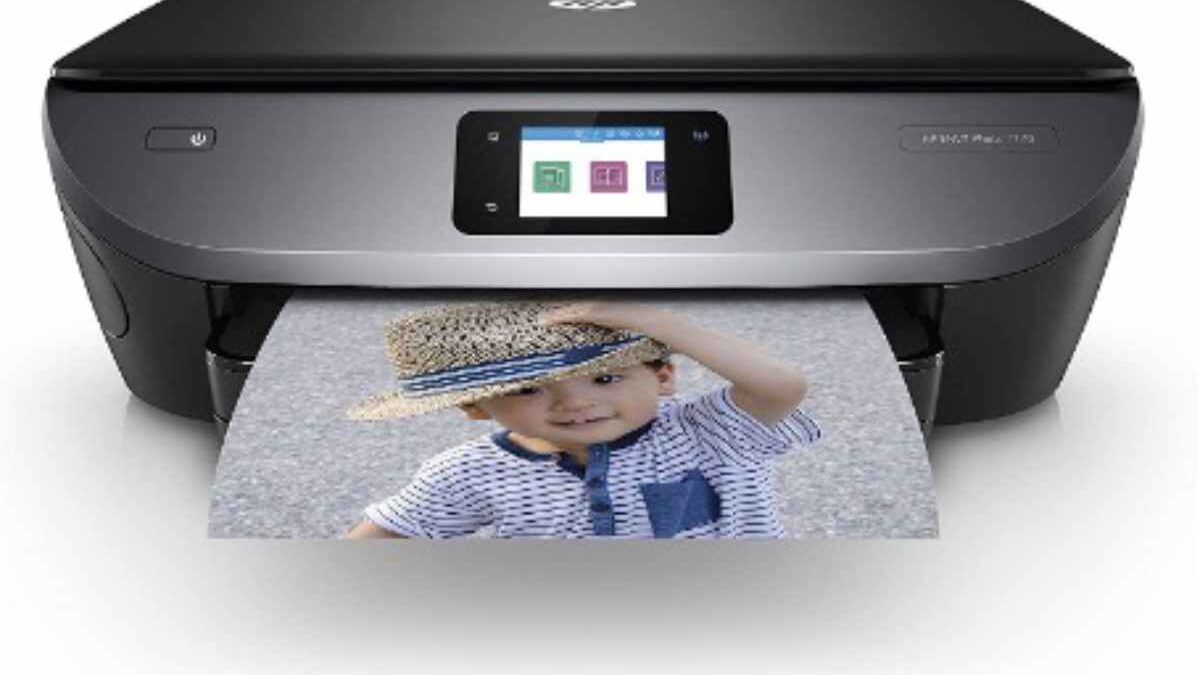
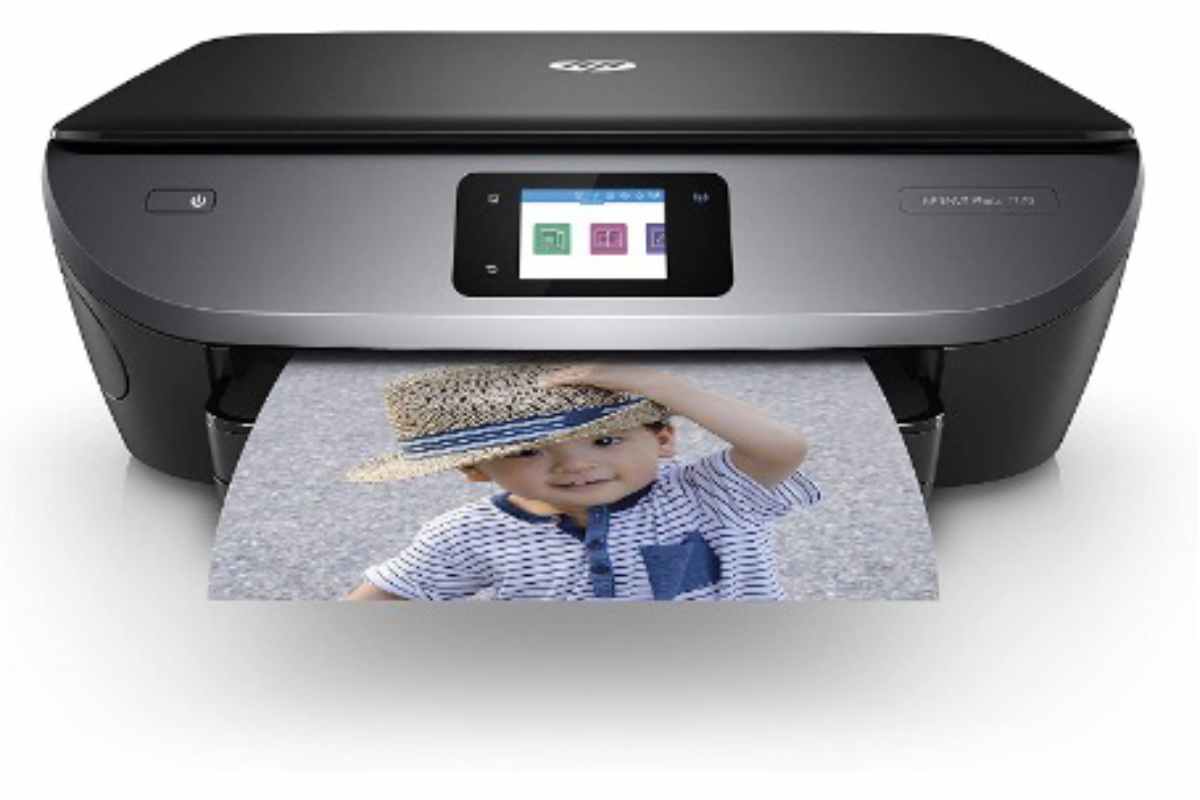
5. HP Envy Wireless All-in-One Photo Printer: For Colour Projects
An HP Envy wireless all-in-one photo printer can be suitable for students who need more than standard black-and-white documents. Depending on the specific model, this type of printer may support colour printing, scanning, copying, and wireless connections.
It can be useful for subjects that involve photographs, visual presentations, diagrams, posters, or creative assignments. The ability to print from compatible laptops and mobile devices also provides flexibility when working across multiple devices.
Benefits for College Work
- Colour printing for visual assignments.
- Scanning and copying for everyday academic tasks.
- Wireless printing on supported devices.
- A multifunction design that can reduce the need for separate equipment.
Print Quality and Ink Costs
Photo-oriented inkjet printers can produce attractive colour output, but print quality depends on the specific model, paper, ink, and settings. Standard office paper is generally adequate for essays and notes, while photographs and presentation materials may benefit from suitable speciality paper.
Ink costs are particularly important if you print many photographs or large colour documents. Check the exact printer model, cartridge availability, and expected page yield rather than assuming all HP Envy printers have the same features or running costs.
6. Brother DCP-J774DW: A Compact Multifunction Printer
The Brother DCP-J774DW is another older inkjet multifunction model that can suit a student who needs colour printing, scanning, and copying in one device.
Multifunction printers can reduce clutter because a separate scanner or copier is not always necessary. This is useful in shared accommodation, where desk space may be limited and students often need to organise books, notebooks, and electronic devices in the same area.
Features Worth Considering
- Colour inkjet printing.
- Scanning and copying functions.
- Wireless connectivity, subject to device and network compatibility.
- A design intended for everyday home printing.
Check Compatibility and Ongoing Costs
Before buying this model, confirm whether the printer is still available in your region and whether replacement ink, drivers, and support are accessible. Older printers may work well when properly maintained, but their long-term value depends on their condition and the availability of supplies.
Students should also check whether automatic double-sided printing is supported by the particular configuration they are considering. Duplex printing can help reduce paper consumption when printing longer assignments, provided the feature is available and enabled.
7. HP Tango X: A Compact Printer for Modern Study Spaces
The HP Tango X was designed with a compact, home-friendly appearance and wireless printing in mind. Its styling may appeal to students who prefer a printer that fits neatly into a modern study area rather than a larger office-style machine.
A compact wireless printer can be convenient when the desk is already occupied by a laptop, textbooks, stationery, and other study materials. It can also reduce the need to keep a permanent USB connection to a computer, provided the relevant wireless features are compatible with the student’s devices.
Potential Benefits
- A compact design for home study environments.
- Wireless printing support on compatible devices.
- Colour output for suitable documents and visual assignments.
- A design that can fit into a smaller workspace.
What Students Should Know
The HP Tango X is an older model, and availability and software compatibility may vary. Check whether the printer supports your operating system and mobile devices before purchasing it.
Also consider its printing capacity and ink costs. A compact design is convenient, but it may not be the best choice for students who regularly print very large batches of documents. Compare the printer’s supported features and ongoing expenses with a conventional multifunction inkjet or monochrome laser model.
Inkjet, Ink-Tank, or Laser: Which Printer Is Best?
The best printing technology depends on your academic workload rather than the brand name alone.
Inkjet printers are suitable for students who need colour documents, photographs, diagrams, and general-purpose printing. They can be versatile, although cartridge costs may become significant with frequent use.
Ink-tank printers are worth comparing when you print colour documents regularly. Their refillable tanks can reduce ink costs per page, but the initial purchase price is often higher.
Monochrome laser printers are practical for students whose work consists mostly of essays, lecture notes, and other text-heavy documents. They do not provide colour output, but they can be efficient for routine black-and-white printing.
Multifunction printers combine printing with scanning and copying. These can be especially useful for students who handle paper documents regularly and want to avoid purchasing separate equipment.
Before deciding, estimate how many pages you print in a typical month. Include both ordinary text pages and colour pages in your estimate. Then compare the initial price, replacement supplies, and features that you will genuinely use.
Consider Storage and Backups Alongside Your Printer
Printing is only one part of managing college work. Students also need to protect essays, research notes, presentations, project files, and other coursework stored on their computers.
Keeping a copy of important documents on a separate external hard drive can provide another recovery option if a laptop is damaged, lost, or affected by a storage failure. An external drive should complement—not replace—other sensible backup practices, such as keeping another copy of essential files in a separate location.
It is also worth understanding how storage capacity is measured when comparing devices and planning long-term data needs. A 1 petabyte hard drive is an example of an extremely large storage capacity discussed in the context of enterprise-scale data. Most college students do not need anything close to that amount of storage, but understanding the difference between everyday external drives and very large storage systems helps put capacity claims into perspective.
A simple backup routine is usually enough for ordinary college work. Save important files in organised folders, keep additional copies of essential assignments, and check that your backup files can actually be opened when needed.
Check Wireless Printing and Device Compatibility
Wireless printing can make student life easier, especially when coursework is prepared on more than one device. Before buying a printer, confirm that it supports your laptop’s operating system and any phone or tablet you intend to use.
Students comparing printers and laptops should also consider their overall study setup. For example, a convertible laptop such as the Lenovo IdeaPad Flex 5 illustrates the type of flexible computer that some students use for typing, reading, and working with digital notes. Whatever laptop you choose, verify that the printer’s drivers, wireless standards, and printing app support your particular model.
A reliable Wi-Fi connection is important for wireless printing, but it is not the only option. USB connectivity can be useful when wireless setup is inconvenient or a network is unavailable. Check the exact printer specifications before purchasing, because connectivity options vary between models.
How to Reduce Printing Costs at College
A printer can become expensive when ink, toner, and paper use are not managed carefully. A few simple habits can help control these expenses.
Use print preview: Check the layout before printing to avoid blank pages, cut-off text, or unnecessary copies.
Print double-sided when supported: Duplex printing can reduce paper use for lengthy notes and assignments.
Choose the correct print settings: Draft or economy mode may be suitable for ordinary reading copies, while higher-quality settings can be reserved for final submissions or visual projects.
Compare supply costs: Check replacement cartridge or toner prices and page yields before buying a printer. The cheapest printer is not always the least expensive to operate.
Print only what you need: Digital notes and electronic submissions can reduce unnecessary printing when your course allows them.
Maintain the printer: Follow the manufacturer’s instructions for cleaning, ink handling, toner replacement, and storage. Proper care can help prevent avoidable printing problems.
Final Verdict: Which Printer Should a College Student Choose?
There is no single printer that suits every college student. The best option depends on printing frequency, the need for colour, available desk space, device compatibility, and the cost of replacement supplies.
For students who mainly print essays and lecture notes, a compact monochrome laser printer is a sensible category to investigate. Students who need colour charts, photographs, and general-purpose documents may prefer an inkjet multifunction printer. Those who print frequently in colour should compare ink-tank models because their ongoing ink costs may be lower.
The HP Envy 5055, Brother DCP-J1100W, Epson Expression ET-2650, Brother compact monochrome laser printers, HP Envy wireless all-in-one photo printers, Brother DCP-J774DW, and HP Tango X represent different approaches to student printing. However, several are older models, so check availability, operating-system support, replacement supplies, and warranty coverage before purchasing.
Ultimately, choose a printer that meets your actual coursework needs rather than paying for features you will rarely use. Comparing the total cost of ownership, checking compatibility, and planning for reliable digital backups can help you build a more practical and affordable college study setup.