
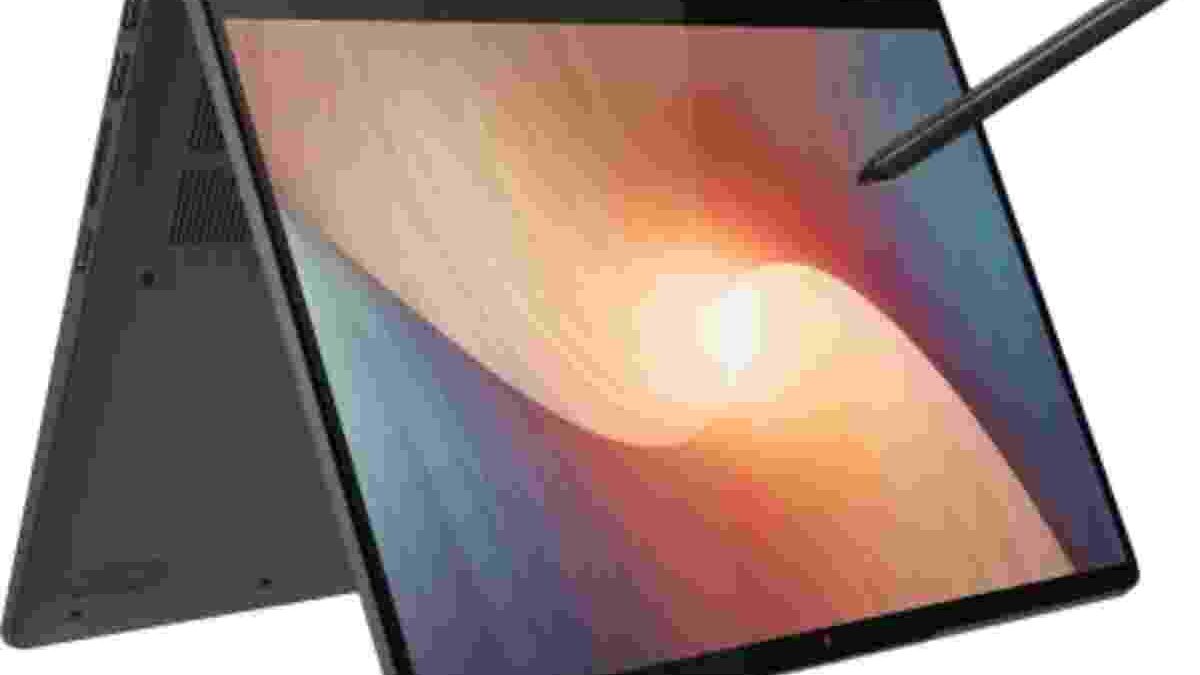
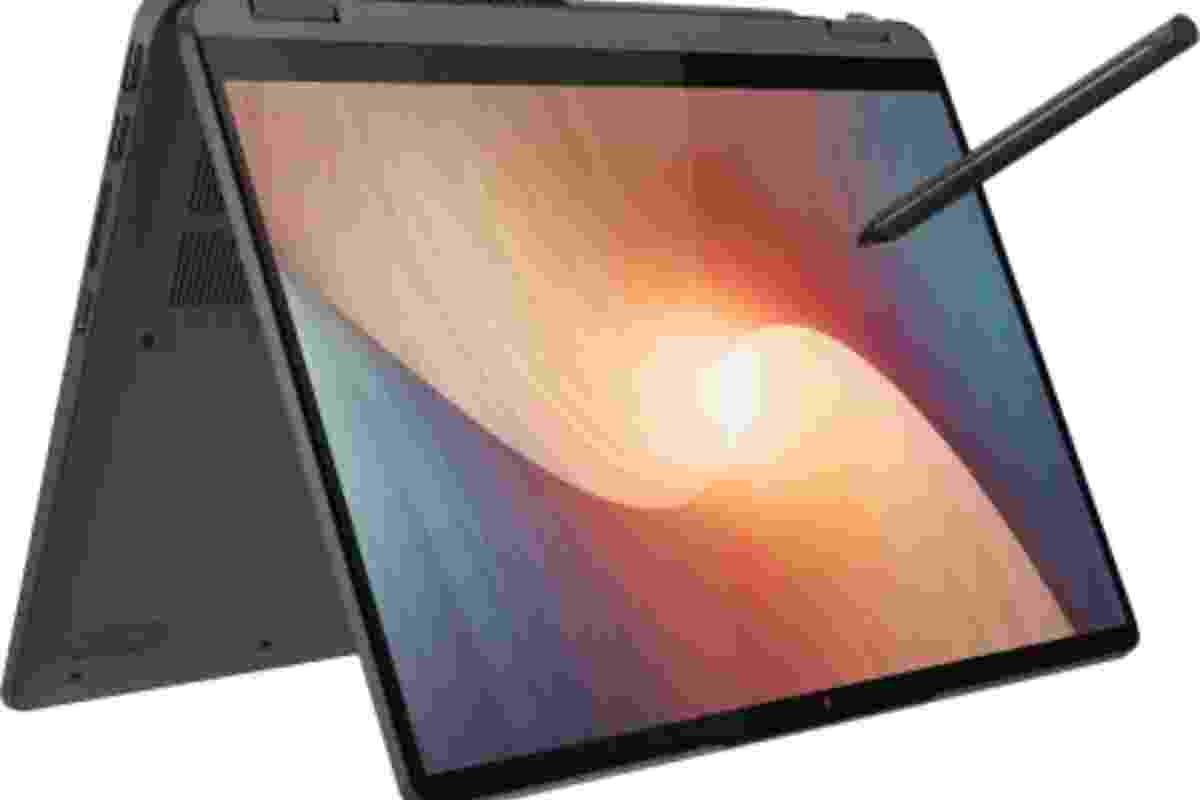
The Lenovo IdeaPad Flex 5 is a versatile 2-in-1 laptop designed for users who want the convenience of a traditional notebook with the flexibility of a touchscreen tablet. Its AMD Ryzen processor, Full HD display, 360-degree hinge, and compact design make it an appealing option for students, professionals, and everyday users. The combination of practical features and a relatively affordable price has helped the Flex 5 stand out in the convertible laptop category.
However, specifications alone do not determine whether a laptop is worth buying. Keyboard comfort, display quality, port selection, build quality, and everyday performance also matter. This review explores these areas in detail and explains where the Lenovo IdeaPad Flex 5 performs well, where it has limitations, and what buyers should check before choosing a particular configuration.
Table of Contents
Lenovo IdeaPad Flex 5: Design and Build Quality
The Lenovo IdeaPad Flex 5 features a clean, understated design that suits classrooms, offices, and home workspaces. Its angular profile and understated finish give it a professional appearance without making it look overly complicated.
Selected versions feature an aluminium display lid, while other parts of the chassis use plastic. This combination helps balance appearance, weight, and manufacturing cost. The overall construction feels practical for everyday use, although the materials and finish can vary between generations and configurations.
The 360-degree hinge is one of the laptop’s most important design features. It allows the screen to rotate into several positions, including conventional laptop, tablet, tent, and stand modes. This flexibility is useful when switching between typing, reading, watching videos, and presenting content to another person.
A sturdy hinge is particularly important on a convertible laptop because the display moves more frequently than on a conventional notebook. Buyers should check the hinge condition when purchasing a used unit and make sure the screen remains stable at different angles.
Portability and Everyday Convenience
Portability is another strength of the 14-inch IdeaPad Flex 5 configurations. Some versions start at approximately 1.5 kg, making them suitable for carrying between home, college, and the workplace. Actual weight depends on the model, battery, and configuration.
Its relatively slim profile also makes it easier to place in a backpack alongside books, chargers, and accessories. Students can use it for lectures and assignments, while professionals can carry it between meetings without needing a large laptop bag.
The convertible design adds flexibility when working in tight spaces. Tent or stand mode can be convenient on a small desk, tray table, or kitchen counter. Tablet mode can also help when reading long documents or navigating touchscreen applications.
However, the Flex 5 is still a laptop rather than a dedicated lightweight tablet. Its keyboard and chassis remain attached when the screen folds back, so users who want the smallest possible device may prefer a separate tablet.
Display Quality: Full HD Resolution and Touchscreen
The IdeaPad Flex 5 has been offered with different display panels across its generations. Some 14-inch configurations feature a Full HD IPS touchscreen with a resolution of 1920 × 1080 pixels and a rated brightness of around 250 nits. Other configurations may use different panel technology or specifications.
An IPS display generally provides wider viewing angles than a basic TN panel. This helps when viewing documents from slightly different positions or sharing the screen with someone sitting nearby.
Full HD resolution is suitable for everyday tasks such as browsing, office applications, video streaming, and reading documents. Text appears reasonably sharp at the 14-inch screen size, while the touchscreen makes navigation more direct.
Brightness and Colour Limitations
A brightness rating of approximately 250 nits is adequate for many indoor environments. However, the screen may become difficult to read in bright sunlight or near a strong window. Glossy touchscreen surfaces can also reflect surrounding light, making screen visibility less comfortable.
Colour reproduction is another consideration. Some configurations cover around 45% of the NTSC colour gamut, which limits their suitability for colour-critical photography, professional design, and advanced video editing.
For general study and office work, this may not be a major problem. However, users who need more accurate colours should compare panel brightness, colour coverage, resolution, and calibration options before buying.
People planning a larger desktop setup can also consider an external display such as the BenQ EX2780Q monitor. A separate monitor can provide more screen space for multitasking, although its capabilities and image quality should be evaluated independently of the laptop’s built-in display.
Keyboard and Touchpad: Comfortable for Daily Work
The keyboard is an important part of the Flex 5 experience, especially for users who write essays, prepare reports, or spend several hours working with documents.
Many configurations offer well-spaced keys and a reasonably defined typing response. This can make everyday typing comfortable once users become familiar with the layout. The overall experience is suitable for emails, academic assignments, browsing, and routine office tasks.
Keyboard backlighting is not universal across every configuration. Some versions include it, while others do not. Buyers who regularly work in dim rooms should confirm this feature before purchasing.
The touchpad supports everyday navigation, scrolling, and gestures. Its smooth surface makes it practical for users who do not want to carry a separate mouse everywhere. However, touchpad size and surface materials may vary by generation.
The touchscreen provides an additional input method. Users can tap buttons, scroll through pages, and interact with compatible applications directly on the display. Some versions support a compatible digital pen, but pen support and the pen itself may depend on the exact model and package.
Processor and Everyday Performance
The Lenovo IdeaPad Flex 5 has been sold with several AMD Ryzen processors, including configurations from different generations. The exact processor determines how quickly the laptop handles demanding tasks, so buyers should check the full model number rather than relying only on the Flex 5 name.
For browsing, document editing, video calls, online learning, and media playback, a suitable Ryzen configuration can deliver responsive everyday performance. Integrated Radeon graphics can also handle routine visual tasks and some lighter creative applications.
Performance depends on more than the processor alone. Memory capacity, storage speed, cooling, and the software being used all affect the experience. A configuration with limited RAM may struggle when many browser tabs and applications are open simultaneously.
The Flex 5 is not automatically a high-performance workstation because it uses a Ryzen processor. Users who plan to run large software projects, virtual machines, advanced video-editing tools, or demanding 3D applications should compare the processor, memory, graphics capabilities, and cooling system carefully.
For people comparing computers for development work, this guide to laptops for programming can help identify the hardware features that matter for coding, multitasking, and running development environments.
Storage and Memory: What Should You Choose?
Storage and memory affect how smoothly a laptop performs in daily use. Many IdeaPad Flex 5 configurations use an M.2 solid-state drive, although capacity and specifications differ by model.
An SSD can help the laptop start quickly, launch applications, and open files with less waiting than a traditional mechanical hard drive. However, the amount of storage matters just as much as the drive type.
A smaller SSD may be sufficient for documents, web applications, and ordinary coursework. Users who store large video files, photo libraries, games, or development projects may benefit from a larger drive.
Memory is equally important. Eight gigabytes may be adequate for basic productivity, while heavier multitasking can benefit from 16 GB or more, where supported. Some configurations use soldered memory, which limits later upgrades. Check the specifications before buying if you expect to keep the laptop for several years.
External storage can help when the internal drive becomes crowded. An external hard drive can store backup copies, photographs, archived documents, and large files that do not need to remain on the laptop’s internal drive.
Keep important files backed up in more than one place when possible. External drives can fail, be lost, or become damaged, so they should not be treated as an infallible single copy of important information.
Connectivity and Ports
The IdeaPad Flex 5 generally provides a practical selection of ports, but the precise arrangement depends on the generation and screen size.
Depending on the configuration, users may find USB Type-A ports, a USB-C port, HDMI, a combined headphone and microphone jack, a card reader, and a dedicated power connection.
USB Type-A is useful for connecting common accessories such as a mouse, keyboard, USB drive, or other peripherals. HDMI allows the laptop to connect to a compatible external monitor or television without requiring a separate USB-C display adapter.
USB-C functionality deserves particular attention. Some Flex 5 configurations support charging and data transfer through USB-C, while other capabilities may vary by model. Do not assume that every USB-C port supports external display output or the same transfer speeds.
A card reader can be especially convenient for photographers who want to transfer images from compatible memory cards. Wi-Fi and Bluetooth provide wireless connectivity for internet access, headphones, mice, and other supported devices.
Before buying, compare the official specification sheet for the exact model. A port that appears similar across two generations may offer different capabilities.
Battery Life and Charging
Battery life depends on the processor, battery capacity, screen brightness, workload, and background applications. Lenovo has advertised different battery-life figures for different Flex 5 configurations, but laboratory estimates should not be treated as guaranteed real-world results.
Light tasks such as document editing and reading may consume less power than video calls, gaming, or running demanding software. Screen brightness, wireless connections, and the number of open applications can also influence battery consumption.
Some versions support USB-C charging and rapid charging with a compatible adapter. This can make travel more convenient because users may not need to carry the original charger in every situation. However, charging support and performance depend on the specific model and compatible power supply.
For buyers considering a used laptop, battery condition is particularly important. A battery that has degraded over time may provide considerably less runtime than it did when the device was new.
Webcam, Audio, and Video Calls
The webcam and microphone make the IdeaPad Flex 5 suitable for online classes, meetings, and everyday video calls. Older versions may feature a 720p camera, while newer configurations can have different camera specifications.
A 720p webcam is generally adequate for basic calls in good lighting, but it will not provide the same detail as a higher-resolution camera. Lighting and camera positioning can make a noticeable difference in video quality.
The built-in speakers are useful for video lessons, casual music listening, and streaming. However, users who need stronger bass, clearer audio in noisy environments, or improved sound for professional work may prefer external speakers or headphones.
The convertible design can also make video calls more flexible. Stand mode may help position the screen for viewing, although the camera angle should be checked before a meeting begins.
Who Should Buy the Lenovo IdeaPad Flex 5?
The IdeaPad Flex 5 is a practical choice for users who value a touchscreen, flexible hinge, and general-purpose performance in one device.
Students can use it for research, note-taking, assignments, and online classes. Professionals may appreciate its portability for emails, documents, presentations, and video meetings. Home users can switch between conventional laptop work and touchscreen browsing without needing separate devices.
It can also suit light creative tasks, especially when a compatible pen is available. However, users working with colour-sensitive images should pay close attention to the display panel, while those running demanding software should check the processor and memory configuration.
The Flex 5 is less suitable for buyers who need dedicated high-end graphics, a particularly bright colour-accurate display, or extensive upgrade options in every configuration. Its value depends on selecting the right model for the intended workload.
Final Verdict: Is the Lenovo IdeaPad Flex 5 Worth Considering?
The Lenovo IdeaPad Flex 5 offers a useful combination of portability, touchscreen convenience, convertible design, and everyday computing features. Its 360-degree hinge gives it more flexibility than a conventional notebook, while suitable Ryzen configurations can handle common productivity tasks comfortably.
Its limitations are worth considering before buying. Display brightness and colour coverage may be modest on some versions, keyboard backlighting is not guaranteed, and memory or connectivity options differ by generation.
The best approach is to compare the exact processor, RAM, SSD capacity, display panel, battery condition, and port specifications. Buyers should also confirm warranty coverage and software support, particularly when purchasing an older or refurbished model.
Overall, the IdeaPad Flex 5 can be a sensible choice for students and everyday users who want a flexible laptop without moving into a premium price category. Choosing the right configuration is the key to getting good long-term value from the device.