
Table of Contents
Best Rugged Waterproof Laptops: Getac X500 G3, Durabook Z14i, B360, and Toughbook Models
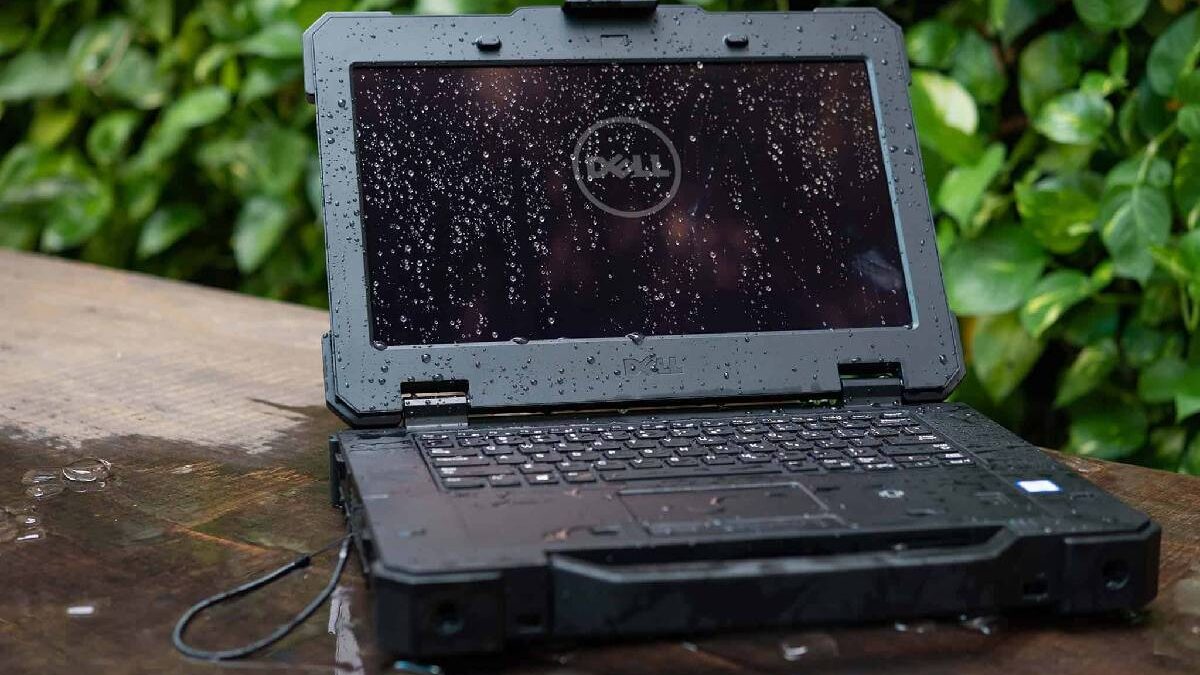
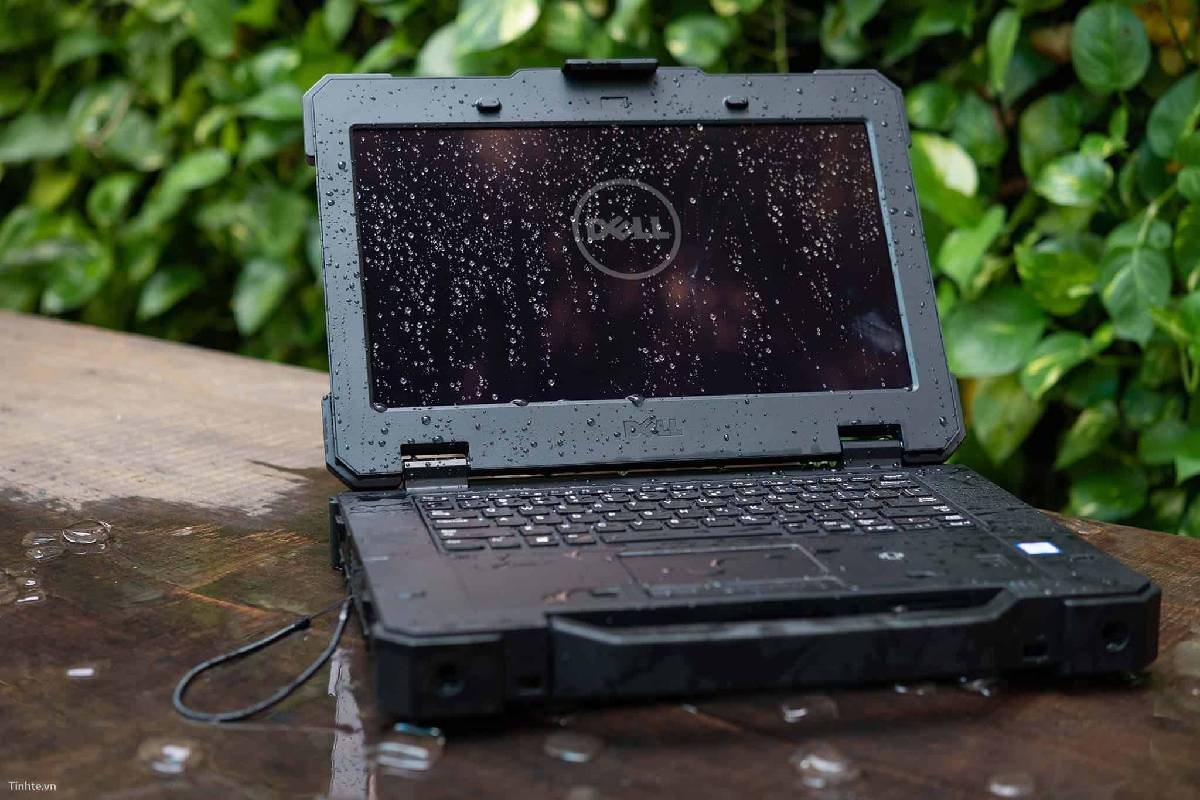
Rugged waterproof laptops are designed for professionals who work in demanding environments. Construction sites, industrial facilities, emergency services, transport operations, and outdoor inspections often expose computers to rain, dust, vibration, and accidental drops. Ordinary laptops may struggle under these conditions.
Models such as the Getac X500 G3, Durabook Z14i, Getac B360, and Panasonic Toughbook series offer reinforced cases, sunlight-readable displays, and specialized connectivity. However, each model targets different requirements. Some prioritize a large screen, while others focus on portability, detachable designs, or protection against water and dust.
This guide compares their key features and explains how to choose a rugged laptop for professional use.
What Makes a Laptop Waterproof and Rugged?
A rugged laptop combines physical protection with hardware designed for demanding working conditions. Its chassis, display, ports, and internal components are engineered to withstand stresses that can damage conventional computers.
Two common standards help buyers evaluate protection.
IP ratings describe protection against dust and water. For example, IP65 indicates dust-tight construction and protection against water jets under specified test conditions. IP66 offers protection against more powerful water jets. Neither rating automatically means a laptop can be submerged.
MIL-STD-810 certifications relate to environmental testing, such as vibration, shock, humidity, and temperature exposure. The exact tests matter because certification does not mean every device has passed every possible environmental test.
Buyers should also check operating temperature limits, drop-test conditions, and port-cover requirements. A rugged laptop still needs to be used according to its manufacturer’s instructions.
Getac X500 G3: A Large Screen for Demanding Fieldwork
The Getac X500 G3 is a fully rugged laptop designed for industrial, military, and field-service environments. Its large 15.6-inch Full HD display makes it useful for applications that require detailed maps, technical drawings, diagnostic tools, or complex data.
The sunlight-readable display can reach approximately 1,000 nits, depending on the configuration. This high brightness improves visibility outdoors, although screen angle, direct sunlight, and reflections can still affect readability.
The X500 G3 uses a reinforced chassis and carries MIL-STD-810G, MIL-STD-461G, and IP65 certifications. Its protection is intended for demanding conditions, but the device should not be treated as submersible.
Performance and Connectivity
The original X500 G3 generation offered Intel Core processors, including selected Core i5 and Core i7 options. Configurations could include up to 64GB of DDR4 memory, SSD storage, and an optional NVIDIA GeForce GTX 1050 graphics controller.
Its connectivity is particularly useful for industrial equipment. Depending on the configuration, the laptop provides RS-232 serial ports, Ethernet connections, and expansion options. These interfaces can simplify connections to diagnostic devices, control systems, and specialist equipment.
An optional second battery can extend working time. Actual battery life depends on the configuration, workload, screen brightness, and wireless use.
The X500 G3 is best suited to users who value a large display, expansion flexibility, and extensive connectivity more than a lightweight design.
Durabook Z14i: Fanless Operation and Outdoor Visibility
The Durabook Z14i is a fully rugged laptop designed for field professionals who need dependable computing in difficult environments. Its 14-inch Full HD display offers a balance between screen space and portability.
The earlier Z14i generation features an aluminium-magnesium chassis, an approximately 1,000-nit sunlight-readable display, and MIL-STD-810G, MIL-STD-461G, and IP65 certifications. Its fanless design helps reduce fan noise and removes a moving component that might otherwise require maintenance. <Cite refs={[“turn620864search62″,”turn620864search63”]} />
Useful Ports and Expansion Options
The Z14i was offered with eighth-generation Intel Core processors and configurable memory and storage. Depending on the version, it can support up to 32GB of DDR4 memory, while some later or different configurations may offer other capacities.
Its port selection is one of its practical strengths. Options include two RJ45 Ethernet ports and two RS-232 serial ports. These connections are valuable for technicians working with network equipment, industrial controllers, and older specialist hardware.
Battery arrangements and optional expansion features vary by configuration. Buyers should confirm the exact model number and installed options before relying on a quoted battery-life figure or port list.
The Z14i is worth considering when fanless operation, a bright screen, and specialist connectivity are more important than having the newest consumer processor.
Getac B360 and B360 Pro: Built for Harsh Conditions
The Getac B360 is a fully rugged 13.3-inch laptop designed for professionals who work outdoors or in industrial environments. Its compact form makes it easier to carry than a larger 15.6-inch rugged notebook.
The original B360 generation introduced a Full HD sunlight-readable display rated at up to 1,400 nits. It also offered tenth-generation Intel Core processors, MIL-STD-810H testing, MIL-STD-461G certification, and IP66 protection. <Cite refs={[“turn620864search64″,”turn620864search4”]} />
IP66 protection provides resistance to powerful water jets under specified test conditions. It does not mean that the laptop can be submerged or used without following the manufacturer’s instructions.
B360 Pro for Specialized Requirements
The B360 Pro was designed for users who needed additional expansion options. Depending on the configuration, these could include a dedicated graphics card, extra storage, or additional connectivity.
These features can be useful for field technicians who run specialized software or need to connect several external devices. However, not every B360 or B360 Pro configuration includes the same hardware.
When comparing these models, check the processor generation, memory capacity, graphics options, ports, and battery arrangement. The B360 family has evolved, so newer versions may have substantially different specifications from the original tenth-generation model.
Getac V110: A Convertible Rugged Laptop
The Getac V110 takes a different approach by combining a rugged laptop with a convertible touchscreen design. Its display rotates, allowing the device to be used in different working positions.
This format is useful for technicians who need a physical keyboard for reports but also want touchscreen access while standing, inspecting equipment, or working in a vehicle.
Earlier V110 generations included an 11.6-inch Full HD touchscreen, Intel Core processors, SSD storage, and optional mobile broadband and GPS. Protection features included IP65 and environmental testing appropriate to the specific generation.
The smaller screen makes the V110 easier to handle than a large rugged notebook. However, users who regularly review detailed engineering drawings may prefer the X500’s larger display.
Before purchasing, check the generation and configuration carefully. Display resolution, wireless standards, memory capacity, and available accessories vary between versions.
Panasonic Toughbook CF-20 and CF-33: Detachable Computing
The Panasonic Toughbook CF-20 and CF-33 are rugged hybrid devices designed to work as both tablets and laptops. Their detachable keyboards provide flexibility for mobile professionals who move frequently between vehicles, workstations, and outdoor locations.
The Toughbook CF-20 uses a 10.1-inch touchscreen, while the CF-33 has a larger 12-inch display. Depending on the version, features include sunlight-readable screens, reinforced construction, and IP65 protection.
The detachable design makes these models useful for inspections, inventory work, field reporting, and applications where touchscreen access is important. However, their compact screens may be less comfortable for users who need several large windows open at once.
For a related rugged-computing option, see the Panasonic Toughbook FZ-55. It is a different model with its own configuration and expansion options, so compare its specifications with the CF-20 and CF-33 before deciding.
How to Choose the Right Rugged Laptop
The best choice depends on the work you need to perform. A larger screen can improve productivity, but a smaller device may be easier to carry all day.
Consider these factors before buying:
- Screen brightness: Choose a sunlight-readable display if you regularly work outdoors.
- Water and dust protection: Check the exact IP rating and follow the manufacturer’s operating instructions.
- Connectivity: Confirm whether you need RS-232, multiple Ethernet ports, GPS, or mobile broadband.
- Battery life: Compare realistic battery-life estimates and check whether batteries are replaceable or hot-swappable.
- Processor and memory: Match the hardware to your field software rather than paying for performance you will not use.
- Storage: An SSD is generally a practical choice for responsiveness and mobile use.
- Weight and size: Consider whether the device will be carried by hand, mounted in a vehicle, or used at a fixed workstation.
If your work also requires additional screen space at a desk, our guide on how to use your laptop as a monitor explains ways to extend a computer workspace. Check the supported connection method first, because most laptop HDMI ports are outputs rather than inputs.
Memory upgrades also require care. Rugged laptops use memory compatible with their particular motherboard and model. A desktop memory kit such as the one covered in our G.Skill Trident Z Neo review is not a direct substitute for laptop memory; always check the device’s supported memory type and capacity.
Final Verdict
The Getac X500 G3 is a strong candidate for users who need a large screen and extensive expansion options. The Durabook Z14i offers a bright display, fanless operation, and specialist connectivity. The Getac B360 focuses on a compact design and high protection ratings, while the convertible V110 and detachable Panasonic Toughbook models provide more flexible mobile workflows.
No single rugged laptop is best for every job. Compare the exact generation, IP rating, environmental certifications, battery arrangement, ports, and service options before buying.
Most importantly, treat ruggedness ratings as tested protection rather than a guarantee against every accident. Selecting a device that matches your working conditions will help you get the best long-term value.