
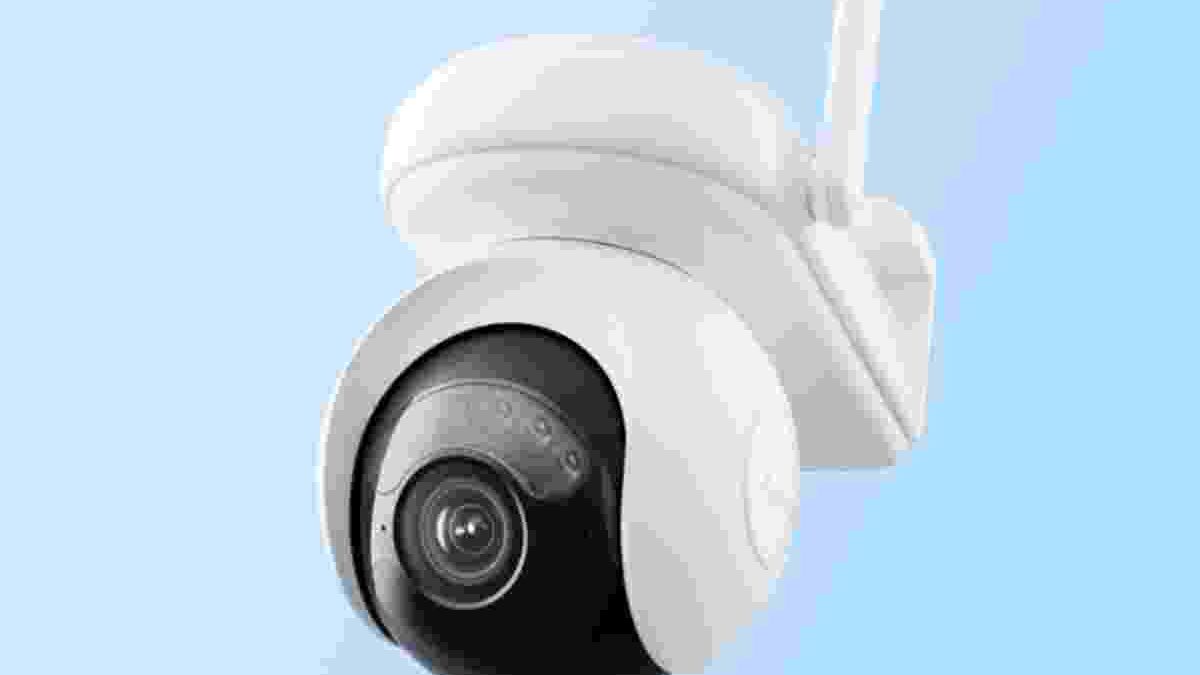
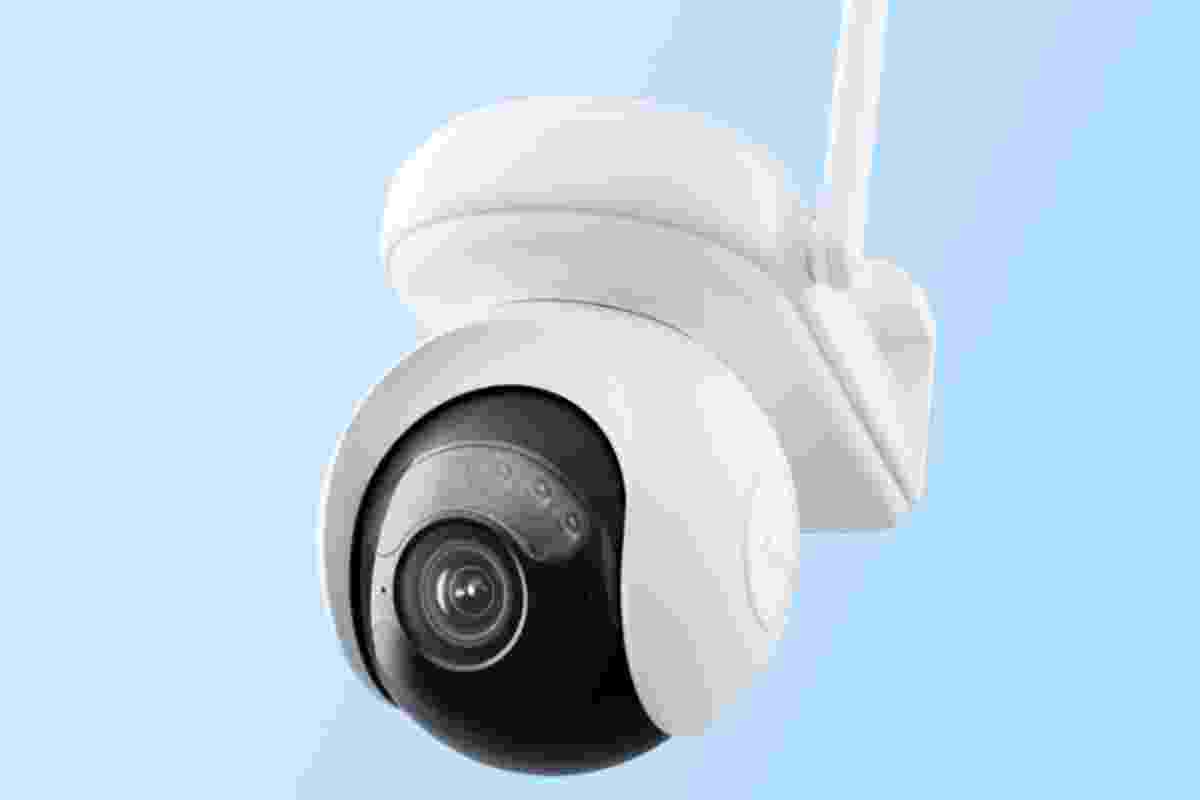
Choosing the right wireless webcam depends on how you plan to use it. Some cameras are designed for video calls, live streaming, and online meetings. Others focus on home security, baby monitoring, night vision, and remote access through a smartphone. Understanding these differences helps you choose a camera that fits your needs without paying for features you may never use.
A good camera should provide clear video, reliable connectivity, simple installation, and useful recording options. Features such as motion detection, two-way audio, and night vision can also make a major difference in everyday use.
This buying guide covers seven camera options, from high-resolution USB cameras to indoor Wi-Fi security cameras. It also explains what to check before buying so you can make a more informed decision.
Table of Contents
1. 5–50 mm Varifocal Lens USB Camera with 8 Megapixels
A camera with an 8-megapixel sensor and a 5–50 mm varifocal lens can be useful for specialised imaging projects. Its main advantage is the ability to adjust the lens’s focal length. This helps users change the field of view and capture different levels of detail without moving the camera.
Such a setup may suit machine vision, 3D scanning, research projects, and certain technical applications. The final image quality depends on more than resolution alone. Sensor quality, lighting, lens construction, focus accuracy, and image processing all affect the results.
The USB connection is another important detail. A USB camera usually sends video directly to a connected computer or compatible device. It should not automatically be considered a wireless webcam simply because it uses a modern camera sensor.
Before buying, check USB compatibility, supported operating systems, maximum frame rate, and whether the required drivers or software are available. Specialised imaging cameras may require additional configuration and are not always suitable for ordinary video calls.
Best for: Technical projects, 3D scanning, and applications requiring adjustable optical zoom.
2. Vitade 1080p HD Webcam for Streaming
A Vitade 1080p webcam may be suitable for people who want to improve the video quality of online meetings, tutorials, and live streams. Full HD resolution provides up to 1,920 × 1,080 pixels, which can produce detailed images when lighting and network conditions are good.
This resolution is useful for recording presentations, creating educational videos, attending remote classes, and communicating with colleagues. However, 1080p support does not guarantee equally sharp results in every environment. The sensor, lens, frame rate, and software settings also matter.
Ease of installation is another important feature. Many standard USB webcams use a plug-and-play connection, allowing compatible computers to recognise the device without a complicated setup. Some models may still require drivers or additional software for advanced settings.
Before purchasing, confirm the warranty period, included accessories, and compatibility with your preferred video-conferencing applications. Product specifications can vary between versions and sellers.
Best for: Video calls, online classes, presentations, and beginner streaming setups.
3. HD Wireless Webcam for Conference Recording
A camera designed for conferences should make people easy to see and hear. A wide-angle lens can capture several participants in a meeting room, reducing the need to reposition the camera whenever someone moves.
The original product description mentions a viewing angle of approximately 110 degrees and a built-in microphone. A wide field of view can be helpful in smaller rooms, group discussions, and online presentations. However, a wider lens may also make people near the edges look distorted.
Audio quality deserves equal attention. A built-in microphone offers convenience, but it may pick up keyboard noise, room echoes, and other background sounds. For professional meetings, a dedicated microphone or speakerphone may provide clearer communication. For example, a separate audio device such as the Anker Soundcore 2 may be worth considering for compatible audio needs, although it is a speaker rather than a webcam microphone.
Compatibility is another consideration. Check whether the camera works with your computer, operating system, and preferred video-conferencing software. Also confirm how it connects: some conference webcams use USB, while network cameras require Wi-Fi and a compatible application.
Best for: Small meeting rooms, remote work, webinars, and group video calls.
4. Ebitcam Wi-Fi Smart Home Camera for Baby Monitoring
An Ebitcam indoor Wi-Fi camera can be useful for checking on a room while you are away. The described model supports a 2.4 GHz wireless network and offers 720p video, built-in audio, and two-way communication.
The 720p resolution is adequate for basic monitoring, although it provides less detail than Full HD or higher-resolution cameras. Image clarity also depends on room lighting, camera placement, Wi-Fi strength, and the quality of the phone or computer displaying the feed.
Two-way audio allows users to listen through the camera and speak through its built-in speaker. This can help when communicating with family members or checking on a pet. For baby monitoring, however, an internet-connected camera should not replace direct supervision or a dedicated safety monitor when one is needed.
Before installation, check the camera’s night-vision capability, motion alerts, recording options, and app compatibility. Privacy is particularly important when placing cameras in bedrooms or children’s rooms. Use a strong, unique password, keep the app and firmware updated, and limit access to trusted accounts.
Best for: Basic indoor monitoring, pet watching, and two-way communication.
5. HD 1080p Indoor Wireless Smart Home Camera
A 1080p indoor Wi-Fi camera can provide a useful balance between video detail and ease of installation. Full HD resolution helps users identify everyday activity more clearly than lower-resolution footage, although it cannot guarantee that every face or object will be recognisable.
The described model includes night vision, motion-triggered recording, and options for storing footage. Night vision can help the camera capture activity in a dark room, but the actual range and clarity depend on the sensor, infrared illumination, and surrounding conditions.
Motion detection is another valuable feature. Instead of recording every moment, a compatible camera can start capturing footage when it detects movement. This may reduce the amount of video you need to review. However, moving shadows, pets, and changes in lighting can sometimes trigger unwanted alerts.
The original listing mentions 14-day video storage. This should not be treated as a universal feature. Storage periods depend on the specific model and its cloud subscription or recording plan. Some cameras support a microSD card, while others rely mainly on cloud storage.
Check these details before purchasing. Also confirm whether the camera needs continuous power, since Wi-Fi connectivity does not necessarily mean the device operates without a power cable.
Best for: Indoor security, motion alerts, and checking rooms remotely.
6. Wyze Cam 1080p HD Indoor Wireless Smart Home Camera
The Wyze Cam range is designed for users who want to monitor indoor spaces through a connected app. Depending on the exact model, features may include Full HD video, night vision, motion notifications, two-way audio, and local recording.
Its practical value depends on the balance between the camera’s hardware and its storage options. Some Wyze Cam models support microSD storage, allowing users to save recordings locally. This can be helpful for people who want to avoid relying entirely on a cloud subscription. Confirm local-storage support for the exact model before buying.
Wyze also offers paid plans with additional features. Depending on the plan and camera, these may include event recording, cloud video history, and smarter detection tools. Buyers should compare current plan details rather than assume every camera includes free cloud storage.
Wi-Fi compatibility matters as well. Many indoor cameras operate on 2.4 GHz networks, which can offer useful range through walls. However, the camera still needs a reliable signal to deliver a smooth live feed and timely alerts.
For security, enable account protection, review sharing permissions, and install firmware updates. If you want continuous recording, check the camera’s power requirements and confirm that your selected model supports the recording mode you need.
Best for: Everyday indoor monitoring, app-based access, and flexible local-storage options.
7. Amcrest Wireless Security IP Camera
An Amcrest wireless IP camera can be a useful option for people who want remote viewing, indoor monitoring, and two-way communication. The original description refers to a model with a viewing angle of around 90 degrees, night vision, and built-in audio.
Some Amcrest models also offer pan-and-tilt controls, allowing users to change the camera’s viewing direction remotely. This can be helpful when monitoring a larger room. However, features differ across the product range, so confirm the exact model number before buying.
Night vision is particularly useful for monitoring rooms after dark. Motion alerts can also help users notice activity without watching a live feed continuously. Depending on the model, recording may be available through local storage, compatible network video recorders, or optional cloud services.
For home security, the camera’s placement and network connection matter as much as its headline specifications. Position it to cover the intended area without recording unnecessary private spaces. Use a strong Wi-Fi password and secure the camera account.
Best for: Indoor security, remote viewing, and compatible home-monitoring systems.
What to Check Before Buying a Wireless Webcam
The best camera is not necessarily the one with the highest resolution. Focus on the features that match your intended use.
Video Quality and Viewing Angle
Choose 1080p or higher when you need clear video for meetings or security. A wider viewing angle can cover more of a room, but extremely wide lenses may distort objects near the edges. For specialised work, consider sensor quality and lens adjustment as well as megapixels.
Wi-Fi, USB, and Power Requirements
A USB webcam usually connects directly to a computer. A Wi-Fi security camera sends video through a network and may work independently of a computer. Some wireless cameras still require a power cable, while battery-powered models have different charging needs. Check the connection type and power source before purchasing.
Night Vision and Motion Detection
Night vision is useful for monitoring dark spaces. Motion detection can save time by highlighting activity, but its sensitivity and alert accuracy vary. Check whether these functions are included in the model or depend on paid services.
Storage and Subscription Costs
Find out whether recordings are stored on a microSD card, in the cloud, or through a network video recorder. Compare storage limits, subscription fees, recording duration, and what happens if the internet connection fails. Local storage can reduce recurring costs, while cloud storage may keep recordings available even if the camera is damaged or stolen.
Privacy and Security
Choose a camera from a manufacturer that provides software updates and clear privacy controls. Change default passwords, use unique login credentials, and review who can access the live feed. Avoid placing indoor cameras where they unnecessarily capture private activities.
Smart Devices and Everyday Accessories
A connected home can include more than cameras. Some people also use fitness trackers and smartwatches to monitor activity, receive notifications, and manage daily routines. The Fitbit Alta HR is an example of a wearable fitness tracker, although it serves a different purpose from a webcam or security camera.
Smartwatch owners may also customise their devices with replacement straps. If you use a Samsung wearable alongside other connected technology, explore Galaxy Watch Bands and confirm compatibility with your exact watch model before choosing an accessory.
These accessories do not improve webcam performance directly, but considering how your devices fit into your daily routine can help you build a more practical and comfortable technology setup.
Final Thoughts
The best wireless webcam depends on what you want it to do. A 1080p USB webcam is generally more appropriate for video calls and streaming, while a Wi-Fi security camera is better suited to remote monitoring, motion alerts, and night vision.
The Ebitcam, Wyze, and Amcrest options focus on home monitoring, while the Vitade and conference-camera options are more relevant to communication and recording. The 8-megapixel varifocal USB camera serves a more specialised purpose.
Before choosing, verify the exact model, supported network, power requirements, storage costs, warranty, and software compatibility. These checks will help you avoid outdated specifications and choose a camera that works reliably for your needs.