
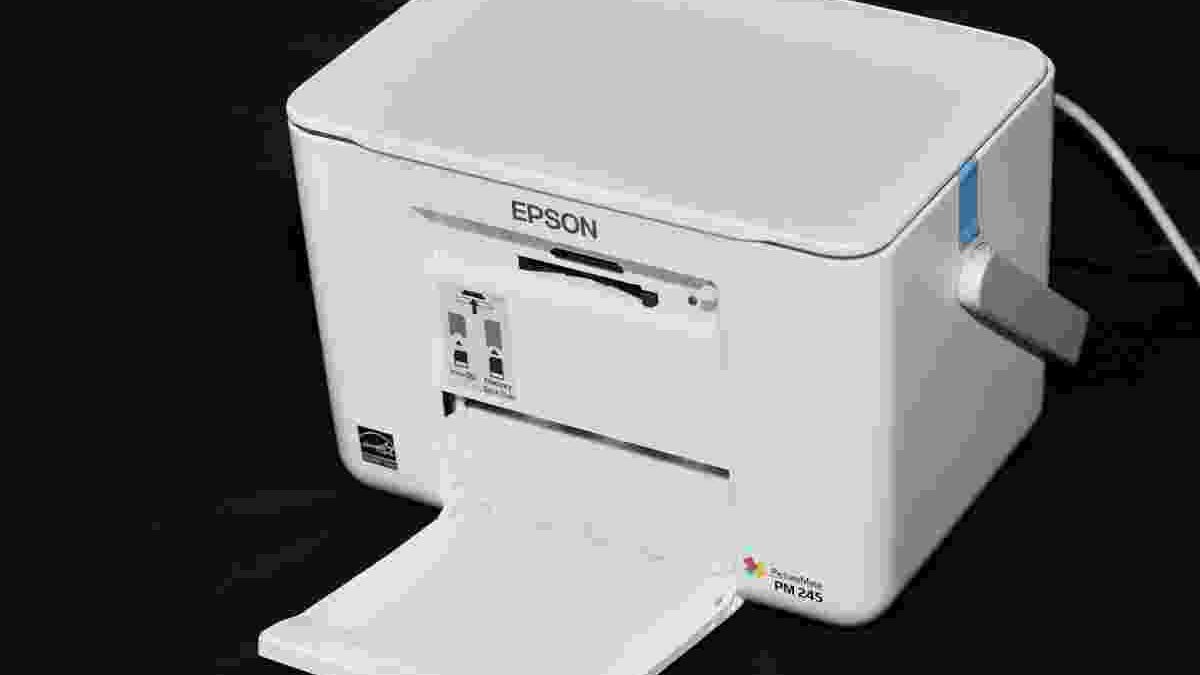
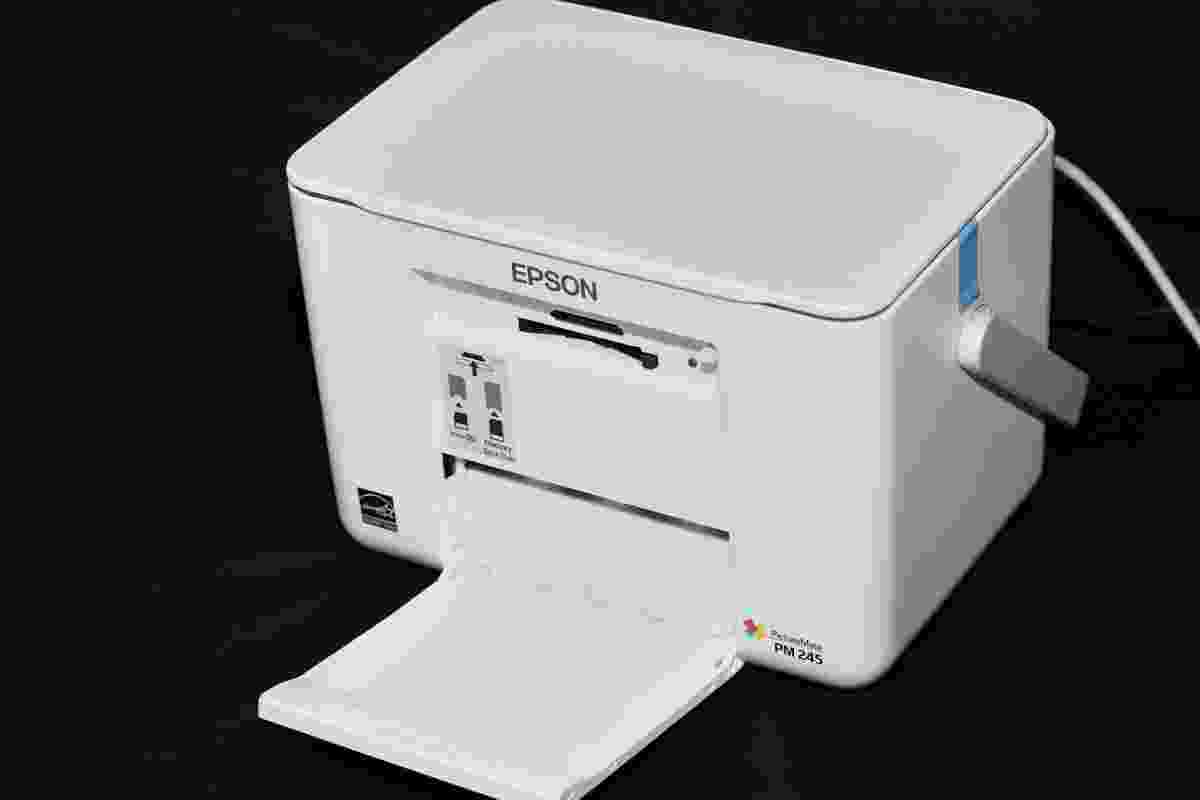
Portable printers have changed the way people handle documents, photographs, and everyday printing tasks outside a traditional office. Instead of depending on a large desktop printer, users can carry compact devices to meetings, classrooms, client locations, or while travelling. Many models offer wireless connectivity, rechargeable batteries, and mobile printing, making them useful for people who need printed documents wherever they work.
However, choosing the best portable printer depends on what you intend to print. A compact inkjet printer is suitable for full-size documents, while a pocket photo printer is designed for small photographs and a thermal printer is often better for labels, notes, and monochrome prints. Understanding these differences can help you choose a printer that matches your requirements without spending money on unnecessary features.
Table of Contents
What Makes a Portable Printer Worth Buying?
A good portable printer should combine manageable dimensions, reliable printing, convenient connectivity, and reasonable running costs. Some models are designed to fit inside a backpack, while others are small enough to carry in a handbag. The right choice depends on whether portability or printing capability matters more to you.
Battery life is particularly important for people who work away from power outlets. A rechargeable battery allows printing in locations where a wall socket is unavailable. However, battery-powered printing can be slower than printing with the power adapter connected, and actual battery life depends on the document, print settings, and battery condition.
Connectivity is another major consideration. Wi-Fi and Wi-Fi Direct allow compatible devices to send print jobs without a direct USB connection. Bluetooth is common in compact photo printers, while USB connections can be useful for compatible computers. Before buying, confirm that the printer supports your phone, tablet, laptop, and operating system.
Print quality and media support also deserve attention. If you regularly print contracts, invoices, or school assignments, look for a printer that supports standard paper sizes. If your main goal is printing photographs, check the supported photo dimensions, colour reproduction, and cost of replacement paper or cartridges.
Canon PIXMA iP110: A Portable Printer for Documents and Photos
The Canon PIXMA iP110 is a compact wireless inkjet printer designed for users who need both document and photo printing. Unlike pocket photo printers, it supports standard paper sizes, including letter-size paper and several photo formats. This makes it more versatile for business documents, travel paperwork, and everyday printing.
Canon’s published specifications list a weight of approximately 2kg and dimensions of around 322 × 185 × 62mm. Its wireless networking and USB connectivity provide different ways to connect compatible devices. Canon also specifies a maximum colour print resolution of up to 9600 × 2400 dpi, although resolution alone does not determine the final quality of a printed image.
The manufacturer’s stated speeds are approximately nine images per minute for black printing and 5.8 images per minute for colour printing under its specified testing conditions. Actual results can vary with the document, print quality settings, and connection method.
An optional battery accessory was available for this model, so buyers should not assume that every used or refurbished unit includes one. Check the exact package and battery availability before purchasing.
The iP110 is worth considering for people who need a traditional inkjet printer in a portable format. However, it is an older model, and the cost and availability of genuine ink cartridges should be checked before making a buying decision. A printer that is inexpensive to purchase can become costly if its consumables are difficult to find or expensive to replace.
Epson WorkForce WF-100W: Compact Printing for Mobile Professionals
The Epson WorkForce WF-100W is another portable inkjet printer designed for professionals who need to print documents away from a conventional office. Its compact body, built-in rechargeable battery, LCD screen, and wireless connectivity make it suitable for travelling workers, field staff, and people who regularly visit clients.
According to Epson’s published specifications, the WF-100W supports Wi-Fi, Wi-Fi Direct, and USB connectivity. It uses pigment-based ink and supports standard paper formats, including A4, A5, and several envelope sizes. This makes it more practical for everyday business documents than a printer restricted to small photographs.
Epson lists ISO printing speeds of up to seven pages per minute in monochrome and four pages per minute in colour when using the specified test conditions. Battery-powered printing is slower, with published figures of approximately four pages per minute in black and two pages per minute in colour.
These figures are important because manufacturers sometimes advertise maximum speeds that differ from standardised test results. For regular work, the type of document and print quality setting can make a noticeable difference to the time required.
The WF-100W is a useful option when portability and full-size document support are both priorities. Nevertheless, it does not offer automatic duplex printing, so users who frequently print double-sided documents will need to turn the paper manually. Before purchasing, confirm local availability, replacement ink prices, battery condition if buying used, and compatibility with your current devices.
HP OfficeJet 100 Mobile Printer: An Older Business Option
The HP OfficeJet 100 Mobile Printer was designed for mobile professionals who needed to print documents while travelling. Its features included inkjet printing, USB connectivity, and Bluetooth support, making it possible to print from compatible devices without relying entirely on a wired connection.
The printer supports standard document printing rather than being limited to small photographs. This made it useful for business paperwork, forms, invoices, and other documents that needed to be printed away from an office.
However, the OfficeJet 100 is an older product, so buyers should approach it as a second-hand or legacy option rather than automatically treating it as one of today’s best portable printers. Battery capacity can decline with age, and replacement cartridges or accessories may not be readily available in every market.
Before buying one, check the exact model number, supported operating systems, battery condition, printhead performance, and availability of compatible ink. Request a test print if possible. Streaks, missing colours, or repeated cartridge errors can indicate maintenance issues that make a cheap printer less attractive.
For users who want dependable printing for regular work, comparing the total cost of ownership with a newer model is usually more useful than looking at the initial purchase price alone.
Kodak Mini 2: A Portable Printer for Instant Photographs
The Kodak Mini 2 is designed for a different purpose from mobile document printers. It focuses on producing small photographs from compatible smartphones, making it suitable for travel memories, scrapbooks, personal albums, and small gifts.
The documented Kodak Mini 2 models use 4PASS thermal dye-sublimation printing and produce credit-card-sized photographs measuring approximately 5.3 × 8.6cm. They connect through Bluetooth and are designed to work with compatible iOS and Android devices.
This printing method differs from ordinary inkjet technology. Rather than using standard office paper and conventional ink cartridges, the printer uses a dedicated photo-printing cartridge system. Users should therefore account for the cost and availability of compatible photo supplies when estimating the price of each print.
The Mini 2 is compact and easy to carry, but it is not a replacement for a printer that produces full-size reports, letters, or invoices. Its main advantage is convenience for small photographs.
Before purchasing, check the exact Mini 2 version, compatible app, cartridge availability, and supported phone operating systems. Product names can be similar across generations, so confirming the model number helps prevent confusion.
Phomemo Thermal Printers: Useful for Labels and Notes
Phomemo makes compact thermal printers designed for tasks such as printing labels, notes, small images, and other supported monochrome content. Many models use Bluetooth to connect to a smartphone and rely on a companion application to prepare print jobs.
The biggest advantage of thermal printing is that it does not require conventional ink cartridges. Instead, the printer uses compatible thermal paper or labels that react to heat. This can reduce the number of supplies users need to manage, particularly when printing labels or short notes frequently.
However, thermal printers are not all interchangeable. Some are designed for shipping labels, others for small notes, and some for narrow rolls of paper. A model intended for labels may not support standard A4 documents, and monochrome thermal printing generally cannot reproduce photographs with the colour range of a colour inkjet or dye-sublimation photo printer.
Paper compatibility also matters. Different devices may require specific roll widths, label formats, or paper types. Before purchasing, confirm the supported media size and whether the manufacturer’s application works with your phone.
A Phomemo printer can be a practical choice for organising items, creating labels, or printing short notes. It is less suitable for users who need professional colour photographs or full-size business documents.
How to Choose the Right Portable Printer
The best choice depends on your main printing needs, available budget, and how often you will use the printer. Comparing the printing technology and running costs is more useful than choosing solely by size or advertised speed.
| Your main requirement | Printer type to consider | Important factor |
|---|---|---|
| Business documents | Portable inkjet | Paper sizes, ink cost, and battery |
| Travel paperwork | Wireless mobile printer | Device compatibility and connectivity |
| Small photographs | Pocket photo printer | Photo quality and cartridge cost |
| Labels and short notes | Thermal printer | Roll width and paper compatibility |
| Occasional home-office printing | Compact inkjet | Total running cost and storage space |
Also consider the complete cost of ownership. A low-priced printer may require expensive cartridges, specialised paper, or a replacement battery. For a photo printer, calculate the cost per photograph. For an inkjet model, check the price and estimated yield of black and colour cartridges.
If you regularly print from a laptop, make sure the printer’s software and drivers support your operating system. Mobile printing features can differ between Android, iOS, Windows, and ChromeOS, so verify compatibility before buying.
Creating a More Practical Mobile Workspace
A portable printer can become more useful when it is part of a well-organised mobile workspace. If you often work from hotels, client offices, or temporary desks, consider how you will manage your laptop, documents, cables, and printed pages. A compact setup can save time and make it easier to switch between digital and paper-based tasks.
People who also use an external display at home or in the office should check the connection options before choosing accessories. Our guide to USB-C monitors explains important display features and connection considerations for building a more flexible workspace.
Desk ergonomics can matter when you move between a laptop screen and a separate monitor. A suitable PC monitor stand can help position a compatible display at a more comfortable height and free up desk space for documents or a portable printer.
For users who print frequently while working on a computer, keyboard shortcuts can also reduce the time spent preparing documents and managing everyday tasks. Our guide to keyboard commands can help readers learn useful shortcuts for a more efficient workflow.
Final Verdict: Which Portable Printer Is Best?
There is no single portable printer that is best for everyone. The Canon PIXMA iP110 and Epson WorkForce WF-100W are designed for people who need standard document printing in a compact format. The HP OfficeJet 100 may appeal to buyers considering older business equipment, but its age makes battery condition, consumable availability, and operating-system compatibility especially important.
The Kodak Mini 2 is a better fit for people who want small smartphone photographs, while compatible Phomemo thermal printers are useful for labels, notes, and other supported monochrome printing tasks.
Before choosing any model, consider what you will print most often, how much you are willing to spend on supplies, and whether you need a built-in battery. Verify current availability and compatibility rather than assuming that an older model remains the best choice simply because it was highly rated when it launched.
By matching the printer to your actual needs, you can find a portable printing solution that offers convenience without unnecessary expense.