
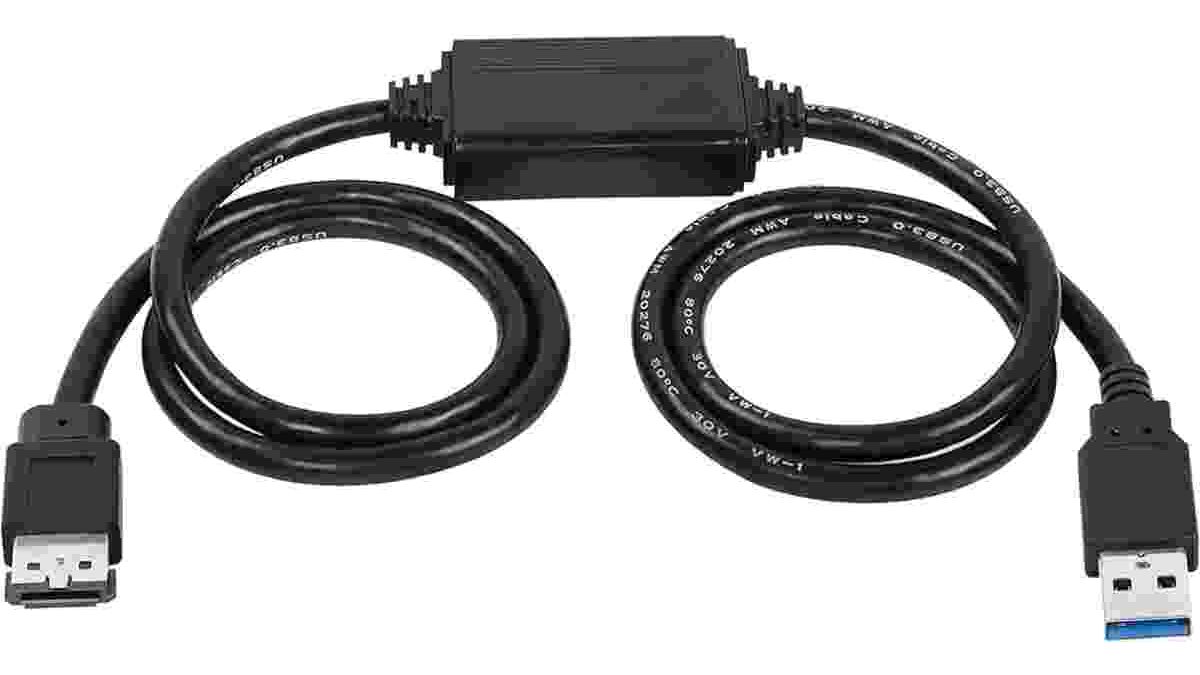
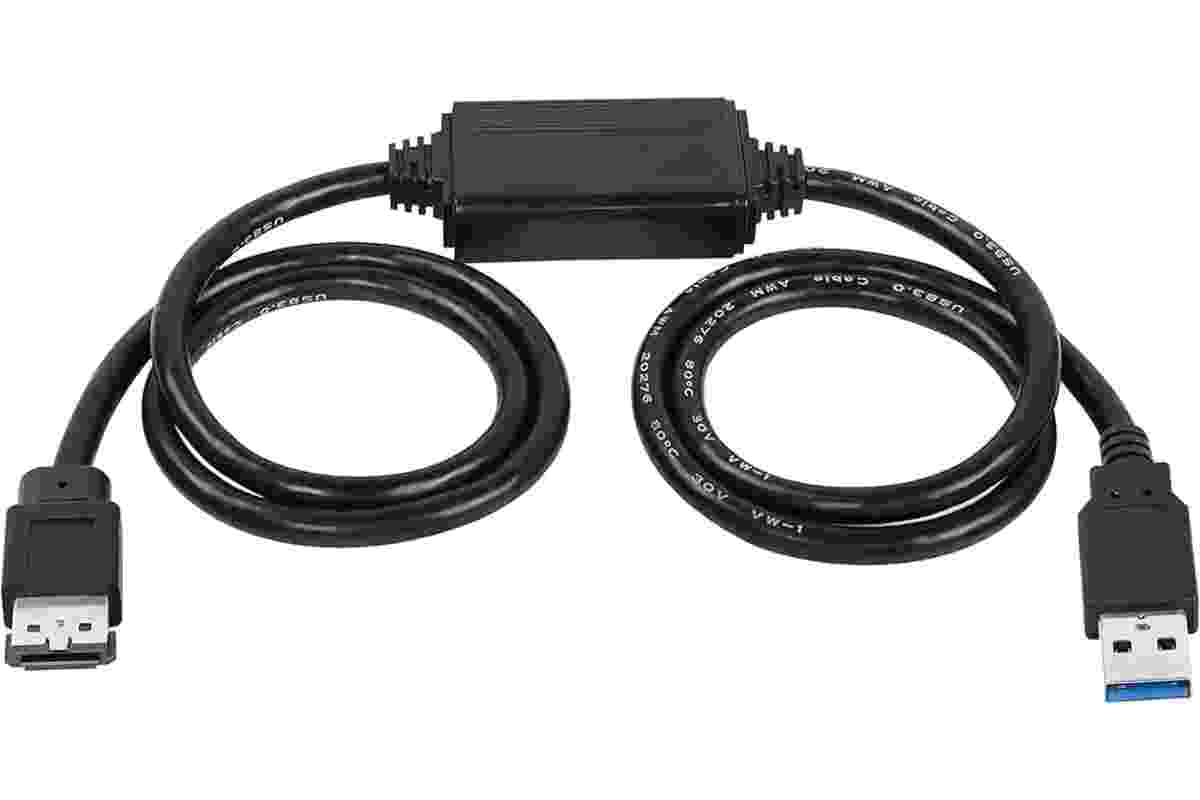
Choosing an external hard drive involves more than storage capacity. You should also consider how the drive connects to your computer. Two connection standards you may encounter are eSATA and USB 3.0.
Both support fast data transfers. However, they differ in speed, power delivery, compatibility, and convenience. Understanding these differences can help you choose the right external storage device.
Table of Contents
eSATA vs USB 3.0: Which Is Faster?
Both eSATA and USB 3.0 were designed to offer faster data transfers than older connection standards.
USB 3.0: Also known as USB 3.2 Gen 1 in newer naming systems, USB 3.0 has a theoretical maximum transfer rate of 5 Gbps. This equals approximately 625 MB/s before protocol overhead and other limitations.
eSATA: External Serial ATA uses the SATA interface for connecting external storage devices. Depending on the version, eSATA can support transfer rates of up to 6 Gbps. This is approximately 750 MB/s before overhead.
On paper, eSATA has a small speed advantage over USB 3.0. However, real-world performance depends on the drive, controller, cable, and computer.
A traditional hard disk drive (HDD) usually cannot reach the maximum speed of either interface. An SSD may benefit more from a faster connection, but the actual improvement depends on its performance and the system.
For a broader look at technology websites and related topics, explore our guide to Adorob.com.
Power Delivery and Cable Length
Power delivery is another important difference between these standards.
USB 3.0 can provide up to 4.5 watts of power through a standard USB port. This may be enough for some portable external drives. However, larger drives may need an additional power supply.
Standard eSATA connections do not provide power to an external drive. As a result, many eSATA devices require a separate power adapter.
There is also a powered version called eSATAp, which combines eSATA data connectivity with power delivery. However, it requires compatible ports and devices.
Cable length also differs:
- USB 3.0: Cable length depends on the cable design and specifications. Longer cables may require careful selection to maintain reliable performance.
- eSATA: Standard eSATA cables are generally limited to around two metres.
Cable quality matters with both connections. A suitable cable helps maintain stable data transfers and reduces connection problems.
Compatibility and Device Availability
USB 3.0 has a major advantage in compatibility. Most modern desktop computers and many laptops include USB ports. It is also backward compatible with USB 2.0 and USB 1.0 devices.
However, connecting a USB 3.0 drive to a USB 2.0 port limits its transfer speed to the older standard. You will not get the full performance of USB 3.0.
eSATA is less common. Many newer laptops and desktop computers do not include a dedicated eSATA port. Some systems support combination ports, but you should check the exact specifications before purchasing an eSATA drive.
This difference makes USB 3.0 easier to use across different computers. It also reduces the need for adapters or additional hardware.
External storage performance also depends on the devices you connect. For another technology-related topic, read our guide to understanding the digital identifier 690452.
If you are researching other hardware-related subjects, our article about the Sony A7 IV covers another example of modern technology and its features.
Hot-Swapping and Everyday Convenience
Hot-swapping allows you to connect or disconnect a storage device while the computer is running.
USB 3.0 supports this feature. When you connect a compatible external drive, the operating system usually detects it automatically. You should still use the safe removal option before disconnecting the drive to reduce the risk of data loss.
eSATA can also support hot-swapping. However, this depends on the SATA controller, BIOS settings, operating system, and device configuration. Some systems may require specific settings before hot-swapping works correctly.
For everyday users, USB 3.0 is generally more convenient. Its broad support makes connecting and removing external drives simpler.
Real-World Speed and Performance
The theoretical speed of an interface does not always reflect the performance you will experience.
For example, a mechanical hard drive may deliver much lower transfer speeds than the maximum supported by USB 3.0 or eSATA. In this situation, switching between the two interfaces may not produce a noticeable difference.
SSDs can take better advantage of faster connections. An eSATA connection supporting 6 Gbps may offer a theoretical advantage over USB 3.0 at 5 Gbps. However, the drive and controller must support those speeds.
You should also consider the type of files you transfer. Large video files and backups can benefit from faster sustained transfers. Smaller files may be affected more by file-system operations and other performance factors.
Therefore, neither standard is automatically faster in every situation. The complete storage setup determines the result.
eSATA vs USB 3.0: Final Verdict
Both eSATA and USB 3.0 are useful connection standards for external storage. eSATA offers a slightly higher theoretical transfer rate when using a 6 Gbps connection. It can be useful for compatible systems and storage devices.
USB 3.0, however, offers wider compatibility, power delivery, and easier hot-swapping. These benefits make it a practical option for most everyday users.
If your computer and external drive support both standards, compare their actual performance and power requirements. If you have to choose only one connection, USB 3.0 is generally the more convenient option because it works with a wider range of computers.